

Hari Iyer | SyncEzy
CEO 2 Min Read
 Oct 10, 2023
Efficiency is crucial in project management, especially when using Simpro. Integrating Simpro with SharePoint offers numerous benefits that can enhance your workflow:
1. Streamlined Access with Office 365:
Easily access your project files and folders through SharePoint, OneDrive, Teams, and the entire Office 365 suite. This integration simplifies collaboration and document retrieval.
2. Local Editing Made Simple:
Edit your project files locally with ease. Whether you’re using Bluebeam, CAD, Excel, PDF markup tools, or other applications, SharePoint makes local editing straightforward.
3. Efficiency Through Direct Editing:
Forget the inconvenience of downloading and uploading documents repeatedly. With Simpro and SharePoint integration, you can open and edit files directly, saving time and effort.
4. Real-time Collaborative Work:
Collaborate seamlessly with multiple team members, whether online or offline. Make edits concurrently, share insights, and boost productivity in real time.
5. Handling Large Files:
Don’t be restricted by Simpro’s 70 MB limit. SharePoint allows you to store and manage files greater than 70 MB, eliminating size constraints.
6. Data Ownership and Backup:
Ensure control and maintain a full backup of your data on local machines. This is crucial for ISO compliance and future migrations.
In summary, integrating Simpro with SharePoint is a strategic move for companies looking to excel in project management. It improves accessibility, simplifies editing, fosters collaboration, accommodates large files, and secures your data. SyncEzy highly recommends this integration for optimizing project efficiency.
Author
Hari Iyer | SyncEzy
CEO

Hari Iyer is the Founder and CEO of SyncEzy, a pioneering company at the forefront of data integration and automation solutions. With a deep understanding of the power of technology and a passion for solving complex business challenges, Hari has emerged as a visionary leader in the industry. His relentless pursuit of excellence and commitment to delivering tangible results have earned SyncEzy a loyal global clientele.
He is not only a successful entrepreneur but also an active contributor to the technology community, sharing his insights through thought leadership articles, speaking engagements, and mentorship programs. Hari’s ability to navigate the complexities of remote work serves as an inspiration for leaders, highlighting the importance of flexibility, work-life balance, and a results-oriented approach in today’s evolving work landscape.
Under his guidance, SyncEzy has gained widespread recognition for its deep integration solutions that seamlessly connect software applications, eliminate data silos, and enhance operational efficiency.
When not working, Hari is trying to be a better father, reading tech news, playing FPS games, and not exercising as he should.

Related Posts
Tags
Categories
Autodesk Construction Cloud + SharePoint integration guide
Autodesk Construction Cloud (ACC) is where the project lives. SharePoint is where the rest of the business lives. The problem is that these two platforms don’t talk to each other — so files that project managers upload in ACC don’t appear for office staff in SharePoint, and documents that engineers store in SharePoint don’t make… Continue reading Autodesk Construction Cloud + SharePoint integration guide
Hari Iyer | SyncEzy
CEO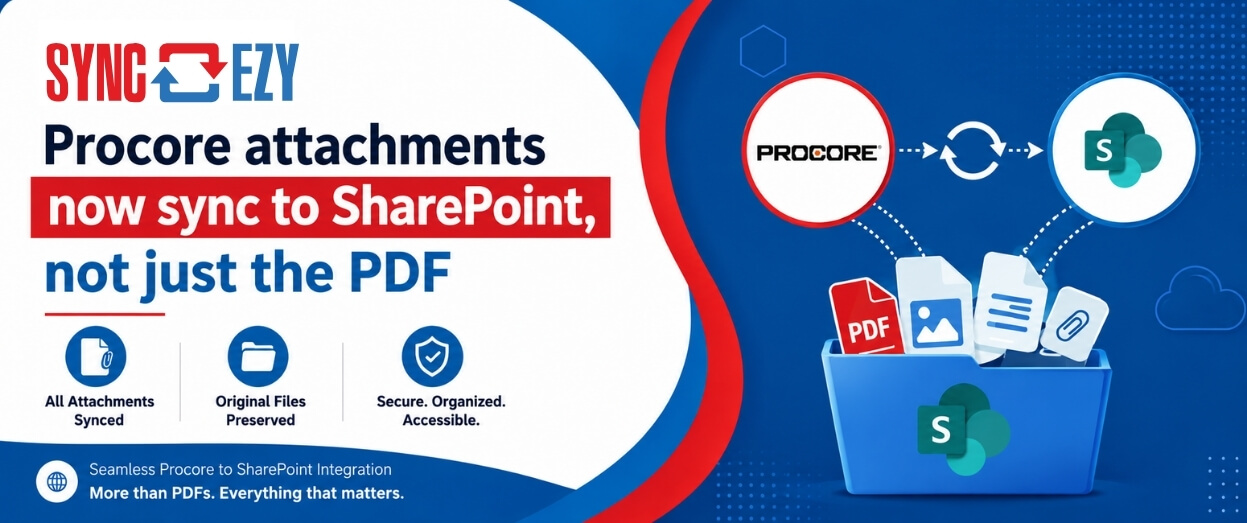
Procore attachments now sync to SharePoint, not just the PDF
If you’ve ever tried to assemble a project closeout package from SharePoint, you’ll know the gap we just closed. The Procore to SharePoint integration now syncs the attachments on your RFIs, Submittals, Commitments, Forms, Inspections, and Observations, not just the generated PDF. The files live in a folder next to the PDF, so the whole… Continue reading Procore attachments now sync to SharePoint, not just the PDF
Hari Iyer | SyncEzy
CEO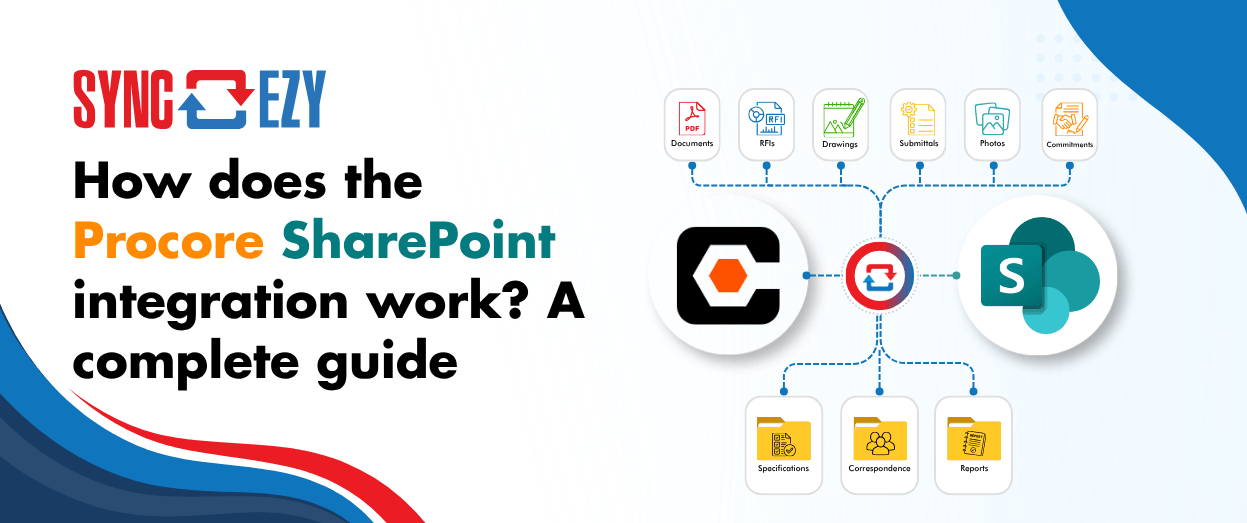
How does the Procore SharePoint integration work? A complete guide
If you’re running Procore on the project side and SharePoint (or OneDrive) on the business side, you’re probably managing a version problem. Documents live in both places, and at any given moment you’re not certain which one is current. Field teams work in Procore. Office teams work in SharePoint. Someone always ends up uploading the… Continue reading How does the Procore SharePoint integration work? A complete guide
Hari Iyer | SyncEzy
CEO
No More Manual Uploads: Why Construction Teams Are Syncing Autodesk Build and SharePoint Live
Most construction and engineering teams we talk to don’t have a single, dramatic document-management problem. They have a quiet, persistent one. Office staff is editing drawings, RFIs, and submittals in SharePoint, because that’s where the rest of their Microsoft 365 workflow lives. Field teams are capturing photos and updating issues in Autodesk Build, because that’s… Continue reading No More Manual Uploads: Why Construction Teams Are Syncing Autodesk Build and SharePoint Live
Hari Iyer | SyncEzy
CEO
Simpro–SharePoint Integration Webinar : Streamlining Document Management
In this webinar, the Simpro and SyncEzy teams walk through how businesses can seamlessly integrate Simpro with Microsoft SharePoint to simplify document management, reduce double handling, and improve visibility across projects and service jobs. What you’ll learn Real customer insights Jack Holloway, General Manager at Specialized Tank Services (VIC), shares how the integration helped his… Continue reading Simpro–SharePoint Integration Webinar : Streamlining Document Management
Hari Iyer | SyncEzy
CEO
SyncEzy SharePoint Integrations: What Microsoft 365 License Do You Need?
SharePoint is often the system of record for documents such as policies, drawings, SOPs, contracts, and compliance files. SyncEzy integrates SharePoint with platforms like Procore, Simpro, SafetyCulture, Autodesk Construction Cloud, Employment Hero, and Zoho, ensuring documents stay in sync across systems automatically. The Short Answer Microsoft 365 Business Basic is sufficient. SyncEzy works with the… Continue reading SyncEzy SharePoint Integrations: What Microsoft 365 License Do You Need?
Hari Iyer | SyncEzy
CEO

