

Hari Iyer | SyncEzy
CEO 7 Min Read
 Mar 31, 2026
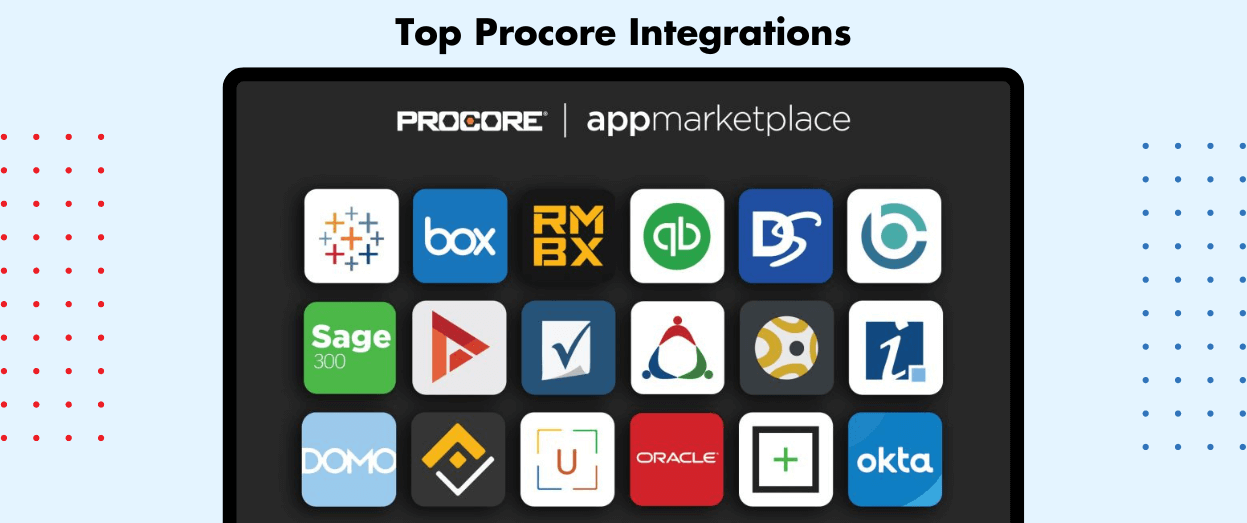
Procore is where most construction teams run their projects, but it is rarely the only system they use. Files live in SharePoint or Google Drive, hours get logged in a timesheet app, and inspections happen on a phone. The right Procore integrations stop your team copying the same data between all of them.
This guide covers the integrations that save the most time, what each one actually syncs, and how to choose.
Quick answer: the most useful Procore integrations
- Procore to SharePoint, OneDrive or Microsoft Teams for Microsoft 365 companies that want project files in the tools they already use.
- Procore to Google Drive for Google Workspace teams, including Shared Drives.
- Procore to Dropbox or Box for teams that keep company files in either platform.
- Procore to QuickBooks Time to get field timesheets against the right project and cost centre.
- Mitti (formerly SafetyCulture) to SharePoint to file inspection reports alongside the Procore documents you sync there.
Sync Procore with SharePoint in minutes SyncEzy is a top-10 app on the Procore Marketplace and has been a Procore partner since 2019. Start free or book a demo.
What is Procore?
Procore is a cloud-based construction management platform. Owners, general contractors and specialty contractors use it as a single place for project documents, drawings, RFIs, submittals, budgets and daily logs. More than three million projects have run on Procore across 150+ countries.
Large projects involve dozens of companies and systems, so Procore opens its platform to third-party developers. Those integrations are listed on the Procore App Marketplace.
The Procore App Marketplace
The Procore App Marketplace lists the apps and integrations that connect to Procore. Each listing shows who built it, what it connects to and how to install it. Before you install anything, check three things: what data it moves, which direction it moves, and who supports it when something goes wrong.
Procore Marketplace categories
Marketplace apps are grouped by category. The ones most teams start with are:
- Document Management: syncing Procore files with SharePoint, Google Drive, Dropbox, Box and similar.
- Accounting: connecting Procore financials to your ERP or accounting system.
- Field Productivity and Resource Management: timesheets, crews and scheduling.
- Quality & Safety: inspections, checklists and incident reporting.
- Estimating & Takeoff, Bidding and BIM: preconstruction and design data.
- Analytics: reporting across projects.
You can browse the full list of categories on the Marketplace.
The Procore integrations that deliver the most value
The integrations with the best return remove a task your team repeats every day. For most construction companies that means three areas: files, timesheets and inspections.
1. Document management: keep Procore files where your team works
Procore is the system of record for project documents, but most office staff still work in SharePoint, Google Drive, Dropbox or Box. Without an integration, someone downloads files from Procore and uploads them again, and the two copies drift apart.
A document sync integration mirrors your Procore folder structure in your cloud storage and keeps both sides up to date. Staff can open and edit files in desktop Office apps or Windows Explorer, and changes flow back to Procore. Permissions stay separate in each system; only the files sync.
SyncEzy builds Procore integrations for every major cloud storage platform:
| Integration | What syncs | Direction |
|---|---|---|
| Procore SharePoint | Documents and photos, with folder structure. RFIs, submittals and drawings can be backed up to SharePoint. | Two-way for documents; one-way (Procore to SharePoint) for RFIs, submittals and drawings |
| Procore Microsoft Teams | Procore project documents, drawings and plans in a Files tab in your Teams channel; create and track Procore tasks from Teams; view schedules, budgets and timelines | Two-way |
| Procore OneDrive | Documents and photos | One-way download, or two-way when connected through SharePoint |
| Procore Google Drive | Documents and photos, including Shared Drives | Two-way |
| Procore Dropbox | Documents and photos, for Dropbox and Dropbox Business | Two-way |
| Procore Box | Documents and photos, with folder structure; RFIs and submittals for backup | Two-way |
Construction teams such as OneStreet Residential, E.R. Stuebner and Choice Construction Group use the Procore SharePoint integration to keep project files in step.
Want the detail? Read how the Procore SharePoint integration works or what syncs and what doesn’t with Google Drive.
See your Procore files in SharePoint todayPriced per company, not per user. Start the SharePoint integration free, no credit card required: start free or compare all Procore integrations.
2. Time tracking: get timesheets against the right project
Labour is usually the biggest variable cost on a job. When field staff log hours on paper or in a separate app, the office re-keys them into Procore and payroll, and project costs lag days behind.
A timesheet integration links hours to Procore projects as they are logged. The Procore QuickBooks Time integration gives crews a mobile timesheet app with GPS tracking and simpler scheduling for Procore projects. Technicians log time at the Procore cost centre level, overtime is calculated automatically, and timesheets sync to Procore and on to your payroll app, so the same data is used for project costs and pay.
3. Quality and safety: keep inspections with your project files
Site inspections and safety checklists are often done in a separate mobile app such as Mitti (formerly SafetyCulture), so the reports end up away from the rest of the project record.
If your company keeps its records in SharePoint, SyncEzy’s Mitti SharePoint integration files inspection reports alongside the Procore documents you sync there.
Which Procore integrations should you use?
Start with the task your team repeats most, then check each integration against these questions:
- Where do your people already work? Pick the integration for the storage platform you already pay for: SharePoint and Teams for Microsoft 365, Google Drive for Google Workspace, or Dropbox and Box.
- What syncs, and which way? Two-way sync means edits in either system update the other. One-way backup suits records like RFIs and submittals.
- How is it priced? Per-user pricing gets expensive on large projects. SyncEzy prices per company.
- Is it secure? Ask for SOC 2 Type 2 and check what data the vendor stores. SyncEzy is SOC 2 Type 2 certified and stores metadata only, not your files.
- Who supports it? Check how long the developer has been on the Procore Marketplace and how you reach support. SyncEzy has built Procore integrations since 2019 and is a top-10 app on the Procore Marketplace.
Not sure which Procore integration fits? Our Procore integration specialists will map your workflow and recommend the right setup. Book a demo or start free with SharePoint.
Procore integrations: frequently asked questions
What are the most popular Procore integrations?
Document management integrations with SharePoint, Google Drive, Dropbox and Box are among the most used, followed by timesheet and quality and safety apps.
Does Procore integrate with SharePoint?
Yes. SyncEzy’s Procore SharePoint integration syncs documents and photos in both directions and can back up RFIs, submittals and drawings to SharePoint. The same connection gives access through OneDrive, Microsoft Teams and Windows Explorer.
Can I sync Procore with Google Drive or Dropbox?
Yes. SyncEzy offers two-way Procore integrations for Google Drive (including Shared Drives), Dropbox, Dropbox Business and Box.
Can I keep Mitti (formerly SafetyCulture) inspection reports with my Procore files?
Yes, if you sync Procore to SharePoint. SyncEzy’s Mitti SharePoint integration saves completed inspection reports to SharePoint, alongside the Procore documents synced there.
How much does a Procore integration cost?
It depends on the vendor. SyncEzy prices its Procore integrations per company rather than per user, and you can start the SharePoint integration free. See pricing for details.
Are SyncEzy’s Procore integrations secure?
SyncEzy is SOC 2 Type 2 certified and stores metadata only. Your files stay in Procore and your own storage platform. See the SyncEzy Trust Center.
Author
Hari Iyer | SyncEzy
CEO

Hari Iyer is the Founder and CEO of SyncEzy, a pioneering company at the forefront of data integration and automation solutions. With a deep understanding of the power of technology and a passion for solving complex business challenges, Hari has emerged as a visionary leader in the industry. His relentless pursuit of excellence and commitment to delivering tangible results have earned SyncEzy a loyal global clientele.
He is not only a successful entrepreneur but also an active contributor to the technology community, sharing his insights through thought leadership articles, speaking engagements, and mentorship programs. Hari’s ability to navigate the complexities of remote work serves as an inspiration for leaders, highlighting the importance of flexibility, work-life balance, and a results-oriented approach in today’s evolving work landscape.
Under his guidance, SyncEzy has gained widespread recognition for its deep integration solutions that seamlessly connect software applications, eliminate data silos, and enhance operational efficiency.
When not working, Hari is trying to be a better father, reading tech news, playing FPS games, and not exercising as he should.

Related Posts
Tags
Categories
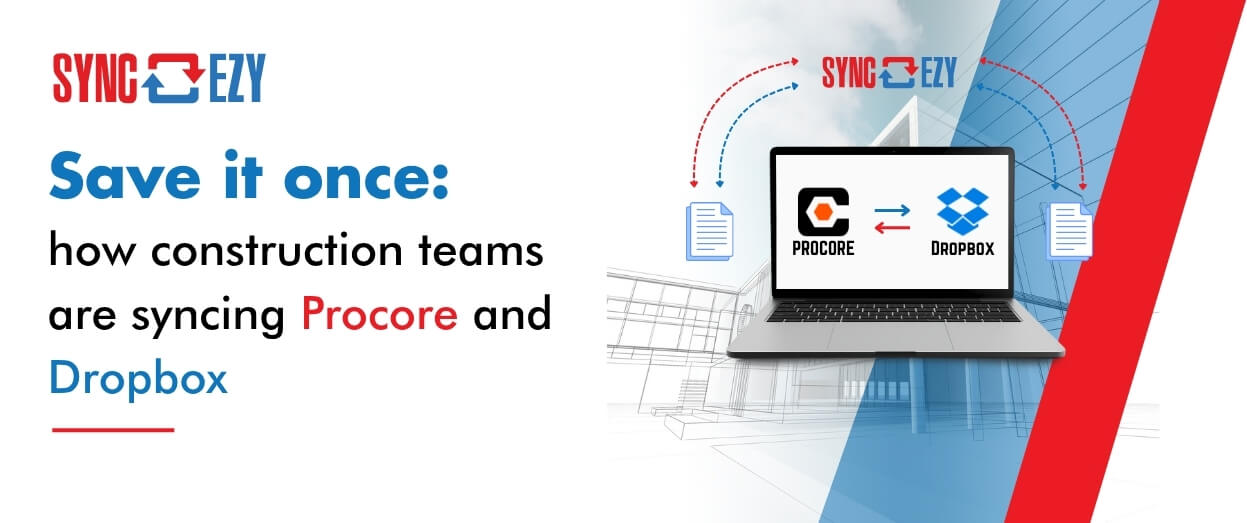
Save it once: how construction teams are syncing Procore and Dropbox
Most construction businesses we talk to that run Procore alongside Dropbox don’t have a systems problem. They have a gap problem. Procore runs the projects. It’s where the documents that govern the job live — drawings, contracts, the current revision of everything. Dropbox runs the business. It’s where the wider organisation actually works day to… Continue reading Save it once: how construction teams are syncing Procore and Dropbox
Hari Iyer | SyncEzy
CEO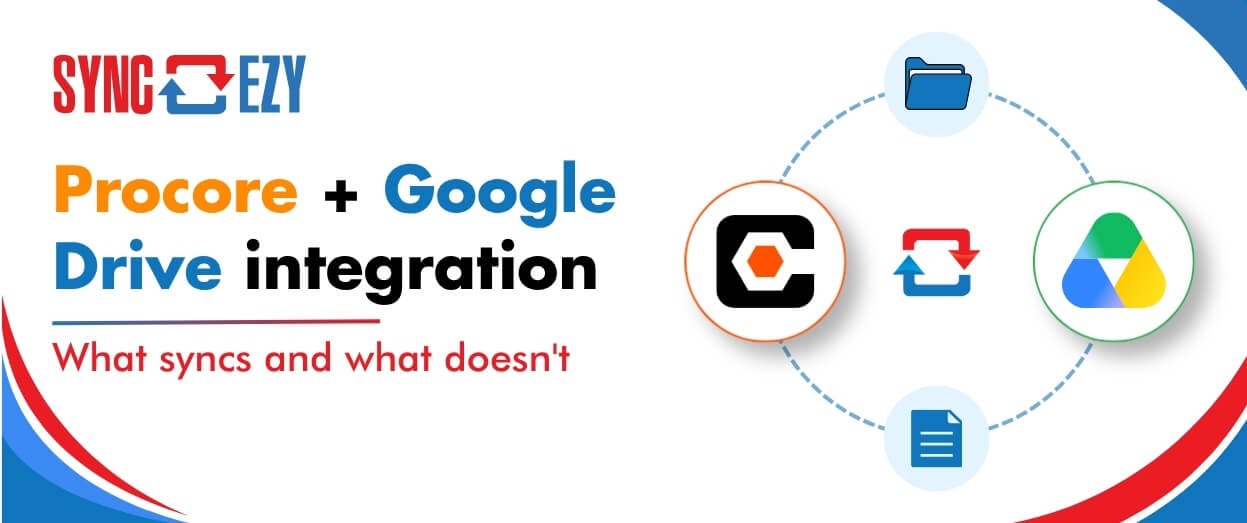
Procore + Google Drive integration: what syncs and what doesn’t
A lot of construction teams are split. Procore runs the project. Google Drive runs everything else: pre-construction, estimating, design collaboration, internal documents. The two systems don’t talk to each other, so documents get manually copied across, or they don’t, and someone ends up working from an outdated file. The SyncEzy Procore Google Drive integration connects… Continue reading Procore + Google Drive integration: what syncs and what doesn’t
Hari Iyer | SyncEzy
CEO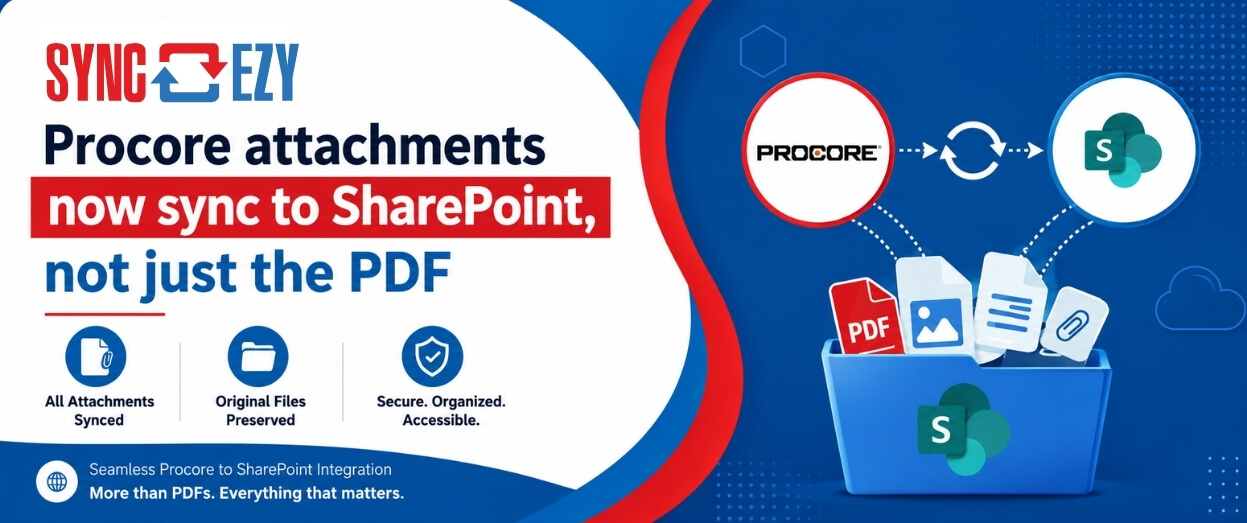
Procore attachments now sync to SharePoint, not just the PDF
If you’ve ever tried to assemble a project closeout package from SharePoint, you’ll know the gap we just closed. The Procore to SharePoint integration now syncs the attachments on your RFIs, Submittals, Commitments, Forms, Inspections, and Observations, not just the generated PDF. The files live in a folder next to the PDF, so the whole… Continue reading Procore attachments now sync to SharePoint, not just the PDF
Hari Iyer | SyncEzy
CEO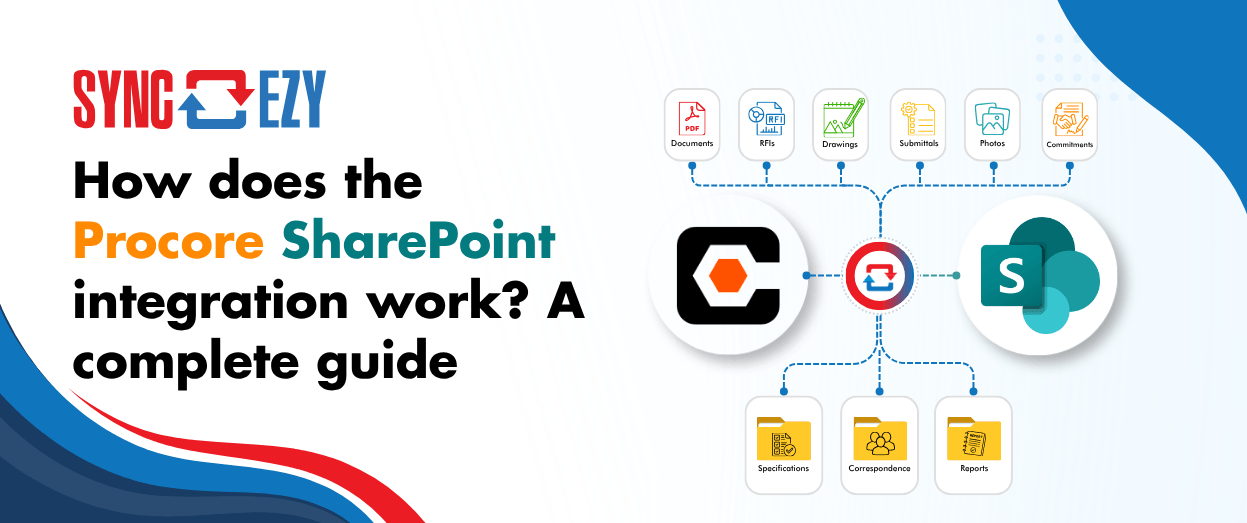
How does the Procore SharePoint integration work? A complete guide
If you’re running Procore on the project side and SharePoint (or OneDrive) on the business side, you’re probably managing a version problem. Documents live in both places, and at any given moment you’re not certain which one is current. Field teams work in Procore. Office teams work in SharePoint. Someone always ends up uploading the… Continue reading How does the Procore SharePoint integration work? A complete guide
Hari Iyer | SyncEzy
CEO
Stop Chasing Documents: How Procore and Box Sync to Become a Single Source of Truth
Most construction and field-services businesses we talk to don’t have one big, dramatic document problem. They have a quiet, persistent one. The site team works in Procore, because that’s where the project lives. The office team works in Box, because that’s where the company’s documents live. And somewhere in the middle sits a person, or… Continue reading Stop Chasing Documents: How Procore and Box Sync to Become a Single Source of Truth
Hari Iyer | SyncEzy
CEO
SyncEzy SharePoint Integrations: What Microsoft 365 License Do You Need?
SharePoint is often the system of record for documents such as policies, drawings, SOPs, contracts, and compliance files. SyncEzy integrates SharePoint with platforms like Procore, Simpro, SafetyCulture, Autodesk Construction Cloud, Employment Hero, and Zoho, ensuring documents stay in sync across systems automatically. The Short Answer Microsoft 365 Business Basic is sufficient. SyncEzy works with the… Continue reading SyncEzy SharePoint Integrations: What Microsoft 365 License Do You Need?
Hari Iyer | SyncEzy
CEO

