

Hari Iyer | SyncEzy
CEO 1 Min Read
 Apr 30, 2021
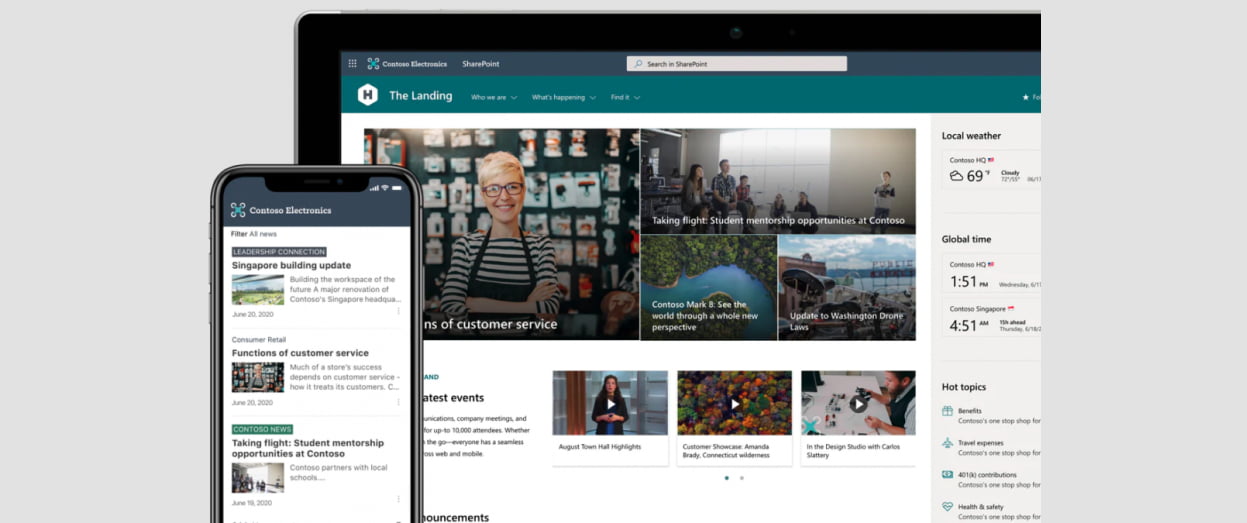
Have you read about our Procore to SharePoint integration and you’re ready to get started?
We’ll run through the steps to getting started below but first, let’s look at some of the main benefits that our clients are finding in using the integration:
- Have job documents and photos stored in a central area (SharePoint) for ease of access
- Easily allow custom access to job files through SharePoint
- Ensure all job documents and photos are stored in ordered folders for your team
- Simple to share job files with clients and contractors who aren’t Procore users
The steps to getting started are:
- Register a SyncEzy Account here
- Find the Procore / SharePoint integration from the Integration library
- Subscribe to the Procore / SharePoint integration
- Authenticate Procore
- Authenticate SharePoint
- Complete the configuration steps
We’ve also recorded a short video on the steps to getting started.
Procore to SharePoint Setup Walkthrough from SyncEzy on Vimeo.
If you need help during the setup stage, get in contact with our support team using the chat widget (bottom-right of Integration portal screens).
Author
Hari Iyer | SyncEzy
CEO

Hari Iyer is the Founder and CEO of SyncEzy, a pioneering company at the forefront of data integration and automation solutions. With a deep understanding of the power of technology and a passion for solving complex business challenges, Hari has emerged as a visionary leader in the industry. His relentless pursuit of excellence and commitment to delivering tangible results have earned SyncEzy a loyal global clientele.
He is not only a successful entrepreneur but also an active contributor to the technology community, sharing his insights through thought leadership articles, speaking engagements, and mentorship programs. Hari’s ability to navigate the complexities of remote work serves as an inspiration for leaders, highlighting the importance of flexibility, work-life balance, and a results-oriented approach in today’s evolving work landscape.
Under his guidance, SyncEzy has gained widespread recognition for its deep integration solutions that seamlessly connect software applications, eliminate data silos, and enhance operational efficiency.
When not working, Hari is trying to be a better father, reading tech news, playing FPS games, and not exercising as he should.

Related Posts
Tags
Categories
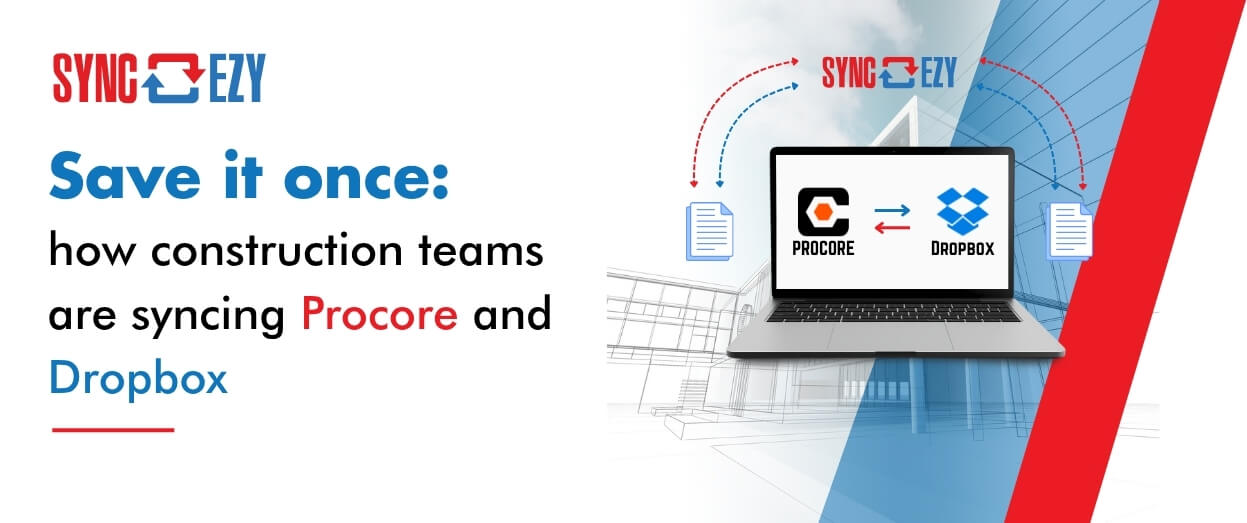
Save it once: how construction teams are syncing Procore and Dropbox
Most construction businesses we talk to that run Procore alongside Dropbox don’t have a systems problem. They have a gap problem. Procore runs the projects. It’s where the documents that govern the job live — drawings, contracts, the current revision of everything. Dropbox runs the business. It’s where the wider organisation actually works day to… Continue reading Save it once: how construction teams are syncing Procore and Dropbox
Hari Iyer | SyncEzy
CEO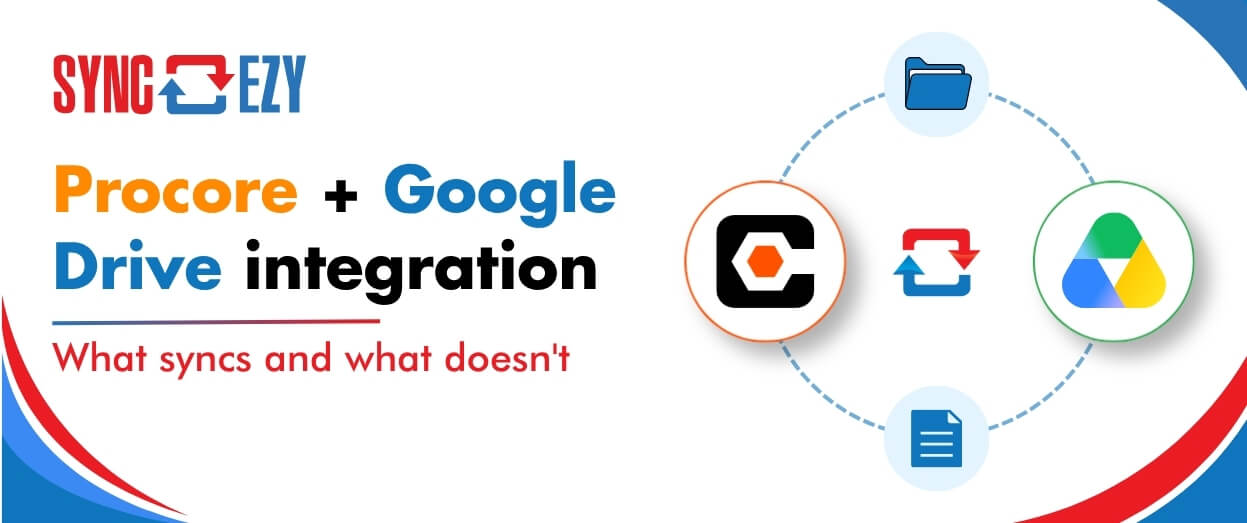
Procore + Google Drive integration: what syncs and what doesn’t
A lot of construction teams are split. Procore runs the project. Google Drive runs everything else: pre-construction, estimating, design collaboration, internal documents. The two systems don’t talk to each other, so documents get manually copied across, or they don’t, and someone ends up working from an outdated file. The SyncEzy Procore Google Drive integration connects… Continue reading Procore + Google Drive integration: what syncs and what doesn’t
Hari Iyer | SyncEzy
CEO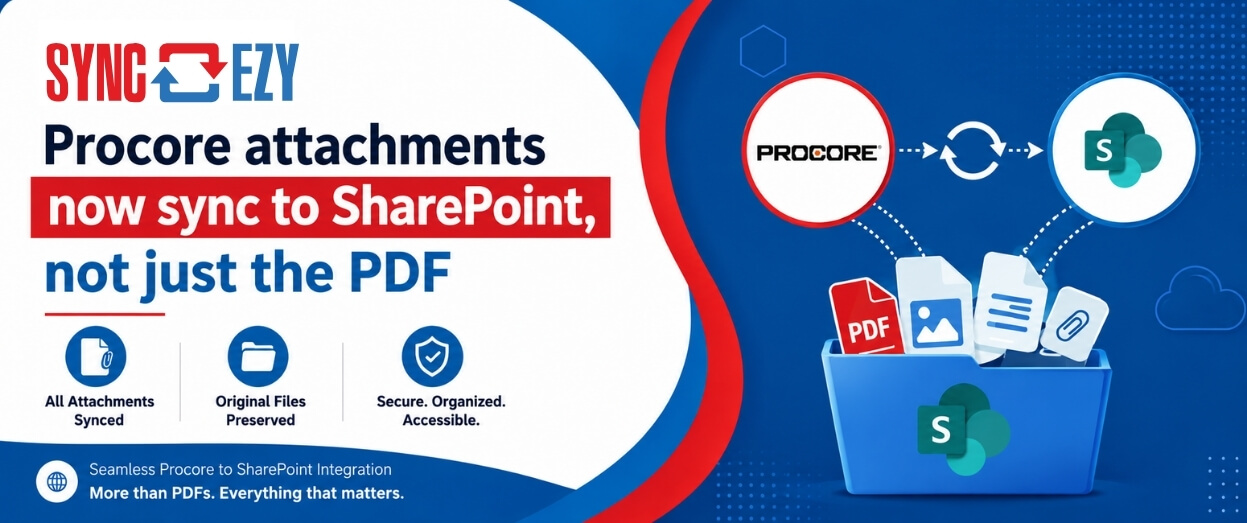
Procore attachments now sync to SharePoint, not just the PDF
If you’ve ever tried to assemble a project closeout package from SharePoint, you’ll know the gap we just closed. The Procore to SharePoint integration now syncs the attachments on your RFIs, Submittals, Commitments, Forms, Inspections, and Observations, not just the generated PDF. The files live in a folder next to the PDF, so the whole… Continue reading Procore attachments now sync to SharePoint, not just the PDF
Hari Iyer | SyncEzy
CEO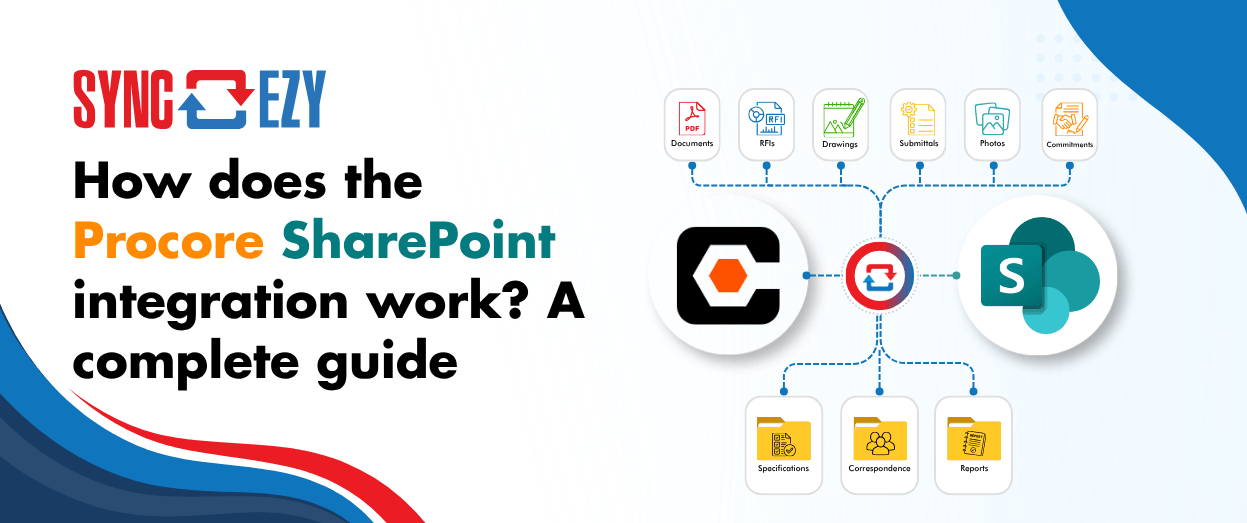
How does the Procore SharePoint integration work? A complete guide
If you’re running Procore on the project side and SharePoint (or OneDrive) on the business side, you’re probably managing a version problem. Documents live in both places, and at any given moment you’re not certain which one is current. Field teams work in Procore. Office teams work in SharePoint. Someone always ends up uploading the… Continue reading How does the Procore SharePoint integration work? A complete guide
Hari Iyer | SyncEzy
CEO
Stop Chasing Documents: How Procore and Box Sync to Become a Single Source of Truth
Most construction and field-services businesses we talk to don’t have one big, dramatic document problem. They have a quiet, persistent one. The site team works in Procore, because that’s where the project lives. The office team works in Box, because that’s where the company’s documents live. And somewhere in the middle sits a person, or… Continue reading Stop Chasing Documents: How Procore and Box Sync to Become a Single Source of Truth
Hari Iyer | SyncEzy
CEO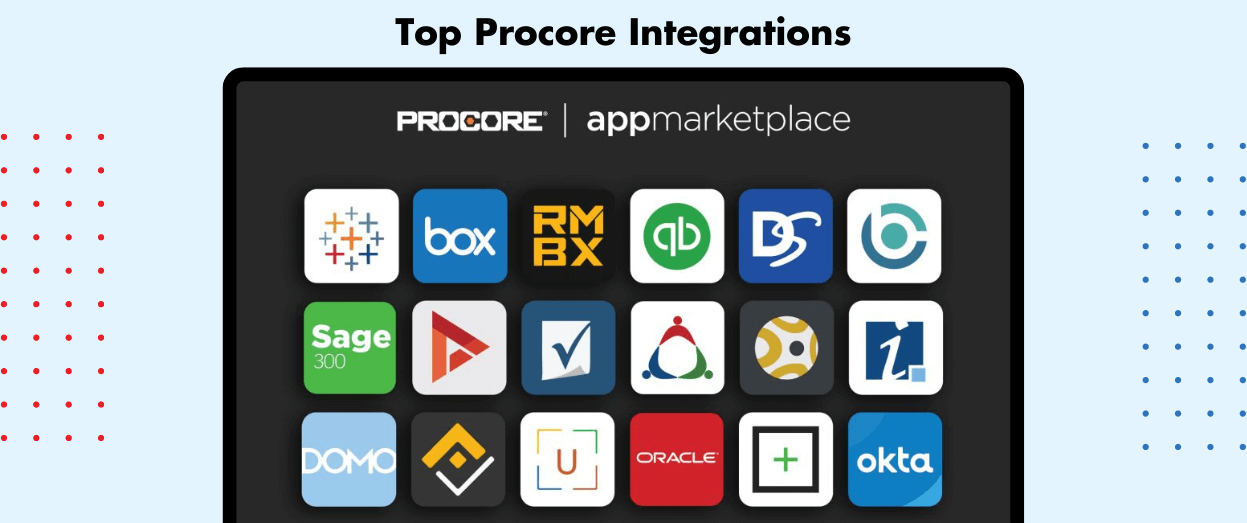
Top Procore Integrations
Procore is where most construction teams run their projects, but it is rarely the only system they use. Files live in SharePoint or Google Drive, hours get logged in a timesheet app, and inspections happen on a phone. The right Procore integrations stop your team copying the same data between all of them. This guide… Continue reading Top Procore Integrations
Hari Iyer | SyncEzy
CEO

