


Hari Iyer | SyncEzy
CEO 9 Min Read
 Jun 03, 2026
Most construction and field-services businesses we talk to don’t have one big, dramatic document problem. They have a quiet, persistent one.
The site team works in Procore, because that’s where the project lives. The office team works in Box, because that’s where the company’s documents live. And somewhere in the middle sits a person, or a recurring task on someone’s calendar, whose job is to make sure the two never get out of step. They download files from one system and upload them to the other. They screenshot drawings into Teams so finance can see what’s been issued. They live with two versions of the same document and quietly choose which one to trust.
That role is what the SyncEzy Procore + Box integration is designed to remove. We covered it in detail in an on-demand webinar with Mark Bubner from our implementation team, and this is the written version for anyone who’d rather read than watch, or who wants something to share with the rest of the team.
The problems we hear most
Before we get to the solution, a few things come up almost every time we talk to a team running this exact setup.
- Documents end up in one system but not the other. Team members forget to upload to Procore, or upload to Procore and forget Box, and nobody notices until a meeting where two people are quoting different revisions.
- The field and the office are working off different versions of the same document. A site crew downloaded a doc last week, made notes, and is treating it as current. The office has since uploaded a newer one. Both are convinced they have the truth.
- There’s no backup for Procore attachments. If ISO compliance, audit prep, or basic redundancy is on the table, “the files live in Procore” is a single point of failure.
- The download-edit-upload loop. Every revision means pulling the file out of Procore, editing it locally, and uploading it back. Multiply that by the number of documents a project produces, and it’s a real cost.
- Office staff need visibility of Procore items (RFIs, submittals, drawings) but don’t have a Procore licence. So you’re stuck either buying more seats or running an informal screenshot service.
None of these is catastrophic on its own. Together, they’re the reason this integration exists as a category in the first place.
What the integration actually does
At its core, the integration keeps the same documents live in both systems and lets your team work in whichever one they prefer, without anyone moving the data manually.
Connect Procore and Box once, then for each project you choose which Procore project pairs with which Box folder. From that moment on, the folder structure inside Procore documents and the folder structure inside Box mirror each other. Upload a file, rename a folder, move a document: the change picks up and replicates across to the other system.
The sync is bi-directional for documents and photos. That means a site engineer working in Procore and a contracts admin working in Box are both looking at the same project files, with the same revision, no matter which side they happened to open today.
For three other Procore tools (RFIs, submittals, and drawings), the integration runs a one-way sync. When those tools are used in Procore, the PDF that Procore generates is synced into Box automatically. The original lives in Procore where it should, but anyone in your business who needs visibility (a finance lead, an admin, a subcontractor liaison) can see exactly what’s been issued, without needing a Procore licence.
Company-level documents (the ones that aren’t tied to a specific project) get the same treatment. You can mirror your Procore company documents folder into Box for backup or for broader visibility across the team.
How it works in practice
The integration is most powerful when you think of it as a continuous mirror, not a sync event. The flow Mark walked through on the demo:
- You connect Procore and Box from the SyncEzy portal. One-time setup.
- For each project you want to sync, create the matching Box folder, then pair it to the Procore project from the configuration screen.
- Choose which tools to sync across for that project: documents, photos, RFIs, submittals, drawings, or any combination. You can pick a different combination for every project.
- The initial sync runs. Depending on volume, this takes anywhere from a few minutes to a few hours per project. Most projects we onboard are running inside the half-hour mark.
- From that point on, the integration is constantly watching both sides. Anything added, edited, or deleted on one side replicates to the other.
That’s the shape of it. Each system is used the way your team already uses it, and the integration keeps everything in step.
Configuration: full sync, documents only, or selected folders
The integration is configured at setup, not at runtime, which keeps day-to-day use simple.
You have three configuration modes to choose from per project:
Full project sync. Everything available for that project (documents, photos, and whichever of RFIs, submittals, drawings you’ve enabled) syncs across. Best for projects where you want Box to be a complete mirror.
Documents only. Just the documents tool. Useful when you don’t need photos or the Procore-tool PDFs in Box, and want to keep the Box folder structure tight.
Selected folder sync. Inside the documents tool, you choose which top-level folders sync across. Useful for projects where Procore has folders that simply don’t need to appear in Box (internal-only folders, draft folders, archived material).
Most teams start with full project sync and dial it back if they decide certain folders or tools don’t need to be mirrored.
What changes for end users
This is the most underrated part of the integration: nothing.
Your site team keeps using Procore. Your office team keeps using Box. Nobody logs into the SyncEzy portal as part of their daily work. The sync runs in the background and the documents are just there, in both places.
That matters more than it sounds. Most integration projects fail at the change-management step, not the technical step. If your site engineers need to learn a new tool for the integration to work, you’ve added work, not removed it.
Permissions stay where they are
Permissions are managed in Procore for Procore, and in Box for Box. The integration does not copy permissions across, and it doesn’t try to.
Both systems already have rich permission models, and they don’t map cleanly onto each other. So instead of guessing, the integration respects whatever you’ve configured on each side. A folder that’s restricted in Box stays restricted to whoever has Box access to it. A Procore project with limited internal visibility stays limited, regardless of what’s happening on the Box side.
This is a deliberate design choice. It keeps the integration predictable, and it means your security and access policies don’t need rewriting.
How the sync runs
Worth knowing: after the initial sync per project, the integration is constantly looking for changes. There’s no half-hour batch window, no overnight job. When you save a change in either system, the integration picks it up and pushes it across.
The initial sync, the one-time job that pulls every existing document across when you first pair a project, takes anywhere from a few minutes to a few hours depending on how much you have in there. Smaller projects are done before you’ve made a coffee. Larger projects with years of historical documents can take longer, but you only do it once.
Security and support
SyncEzy is SOC 2 Type II certified, and the data transfer between systems uses the CASB-II protocol. For most teams going through procurement or IT review, that’s enough to clear the security questionnaire. If your security team has specific questions about data residency, encryption, or audit trails, we have answers ready and can walk through them on a call.
Support runs 24/5, from Monday morning in New Zealand through to Friday close of business in the US. The fastest channel is live chat inside the SyncEzy portal. If a question can’t be resolved in a couple of messages, we drop a meeting link into the chat and jump on a screen-share to work through it together.
Questions we get most often
A few questions came up during the live Q&A, and a couple more come up almost every time on discovery calls. Short answers:
Does the integration manage permissions?
No. Permissions are managed in Procore and Box. Both systems have rich permission models, and the integration respects whatever you’ve configured on each side. Nothing about access changes for your team.
How long does the initial sync take?
It depends on volume. A small project might sync in three minutes. A large one with years of historical documents can take a few hours. Most projects we onboard are running inside the half-hour mark. Once the initial sync is done, the integration is continuous, so new changes pick up as they happen.
Can we sync only certain folders rather than the whole project?
Yes. Selected folder sync lets you pick the top-level folders inside Procore documents that come across. You can also choose documents-only sync if you don’t want photos or Procore-tool PDFs in Box at all.
What about RFIs, submittals, and drawings?
Those flow one way from Procore into Box, as PDFs. The original lives in Procore. The PDF version is mirrored into Box so anyone who needs visibility can see what’s been issued, without a Procore licence. This is one of the most popular parts of the integration with finance and admin teams.
How are duplicates handled?
The integration uses the folder pairing you set up to decide where documents go. If a file already exists in the target folder with the same name, the integration updates the file in place rather than creating a duplicate. If your data is already messy, we can run a cleanup pass before going live.
Watch the recording, or skip ahead
The recording walks through everything above with a live demo of the configuration screens, a tour of the bi-directional document sync, and an example of how RFIs, submittals, and drawings flow into Box:
If you’d rather skip the demo and talk to someone about how this would fit your specific setup, a 15-minute discovery call is the fastest path:
Author
Hari Iyer | SyncEzy
CEO

Hari Iyer is the Founder and CEO of SyncEzy, a pioneering company at the forefront of data integration and automation solutions. With a deep understanding of the power of technology and a passion for solving complex business challenges, Hari has emerged as a visionary leader in the industry. His relentless pursuit of excellence and commitment to delivering tangible results have earned SyncEzy a loyal global clientele.
He is not only a successful entrepreneur but also an active contributor to the technology community, sharing his insights through thought leadership articles, speaking engagements, and mentorship programs. Hari’s ability to navigate the complexities of remote work serves as an inspiration for leaders, highlighting the importance of flexibility, work-life balance, and a results-oriented approach in today’s evolving work landscape.
Under his guidance, SyncEzy has gained widespread recognition for its deep integration solutions that seamlessly connect software applications, eliminate data silos, and enhance operational efficiency.
When not working, Hari is trying to be a better father, reading tech news, playing FPS games, and not exercising as he should.
SyncEzy’s Next Step: Bringing FedRAMP-Ready Integrations to Procore and Box
At SyncEzy, we’ve always believed that deep, secure integrations are the key to unlocking productivity for our customers. Over the past nine years, we’ve built more than 40 “mile-deep” integrations that connect mission-critical systems for construction, field services, and enterprise organizations worldwide.One of our most successful integrations is the Procore ↔ Box Connector. Procore is… Continue reading SyncEzy’s Next Step: Bringing FedRAMP-Ready Integrations to Procore and Box
Hari Iyer | SyncEzy
CEO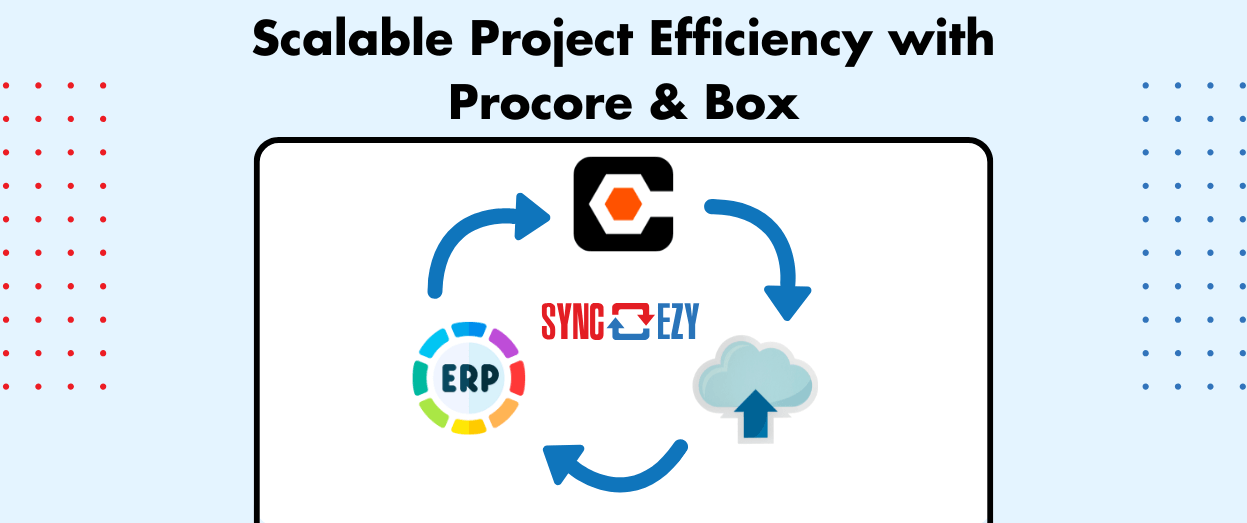
Streamlining Construction Project Management: Automating Procore and Box Integration for Scalable Efficiency
For companies managing thousands of projects annually, manual processes for linking project management systems like Procore with cloud storage platforms such as Box, SharePoint, Dropbox or Google Drive can create significant bottlenecks. Automation offers a transformative solution, enabling seamless integration, synchronization, and scalability. This blog post explores how automation can enhance efficiency by connecting projects… Continue reading Streamlining Construction Project Management: Automating Procore and Box Integration for Scalable Efficiency
Hari Iyer | SyncEzy
CEO

