





Key Features
Two-Way Sync of Contacts & Companies
Keep customer records updated in both BigChange and HubSpot automatically.
Job & Quote Data into HubSpot
Push job details, quotes, and scheduling updates directly into HubSpot for better lead tracking and follow-ups.
Automated Lead Creation
Create HubSpot leads automatically when a new job or enquiry is logged in BigChange.
Centralised Customer Timeline
View job activity, quotes, and communication history inside HubSpot for a 360° customer view.
Marketing Automation Triggers
Use job status or quote approvals in BigChange to trigger personalised email campaigns in HubSpot.
Improved Sales Pipeline Visibility
Link field activity with HubSpot deals to track progress from first contact to job completion.
Custom Field Mapping
Tailor data syncs based on your specific fields and workflows across both platforms.
Discover why our customers trust our integration to securely run their business. Learn more on our case studies page.
Simplify Workflows, Amplify Success.
+
Deep Integrations
Million +
Records synced per month
Countries
Hour
Support
BigChange is a pioneering provider of software solutions for trades and field service businesses across multiple industries. Combining innovative software and hardware, with intelligent AI features, BigChange empowers businesses to simplify operations, scale seamlessly, and achieve extraordinary results.
HubSpot is a leading inbound sales and marketing platform that offers a suite of tools for businesses to attract, engage, and delight customers. Provides marketing, sales, customer service, and CRM (customer relationship management) solutions, all on one integrated platform.
What Our Customers Say About Us
It is above and beyond what we expected, and we’re using it more. And the key things that I’ve seen is all the positive reviews.

Briohny de Vere
Owner at Accelerate Auto Electrics & Air ConditioningWe did extensive research for the best CRM to integrate with our Simpro job management software before choosing Zoho CRM plus. A big part of our decision was the expertise and experience (and patience!) of Hari and his team at SyncEzy. They consistently work to add value to our investment in Zoho CRM and are very easy to work with.

Peter Cherry
Group General Manager, BTSI have nothing but High praise for Hari, Penelope and the team at SyncEzy. They have been fantastic in supporting us. I wish more software companies could be like them. Highly recommend! 5 Star service.

Lisa Paris
Operations Manager, Plum Heating & CoolingRelated Case Studies
More About BigChange & HubSpot
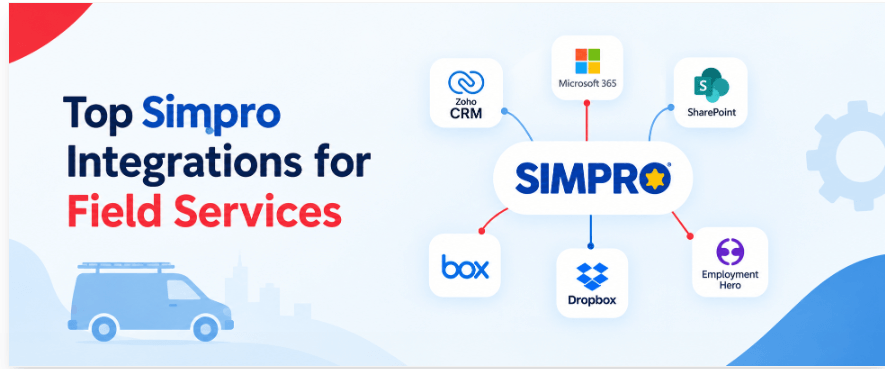
Top Simpro Integrations for Field Services
Looking for Simpro integrations? Simpro is a service management software that provides business with the tools they need to simplify their process and operations. In addition, it offers an integrated

Hari Iyer | SyncEzy
CEO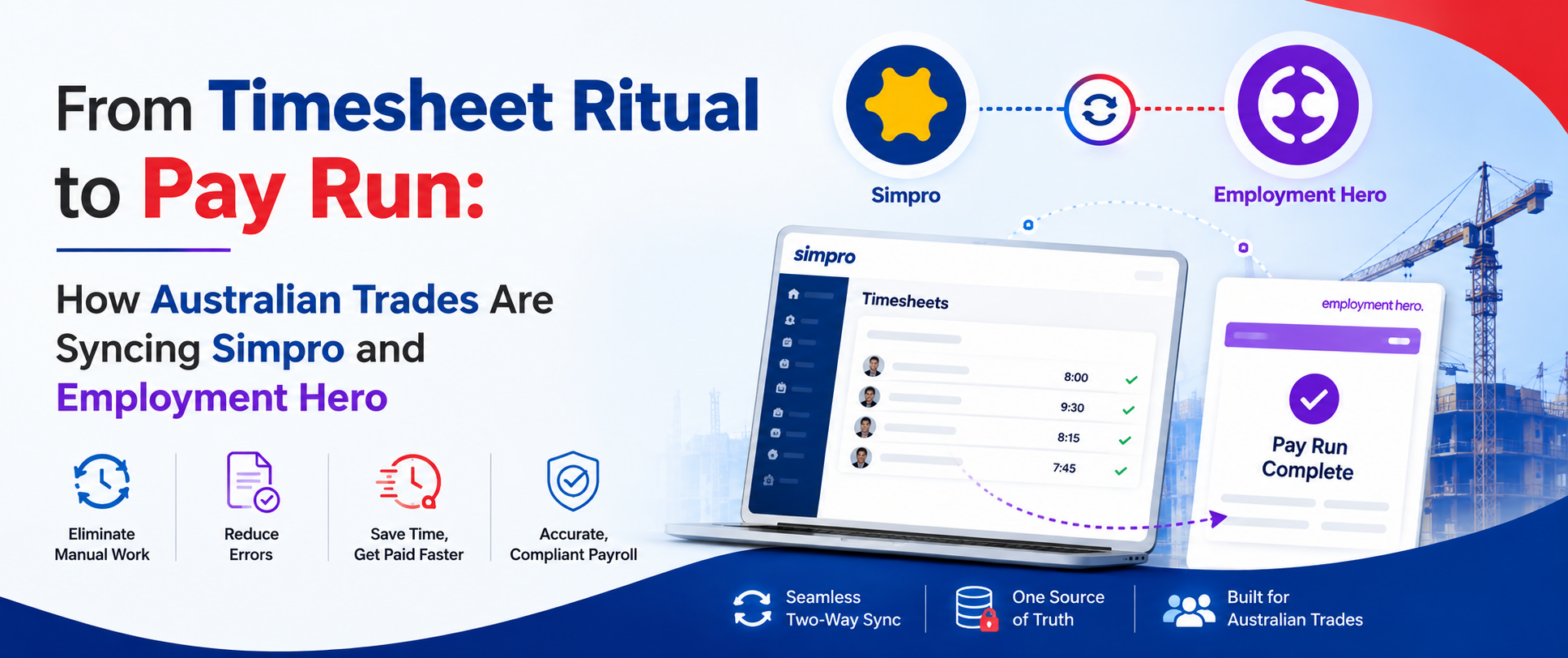
From Timesheet Ritual to Pay Run: How Australian Trades Are Syncing Simpro and Employment Hero
Ask an Australian trade business owner about Simpro and they'll tell you it runs their operation. Jobs, scheduling, technicians in the field, hours logged against cost centres. It does that
Hari Iyer | SyncEzy
CEO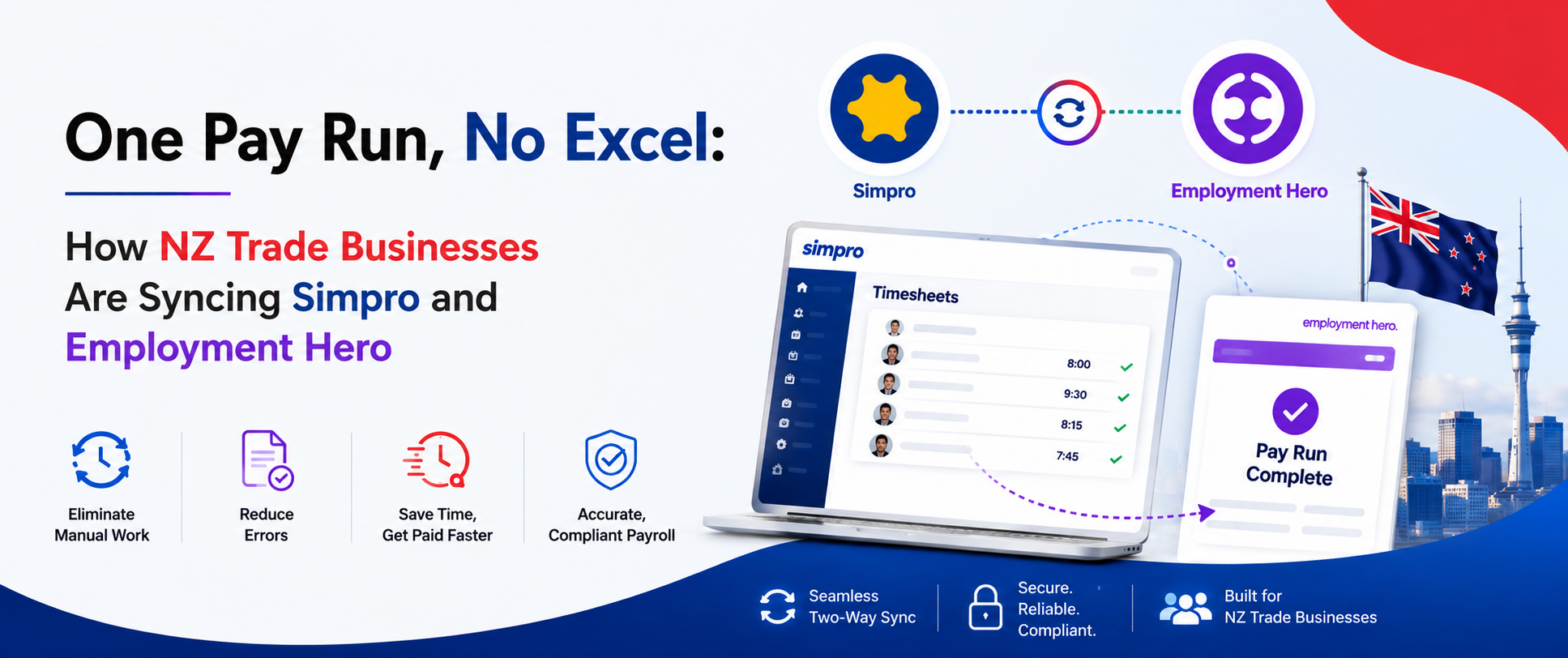
One Pay Run, No Excel: How NZ Trade Businesses Are Syncing Simpro and Employment Hero
Most New Zealand trade businesses we talk to don't have a payroll system problem. They have a gap problem. Simpro runs the jobs. Your technicians log their hours against jobs,
Hari Iyer | SyncEzy
CEOSoftware Partnerships




Frequently Asked Questions
100% bulletproof security with 256 Bit encryption, plus we do not store any client details on our servers.
Providing fixed pricing on integrations is difficult as different-sized companies have different requirements & support levels (i.e. a 5-person business vs a 500-person, multi-site company). Our team are specialists in tailoring implementation & support packages that make sense for a business of your size. Click the “Chat Now” button on the bottom right of this page to start the conversation.
- Register a SyncEzy Account
- Find the Simpro / Zoho integration from the Integration library
- Subscribe to the simpro / Zoho integration.
- Authenticate Simpro
- Authenticate Zoho
- Complete the configuration steps.
We pride ourselves on the quality of our support and have the testimonials from customers to prove it. It is no wonder that most customers have stayed with us for more than 3 years!
Let us Automate your business!
We have a team ready to answer any questions and help you get started. Drop your details here and we'll get back to you within 24 hours.