





Key Features
Job & Asset Sync
Automatically sync jobs, locations, and asset details from ServiceM8 to Mendr Hub for seamless facilities management.
Real-Time Performance Monitoring
Visualise building performance data in Mendr Hub for proactive maintenance and smarter operations.
Centralised Asset Dashboard
View and manage all assets and their service history from one central Mendr Hub dashboard.
Work Order Integration
Convert insights and alerts from Mendr Hub into actionable work orders in ServiceM8.
Improved Compliance Tracking
Ensure audit readiness by capturing and syncing asset service logs and maintenance reports.
Data-Driven Decision Making
Leverage visual analytics from Mendr Hub to enhance operational planning and resource allocation.
Discover why our customers trust our integration to securely run their business. Learn more on our case studies page.
Simplify Workflows, Amplify Success.
+
Deep Integrations
Million +
Records synced per month
Countries
Hour
Support
Mendrhub is a specialised innovative, cloud-based equipment & facility management platform designed for equipment manufacturers, distributors, service & logistic providers, quick service restaurants and fast-moving consumer goods POS trade asset process management. Providing you with access to powerful automation capabilities in asset management, field service, logistics, billing and analytics, mendrhub helps you to control service costs while providing you with unparalleled transparency. Artificial intelligence emphasising context is embedded across the platform, simplifying processes and providing you with the insights you need to continuously improve your operations and save money.

We’re an official ServiceM8 Partner and have been creating Operations integrations for products like PropertyMe. You may find this integration here, on the ServiceM8 Marketplace.
What Our Customers Say About Us
It is above and beyond what we expected, and we’re using it more. And the key things that I’ve seen is all the positive reviews.

Briohny de Vere
Owner at Accelerate Auto Electrics & Air ConditioningWe did extensive research for the best CRM to integrate with our Simpro job management software before choosing Zoho CRM plus. A big part of our decision was the expertise and experience (and patience!) of Hari and his team at SyncEzy. They consistently work to add value to our investment in Zoho CRM and are very easy to work with.

Peter Cherry
Group General Manager, BTSI have nothing but High praise for Hari, Penelope and the team at SyncEzy. They have been fantastic in supporting us. I wish more software companies could be like them. Highly recommend! 5 Star service.

Lisa Paris
Operations Manager, Plum Heating & CoolingRelated Case Studies
More About Mendr Hub & ServiceM8
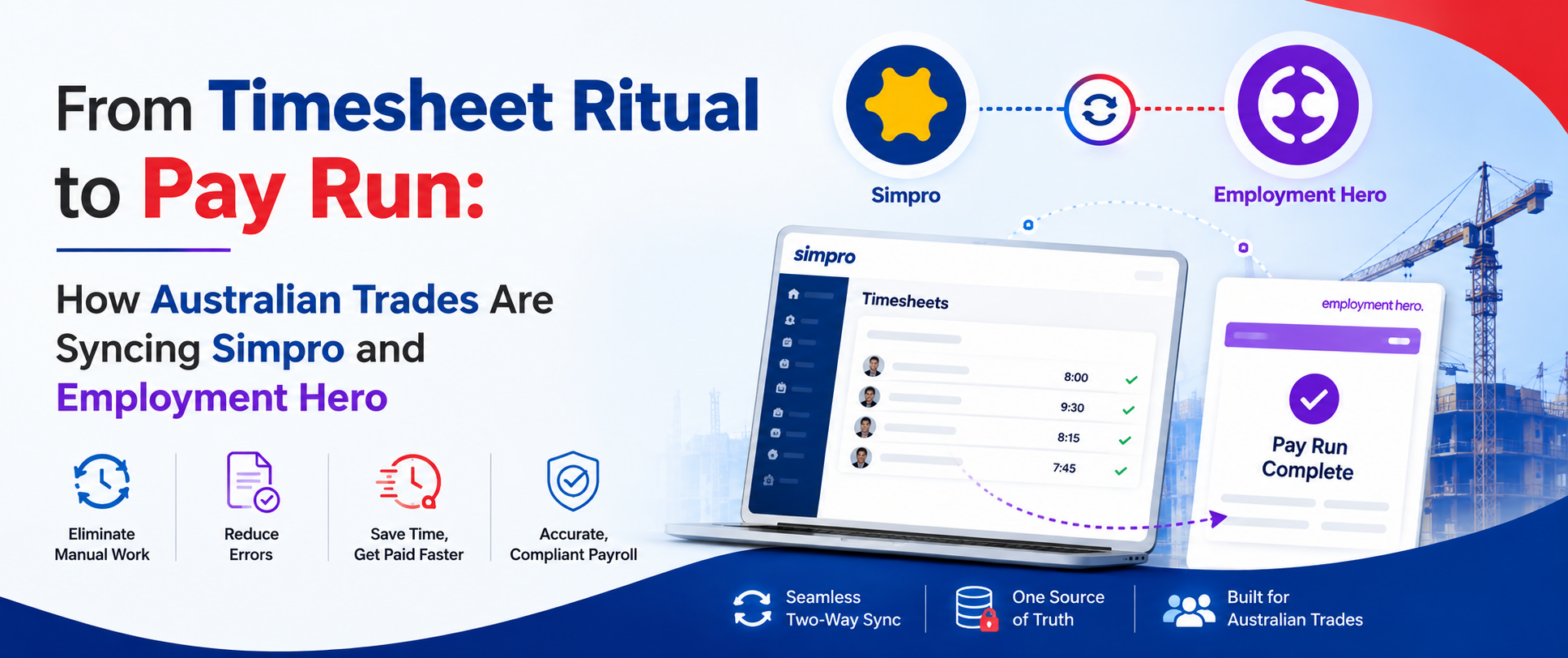
From Timesheet Ritual to Pay Run: How Australian Trades Are Syncing Simpro and Employment Hero
Ask an Australian trade business owner about Simpro and they'll tell you it runs their operation. Jobs, scheduling, technicians in the field, hours logged against cost centres. It does that

Hari Iyer | SyncEzy
CEO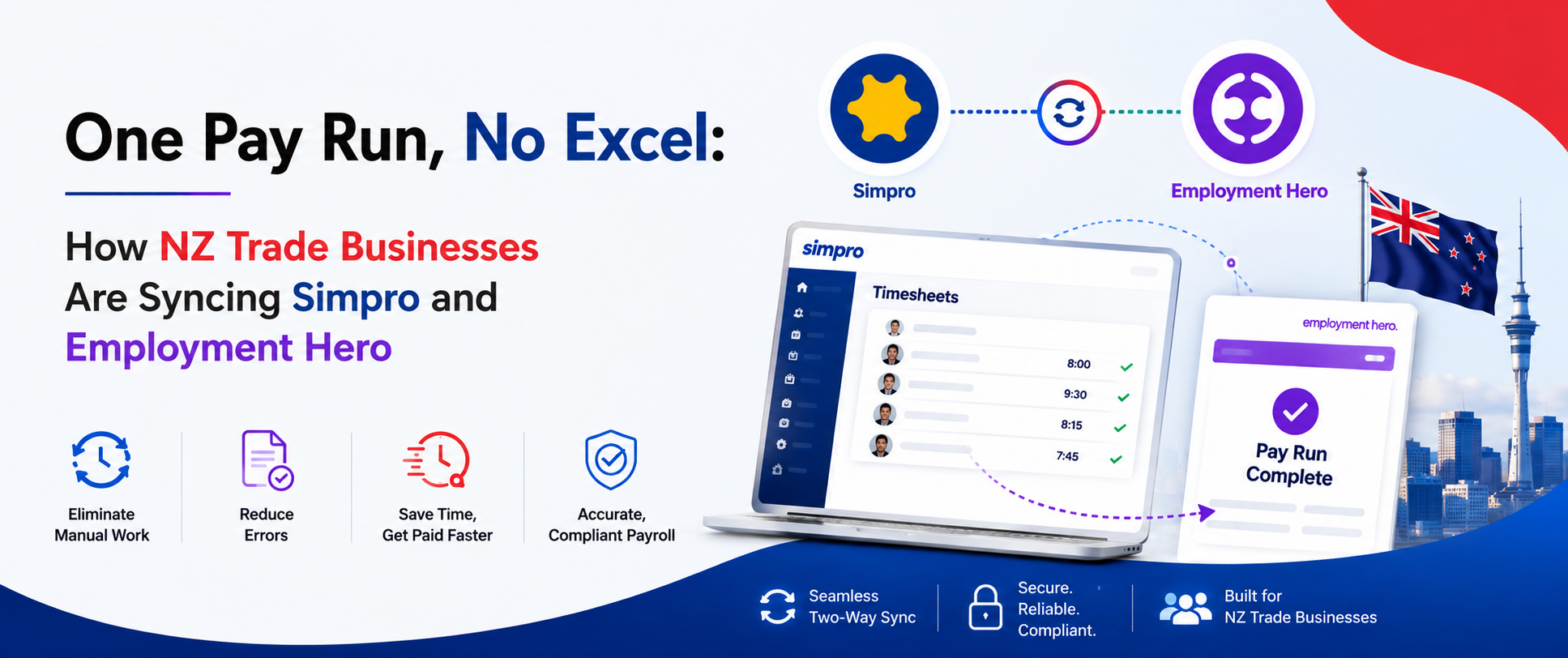
One Pay Run, No Excel: How NZ Trade Businesses Are Syncing Simpro and Employment Hero
Most New Zealand trade businesses we talk to don't have a payroll system problem. They have a gap problem. Simpro runs the jobs. Your technicians log their hours against jobs,
Hari Iyer | SyncEzy
CEO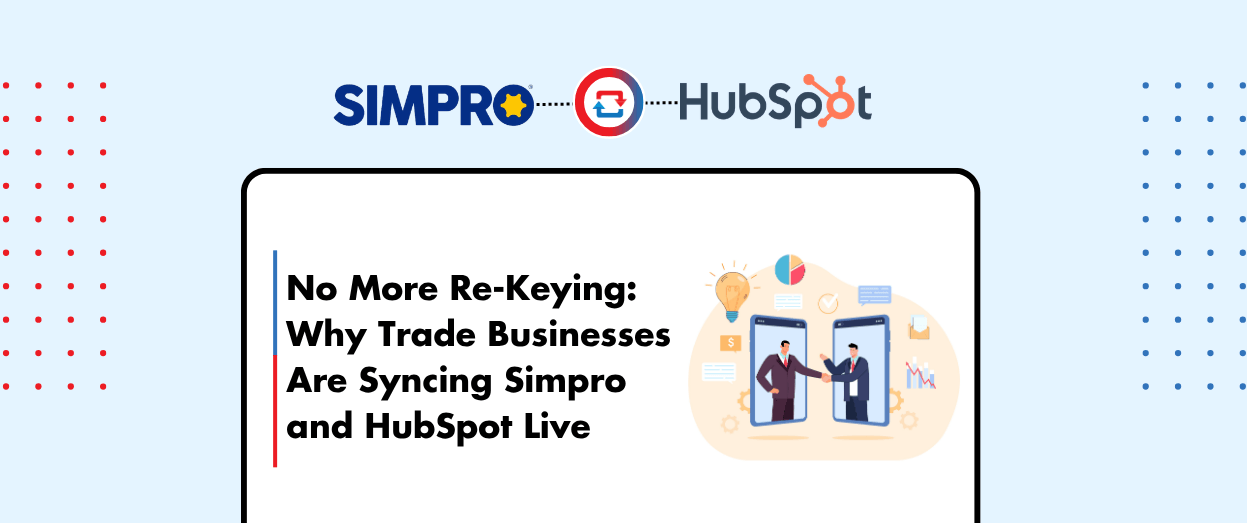
No More Re-Keying: Why Trade Businesses Are Syncing Simpro and HubSpot Live
Most trade and field service businesses we talk to don't have one big, dramatic CRM problem. They have a quiet, persistent one. The sales team builds the pipeline in HubSpot
Hari Iyer | SyncEzy
CEOSoftware Partnerships



Frequently Asked Questions
100% bulletproof security with 256 Bit encryption, plus we do not store any client details on our servers.
Providing fixed pricing on integrations is difficult as different-sized companies have different requirements & support levels (i.e. a 5-person business vs a 500-person, multi-site company). Our team are specialists in tailoring implementation & support packages that make sense for a business of your size. Click the “Chat Now” button on the bottom right of this page to start the conversation.
- Register a SyncEzy Account
- Find the Simpro / Zoho integration from the Integration library
- Subscribe to the simpro / Zoho integration.
- Authenticate Simpro
- Authenticate Zoho
- Complete the configuration steps.
We pride ourselves on the quality of our support and have the testimonials from customers to prove it. It is no wonder that most customers have stayed with us for more than 3 years!
Let us Automate your business!
We have a team ready to answer any questions and help you get started. Drop your details here and we'll get back to you within 24 hours.