


No credit card required

Key Features
Single Source of Truth
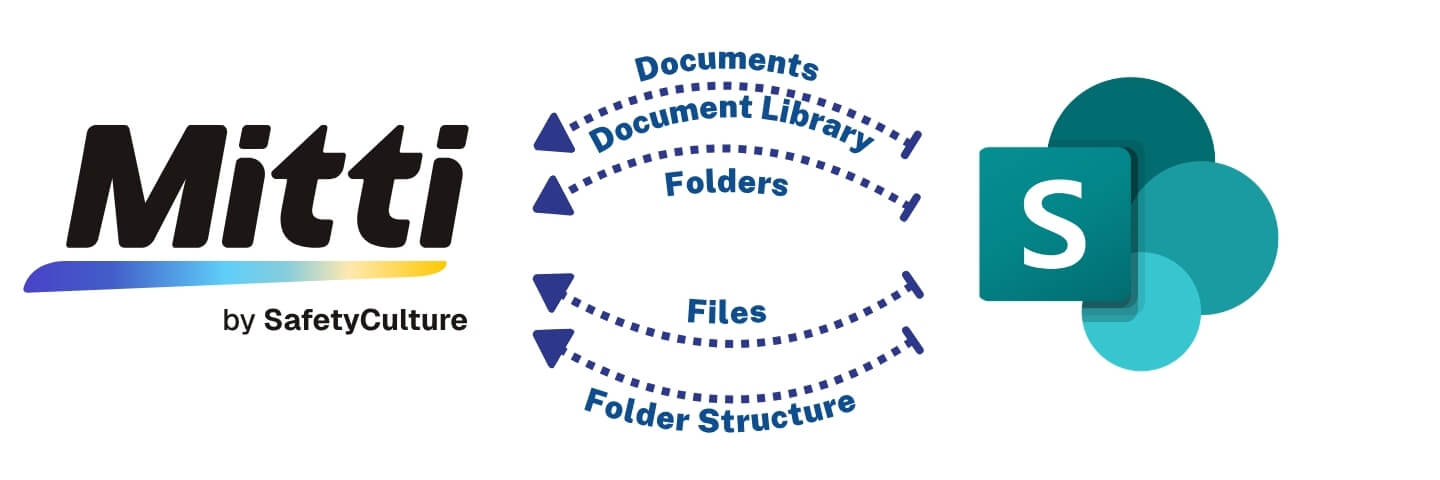
SharePoint remains your governed system of record while Mitti automatically receives the latest approved documents.
Built for Frontline Teams
Teams access documents directly in the Mitti mobile app, including offline—no SharePoint navigation required on site.
Always Current Documents
One-way syncing ensures only the latest approved versions are available in SC, preventing outdated or retired content from appearing.
Folder Structure Mirrored
Your entire SharePoint folder structure syncs into Mitti, including SOPs, SWMS, safety documents, and manuals—no manual uploads.
Discover why our customers trust our integration to securely run their business. Learn more on our case studies page.
SafetyCulture SharePoint Office 365 Integrations Setup Video
Seamlessly integrate SafetyCulture with SharePoint, Teams, OneDrive, and Windows Explorer. Our integration ensures documents stored in SharePoint are always accessible in SafetyCulture, eliminating manual uploads and saving your team valuable time.

This Integration at a Glance
Countries
Seconds
Avg Sync Speed
+
Projects
Million +
Files Synced
Mitti is one of the world’s best checklist and inspections apps and through a deep integration we can now integrate it with Simpro. SyncEzy is a Mitti partner and among the first ThirdParty built integrations to be listed inside the Mitti webapp. Check us out inside the integrations section, in your Mitti App or on the Mitti Integrations page.

SyncEzy is an official Microsoft partner and our integrations are listed and approved on the Microsoft Azure Marketplace. Our integrations are public apps on the Microsoft Azure Cloud. We are specialists in SharePoint and Azure Cloud / Document storage integrations. In addition, we also have integrations into PowerBI and other Microsoft apps. You can find all our Microsoft integrations here, on the Microsoft Azure Marketplace.
What Our Customers Say About Us
With SyncEzy, everything syncs automatically, making our work faster and more reliable.

Haritha Paulose
Project Coordinator at TeslaWe save the equivalent of a full-time position worth of labour in file management alone

Colton Chladek
Director of I.T., Knobelsdorff EngineeringIt does everything procore sync did plus more…the platform is more user-friendly and runs smoother than my experiences with other sync tools.

Joseph Lombardi
Superintendent, Shawmut Design and ConstructionSyncezy took care of those problems with the sharepoint sync with procore, and then by Syncing the sharepoint folder to desktops for the office team, they were able to use the explorer interface to interact with the folder.

Nick Holt
Senior System Administrator, Holt ConstructionBeing able to sync RFI’s, submittals and photos in addition to documents has been pretty cool.

Chris Thomas
Director of Information Technology at Harkins BuildersSet it and forget it! It’s so easy to set up and continues to work in the background to make sure all information is available wherever needed.

Kelly Grossmann
Project Coordinator, McNelly Services, Inc.Easy and quick access for the wider project team.

Sora Araki
Engineer at NorthpowerTop Case Studies
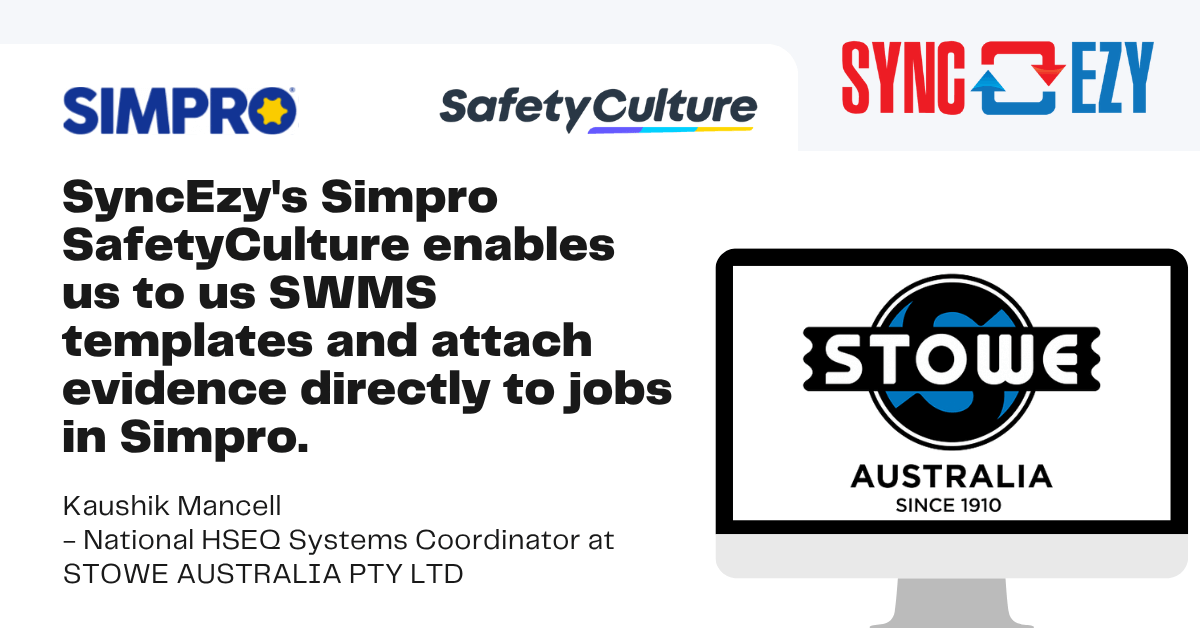
Mitti SharePoint Webinar
Apr 21, 2026 01:10 PM AEST
Better Safety & Inspections with the SafetyCulture + SharePoint Integration
Watch this webinar to see how SyncEzy’s SafetyCulture–SharePoint integration reduces double handling and gives your field technicians easy access to the information they need to get on with the job.…
Watch NowTrusted by Hundreds of companies worldwide.





More About Mitti & Sharepoint
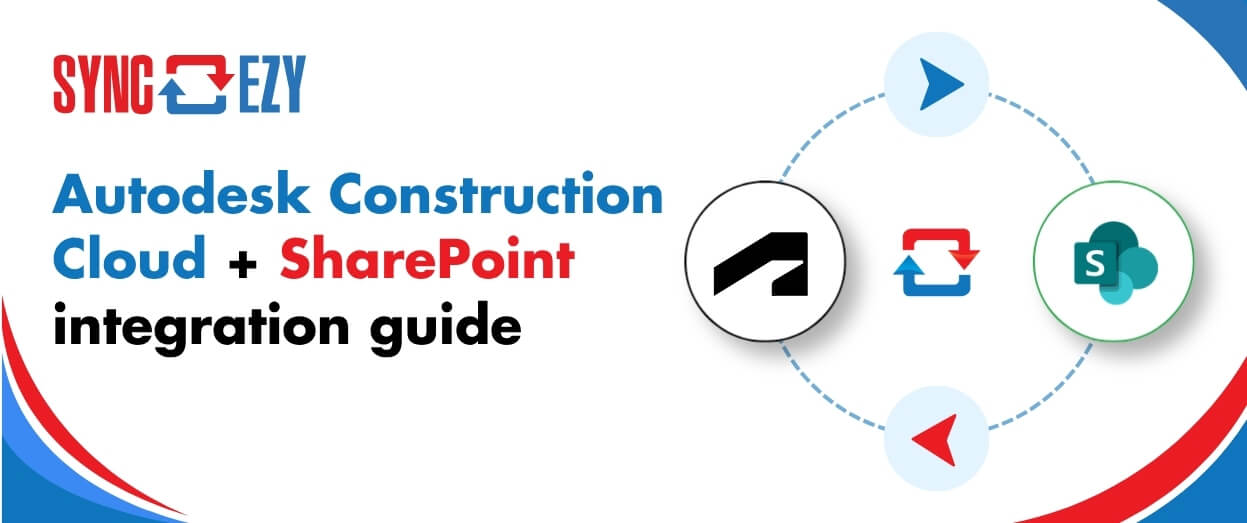
Autodesk Construction Cloud + SharePoint integration guide
Autodesk Construction Cloud (ACC) is where the project lives. SharePoint is where the rest of the business lives. The problem is that these two platforms don't talk to each other

Hari Iyer | SyncEzy
CEO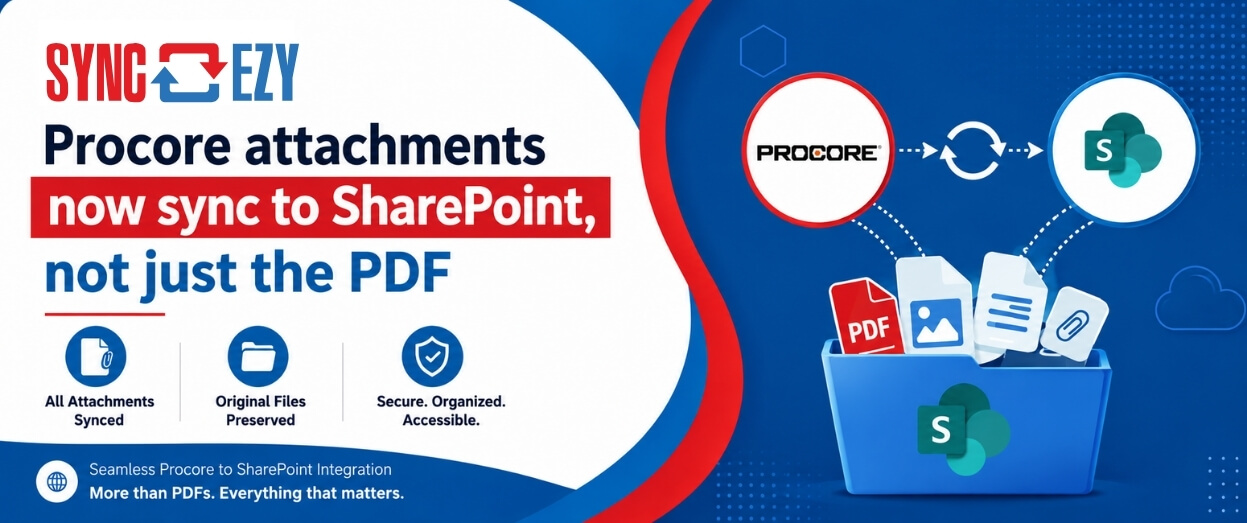
Procore attachments now sync to SharePoint, not just the PDF
If you've ever tried to assemble a project closeout package from SharePoint, you'll know the gap we just closed. The Procore to SharePoint integration now syncs the attachments on your
Hari Iyer | SyncEzy
CEO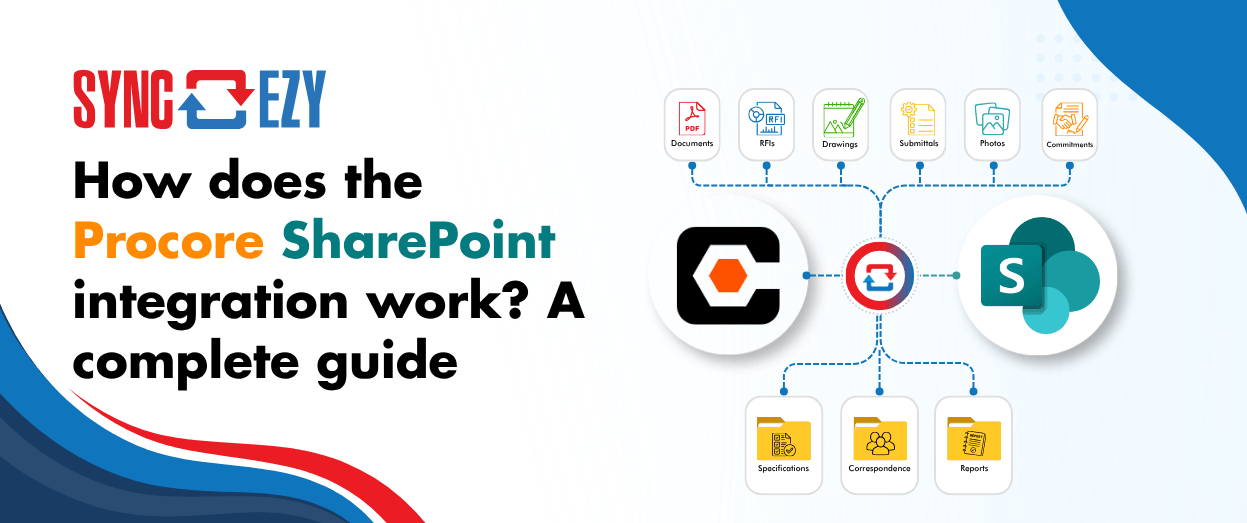
How does the Procore SharePoint integration work? A complete guide
If you're running Procore on the project side and SharePoint (or OneDrive) on the business side, you're probably managing a version problem. Documents live in both places, and at any
Hari Iyer | SyncEzy
CEOSoftware Partnerships



Here are some Frequently Asked Questions?
Providing fixed pricing on integrations is difficult as different-sized companies have different requirements & support levels (i.e. a 5-person business vs a 500-person, multi-site company). Our team are specialists in tailoring implementation & support packages that make sense for a business of your size. Click the “Chat Now” button on the bottom right of this page to start the conversation.
- Register a SyncEzy Account
- Find the SafetyCulture / SharePoint integration from the Integration library
- Subscribe to the SafetyCulture / SharePoint integration.
- Authenticate SafetyCulture
- Authenticate SharePoint
- Complete the configuration steps.
We pride ourselves on the quality of our support and have the testimonials from customers to prove it. It is no wonder that most customers have stayed with us for more than 3 years!
Let us Automate your business!
We have a team ready to answer any questions and help you get started. Drop your details here and we'll get back to you within 24 hours.