



What we would build
Matter-driven provisioning
A new Clio matter creates a governed SharePoint folder set under your site and library, using your naming convention and folder template. No admin work per matter.
Two-way file sync
Documents added in Clio appear in the SharePoint matter folder; documents saved to SharePoint from Word, Outlook or Teams appear in the Clio matter. Edits flow in both directions, with version history preserved on the SharePoint side.
Permission mapping
Matter access lists in Clio map to SharePoint permissions on the matter folder, so a restricted matter stays restricted in both systems. This is the gap most DIY flows miss.
Renames, moves and closures handled
Renaming a matter or closing it updates SharePoint without duplicating folders. Clio’s OneDrive integration recreates the folder tree if you rename it; ours should not.
Firm-wide libraries, not one person’s drive
One connection per firm, authenticated by an admin against your Microsoft tenant, working across any number of users.
Audit and reconciliation
Per-file sync history so you can prove where a document came from and when it changed.
Region-aware
Deployed against Clio’s AU, CA, EU and US regions so data stays where your Clio account lives.
Discover why our customers trust our integrations to securely run their business. Learn more on our case studies page.
Why SyncEzy
+
Deep Integrations
Million +
Records synced per month
Countries
Hour
Support
Clio is the global leader in legal AI technology, empowering legal professionals and law firms of every size to work smarter, faster, and more securely. Purpose-built for the legal industry, Clio’s Intelligent Legal Work Platform streamlines workflows, improves decision-making, and combines powerful technology with industry-leading security.

SyncEzy is an official Microsoft partner and our integrations are listed and approved on the Microsoft Azure Marketplace. Our integrations are public apps on the Microsoft Azure Cloud. We are specialists in SharePoint and Azure Cloud / Document storage integrations. In addition, we also have integrations into PowerBI and other Microsoft apps. You can find all our Microsoft integrations here, on the Microsoft Azure Marketplace.
What Our Customers Say About Us
I would definitely recommend SyncEzy – the platform is easy to use and the service was amazing.

Britt Vournechis
MB RefrigerationSyncEzy is the missing link between Simpro and Xero that we needed to improve our timesheet/payroll processes. The integration set-up was seamless, the integration portal is very easy to use and the ongoing support is great. This integration has saved our business so much time and money, our only regret is we didn’t engage SyncEzy sooner.
Cindy Muscat
Finance Manager, Securex Security Systems & ServicesThe integration eliminated the need for calculations for breaks and overtime, making it quick and easy to run payroll effectively.
Cindy Muscat
Finance Manager, Securex Security Systems & ServicesRelated Case Studies
Trusted by Hundreds of companies worldwide.







More About Clio & SharePoint
Autodesk Construction Cloud + SharePoint integration guide
Autodesk Construction Cloud (ACC) is where the project lives. SharePoint is where the rest of the business lives. The problem is that these two platforms don't talk to each other

Hari Iyer | SyncEzy
CEO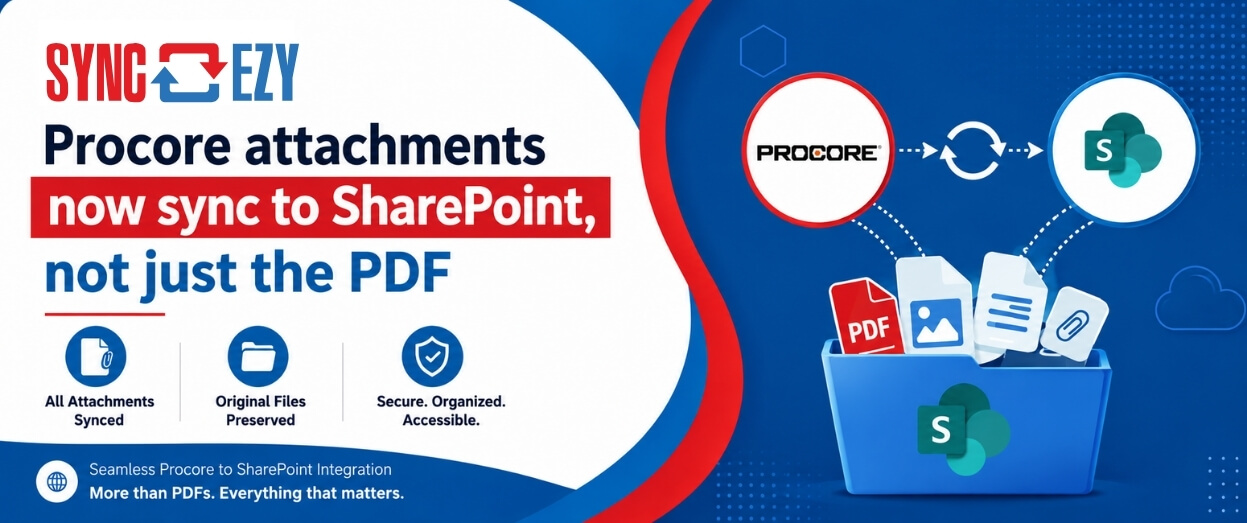
Procore attachments now sync to SharePoint, not just the PDF
If you've ever tried to assemble a project closeout package from SharePoint, you'll know the gap we just closed. The Procore to SharePoint integration now syncs the attachments on your
Hari Iyer | SyncEzy
CEO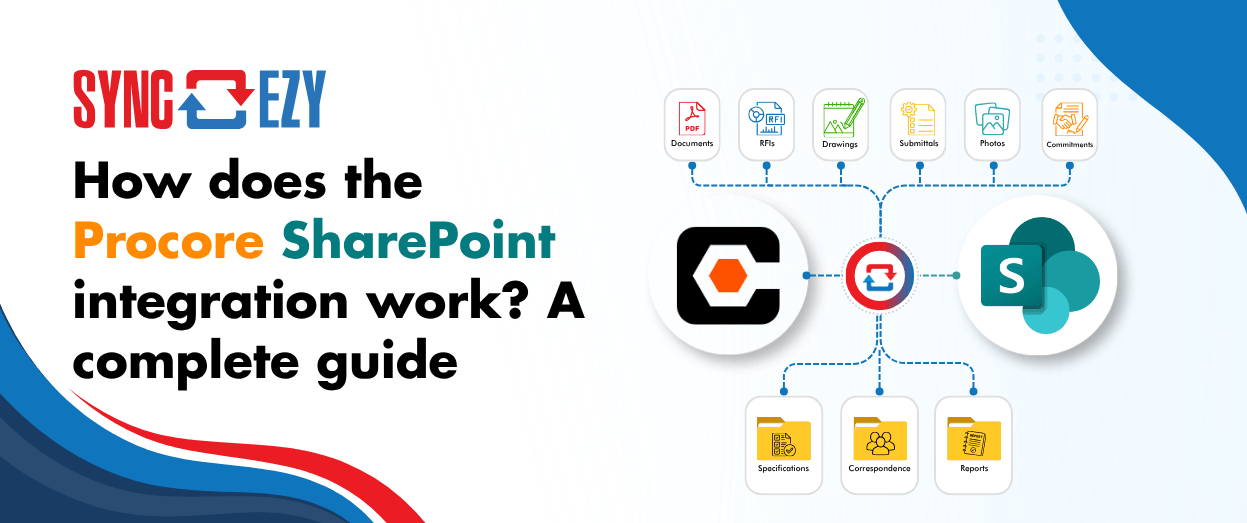
How does the Procore SharePoint integration work? A complete guide
If you're running Procore on the project side and SharePoint (or OneDrive) on the business side, you're probably managing a version problem. Documents live in both places, and at any
Hari Iyer | SyncEzy
CEOSoftware Partnerships



Frequently Asked Questions
Not yet. It’s on our roadmap under consideration, which means we’re gauging demand before we build it. Registering your interest genuinely moves it up the list, and if you need it urgently, we can talk about a custom build.
Yes. We build custom integrations regularly when a customer needs something ahead of the public roadmap. Book a call and we’ll scope it with you.
- Register a SyncEzy account
- Find the integration in the integration library
- Subscribe to the integration
- Authenticate your Clio account
- Authenticate your SharePoint account
- Complete the field mapping and configuration steps
Providing fixed pricing on integrations is difficult because different-sized companies have different requirements and support levels. Book a call and we’ll give you a number based on what you actually need.
Let us Automate your business!
We have a team ready to answer any questions and help you get started. Drop your details here and we'll get back to you within 24 hours.