

Hari Iyer | SyncEzy
CEO 12 Min Read
 Nov 04, 2026

Most Procore teams still keep project files in more than one place.
Ask where the latest drawing lives and the honest answer is often “Procore, and also SharePoint, and also a few desktops”. It was the most common answer we heard at Procore Groundbreak 2026 in Orlando, and it’s costing teams more time than most of them realise.
What Procore announced, and what caught our eye
AI was the headline of both keynote days. Procore’s message was that it’s moving from a system of record to what it calls a “system of intelligence”. A few things stood out to us:
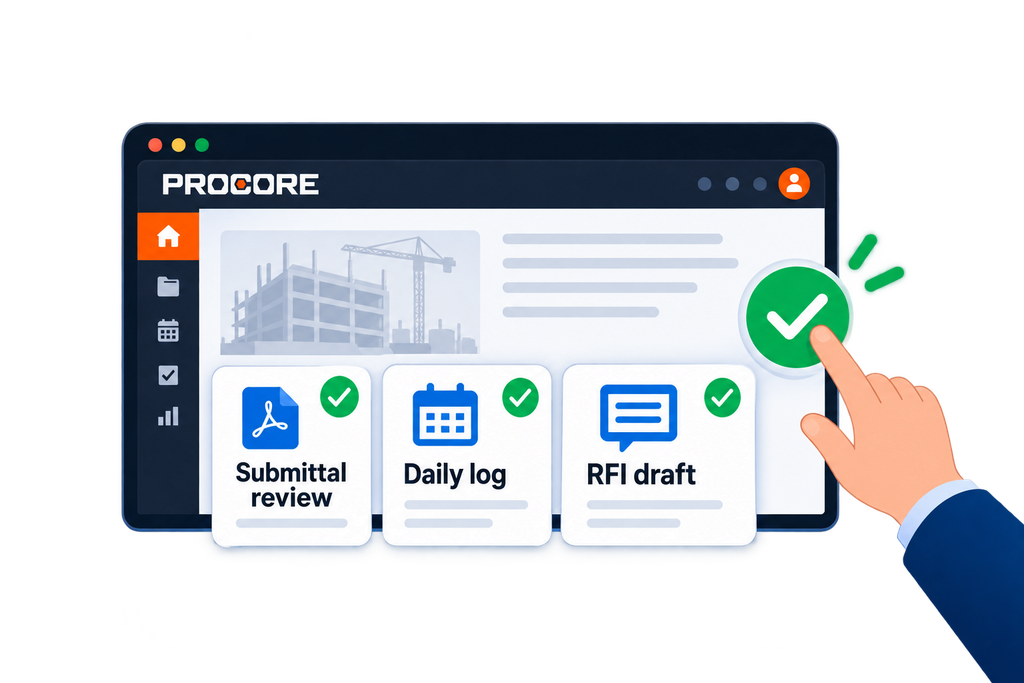
- Agents you can use now. Procore’s “digital coworkers” are AI agents that work inside your projects. They include a submittal review agent that checks submittals against specs and contracts, a daily log agent that builds logs from photos, voice notes and emails, and an RFI agent that drafts ready-to-submit RFIs. A procurement log agent is in closed beta. People still review and approve everything an agent produces. The immediate benefit is time back on the paperwork that slows project engineers down. The bigger opportunity is Agent Studio, which lets companies turn their own SOPs and checklists into agents, and a new agent marketplace where partners can plug their tools in. See Procore’s agent library.
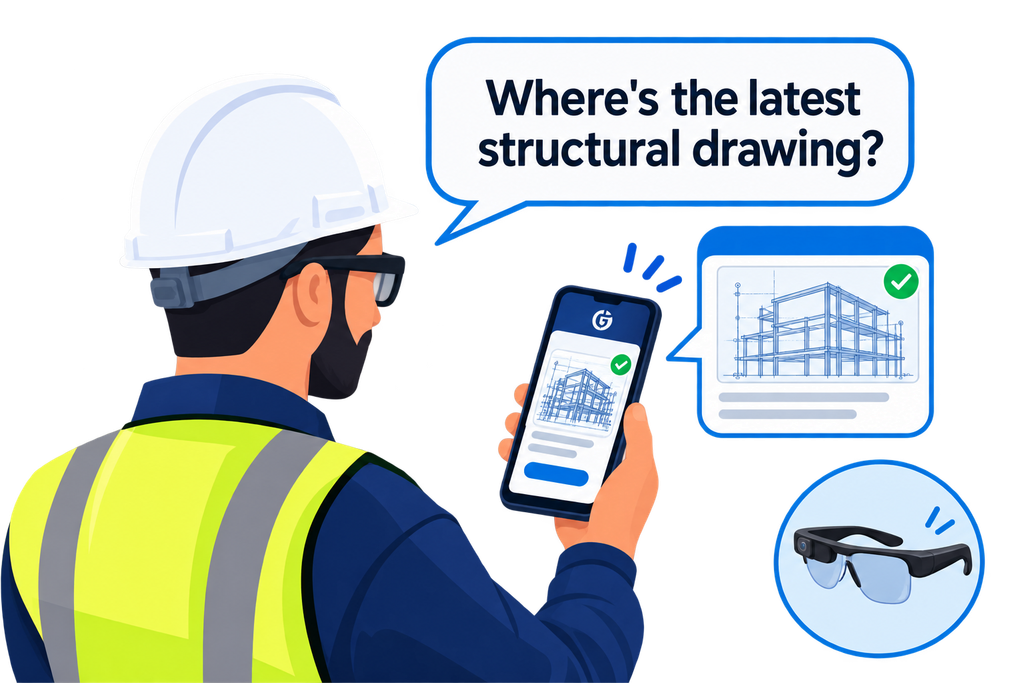
- AI on the jobsite. Procore AI Go is a voice-first mobile app. Superintendents and crews ask a question out loud and get a spoken answer drawn from the drawings, specs, RFIs and submittals in Procore, without stopping work to dig through files. Procore plans to add voice-created daily logs, observations and RFI drafts, and is trialling the app hands-free on Meta AI glasses. Read Procore’s AI Go announcement.
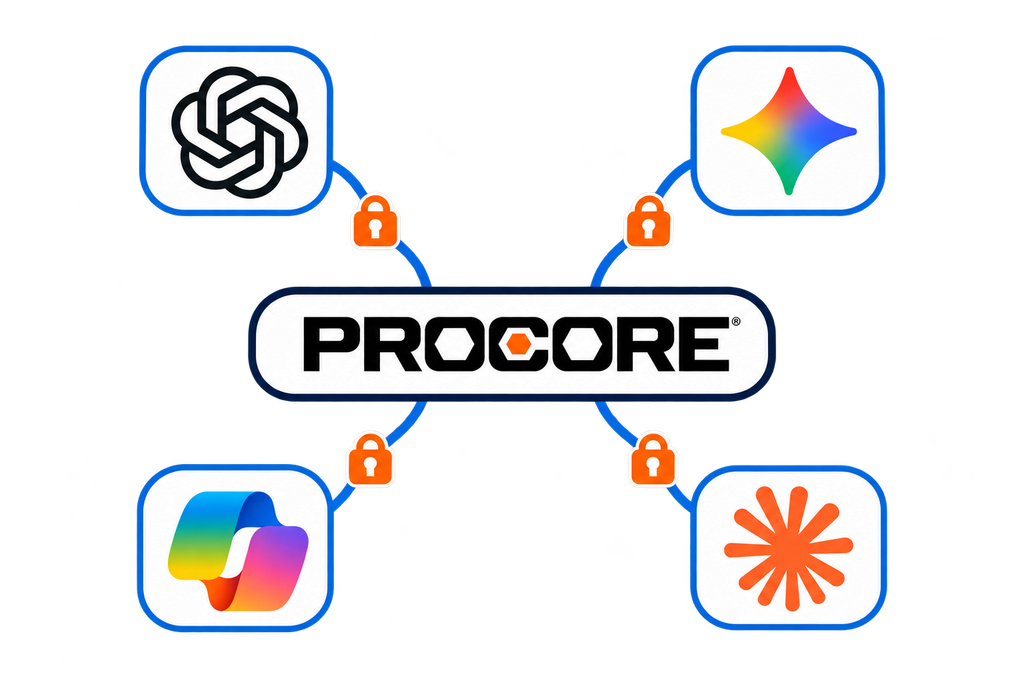
- Opening Procore AI to other assistants. Procore is building an MCP (Model Context Protocol) connection so the AI tools teams already use, such as Claude, ChatGPT, Copilot and Gemini, can work with Procore data while respecting each user’s permissions. Procore said on stage that the Claude connection is targeted first, with others to follow in 2027. The opportunity is that office teams can ask project questions without leaving the tools they work in every day. Haskell, which already connects Procore AI to ChatGPT Enterprise and Microsoft Copilot, told the room that submittal reviews that took a week now take minutes.
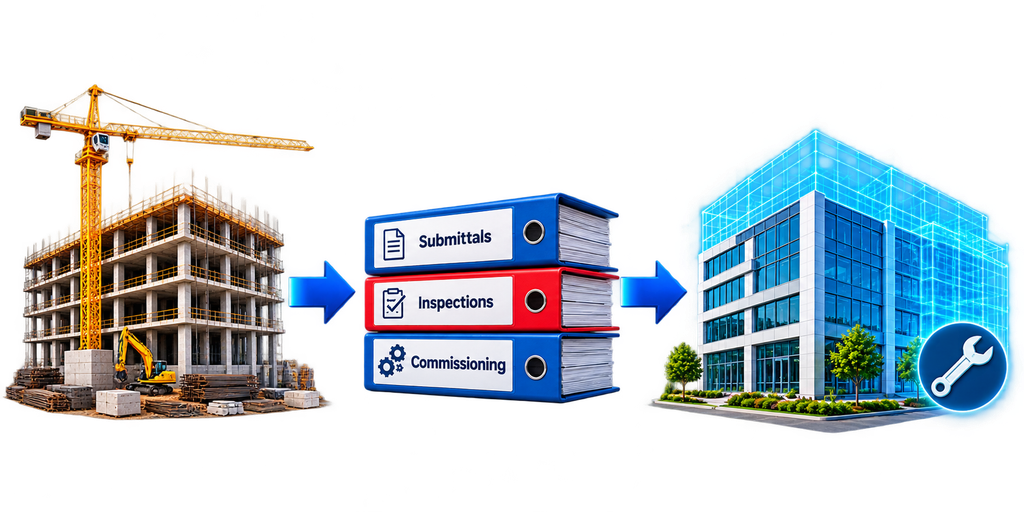
- Handover and digital twins. Procore is connecting Procore Asset Management with IBM Maximo, so submittals, inspections and commissioning records captured during construction flow into the owner’s maintenance system, instead of being rebuilt from spreadsheets and emailed files at closeout. Separately, the next phase of Procore’s work with NVIDIA, now in closed beta, lets teams view projects in realistic 3D, compare the design with actual site progress and simulate conditions like extreme weather before they build. For owners and data centre builders, that means less rework and a verified record to run the building from day one. Read Procore’s announcements on IBM Maximo and NVIDIA.
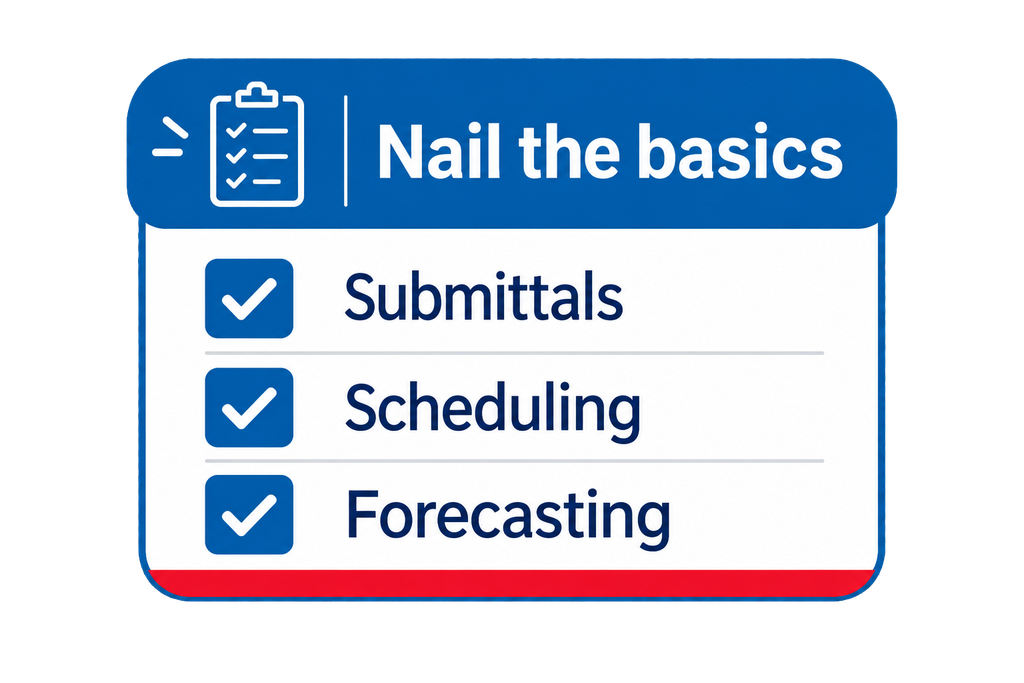
- “Nail the basics.” Our favourite line came from Jeff Lewis, Procore’s SVP of Product: customers want core workflows fixed before new AI features. Alongside the AI, Procore pointed to hundreds of smaller improvements shipped this year to everyday tools like submittals, scheduling and forecasting.
What caught our eye is what all of these have in common. Every agent answers from the data it can see. If the latest drawing markup is in SharePoint, or the RFI response is sitting in someone’s OneDrive, Procore’s AI won’t know about it. The same is true the other way round for Microsoft Copilot. Procore opening its AI up to Copilot and Claude makes the same point from the other side: the project record has to be complete and reachable wherever your teams, and their AI, actually work.
Sources: Procore Groundbreak 2026 announcements, ENR, Procore.
We spent 21 and 22 October asking project managers, document controllers, IT leads and construction technology teams one simple question: what are you entering twice today? Here are the five things they told us most often, and what we’d suggest if any of them sound like your team.
1. Double handling is still a massive issue for construction teams
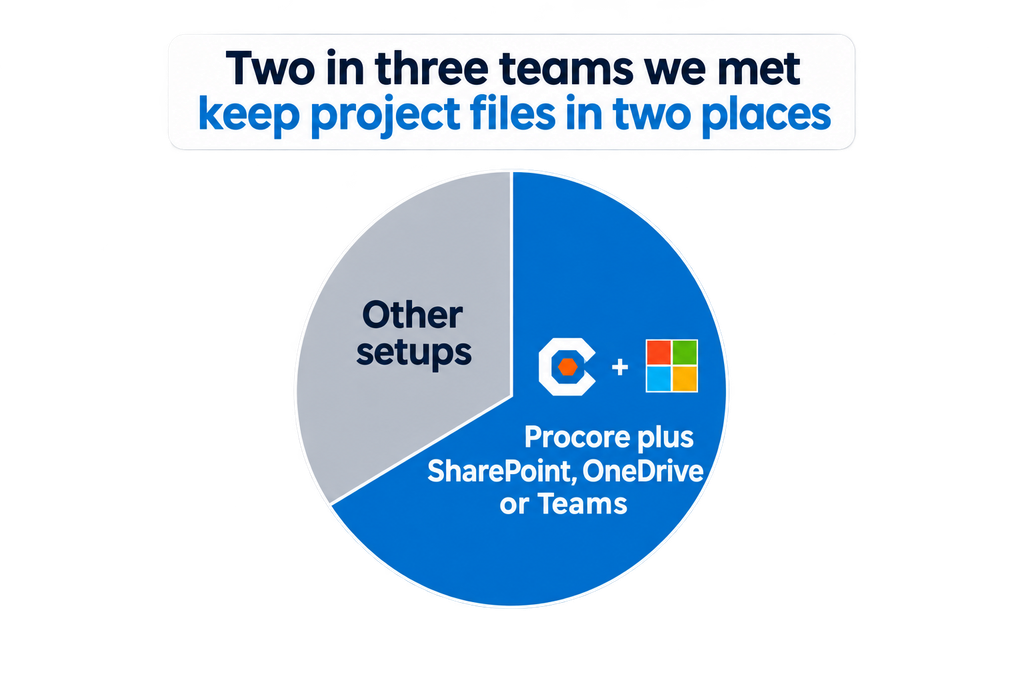
Procore is where the project runs, but most businesses also keep files in SharePoint, OneDrive or Teams, because that’s where the rest of the company works. Two in three of the teams we spoke to were in exactly that position.
The result is double saving. A file goes into Procore, then gets saved again somewhere else. Sometimes it never makes it back into Procore at all, because someone edited it on their desktop and moved on.
It sounds small. Across every project manager on every job, it adds up to hours a week, and nobody is quite sure which copy is the latest. One electrical contractor told us a colleague spends about half her job just rounding up documents.
The numbers on stage backed this up. Procore CEO Ajei Gopal cited Deloitte research that teams lose about a fifth of project time just finding information. An FMI study quoted in the closing keynote found that poor communication and project data account for nearly half of all rework on US job sites.
Try this: ask three people on your team where they’d find the latest version of a drawing or submittal. If you get three different answers, you have the problem.
Sarah Angus, a Procore field COO, put the fix well in her session on metrics: process comes first, then the tools. Agree where each kind of document lives before you connect anything.
2. More people than ever are building their own syncs – but there’s a catch
Plenty of teams have tried to fix this themselves with scripts, flows or a tool that copies files across overnight. We heard from one team whose in-house sync breaks every time Procore ships a major update, and another whose changes take a full day to come through.
More teams are now building their own integrations with AI, too. Some are succeeding, and if vibe-coding gets you a working sync between two tools, more power to you. We also heard plenty of stories from teams who face problems during the build – or worse, after deployment.
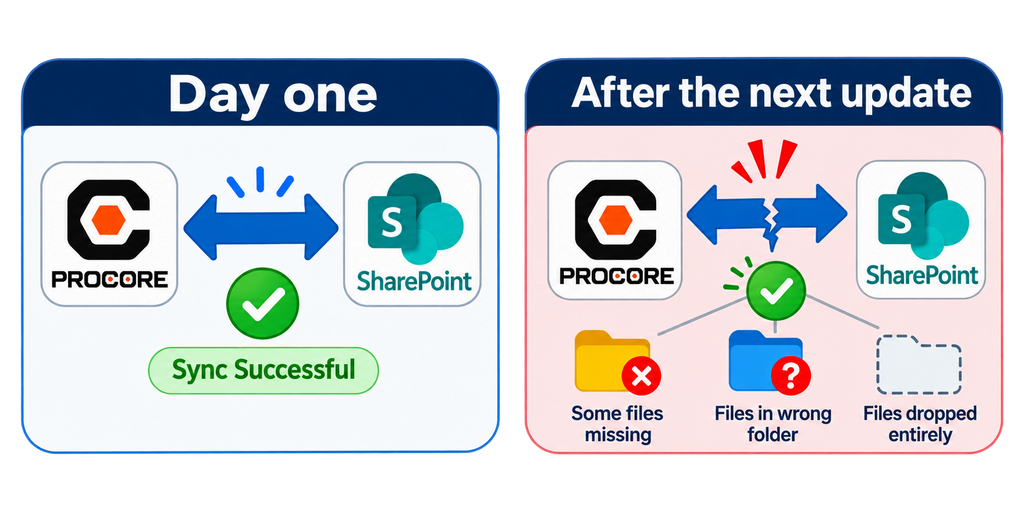
An AI-built integration can handle something basic well. The trouble starts when the basics stop being basic: more users, more software, more complex data, extra requirements and more at stake. A document that lands in the wrong folder is annoying. Payroll data that doesn’t sync properly is a much bigger problem.
Ironically, the vibe-coded integration just not working at all is the better outcome, because at least you notice. The worse one is a sync that keeps running but sends data to the wrong place, or only moves some of it, with no warning until someone goes looking for a file that isn’t there.
Then there’s the part nobody budgets for. If you build it, you maintain it. Procore and Microsoft both ship updates all the time, and when either one changes, a homegrown or AI-generated sync can stop working.
AI consultant Hugh Seaton made a related point in his Groundbreak AI masterclass. Engineering layered on top of today’s AI models tends to be overtaken as the models improve, so something you build now may need rebuilding sooner than you expect.
Before you build your own, ask two questions: who will fix it when Procore or Microsoft changes something, and how will you know when it has quietly stopped working?
3. AI is everywhere but it lacks what it needs to go from good to great
AI came up about as much as we expected, because everyone is using it now. Teams are rolling out Microsoft Copilot and other assistants, and Procore has its own AI built specifically for construction. It’s impressive stuff. Some of the people we met had AI in their job titles, and a few were building AI tools of their own.
But every one of these tools falls into the same trap, however advanced it is. It can only work with what it can see. If the record is inaccurate, incomplete, out of date or in the wrong place, you and the AI are both out of luck. An RFI that lives only in Procore is invisible to Copilot, and a markup saved to someone’s desktop is invisible to everything.
Seaton explained why in plain terms: a language model “matches things”. It finds the closest match in whatever data it’s given, so when the right file isn’t there, it still gives you its best match, with total confidence. He also said Copilot is at its best working across folders, because it can read what’s in OneDrive. To us, that’s the strongest argument for having your Procore record there too.
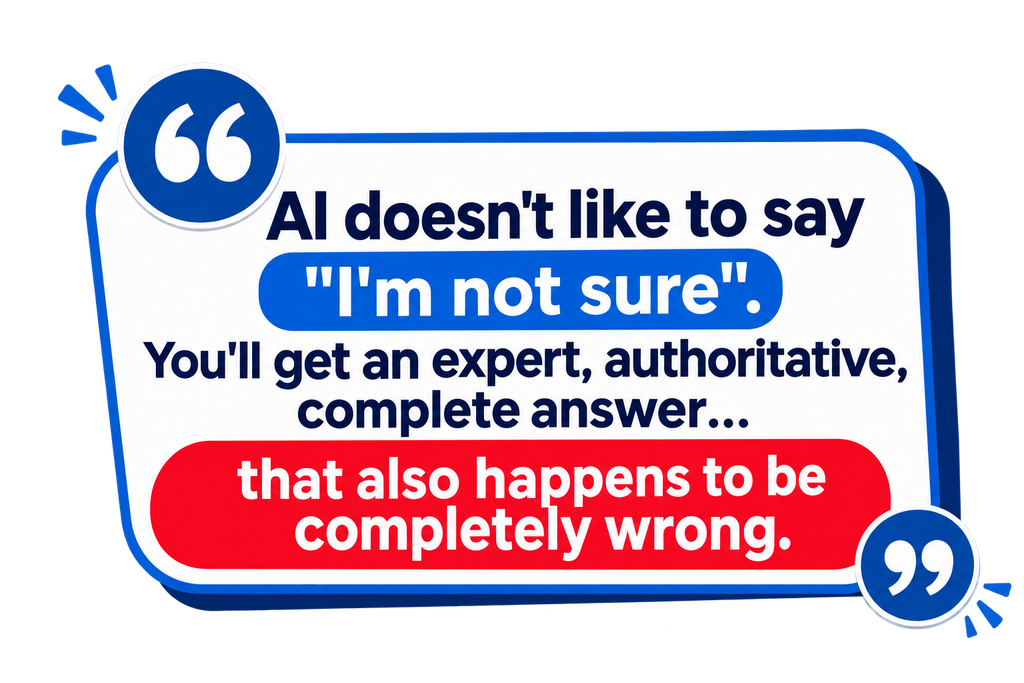
Often you won’t find out until it’s too late, because AI doesn’t like to say “I’m not sure”. You’ll get an expert, authoritative, complete answer… that also happens to be completely wrong.
Getting your project record into one well-organised, permissioned place is the first step to getting real value from AI. We covered this in more detail in our Is Your Project Data AI-Ready? webinar.
The session includes a quick AI readiness assessment for your company, so you can see what’s working and what might be quietly causing problems. A few takeaways:
- Two copies means two truths. If nobody can say which version wins when a file changes in both places, your AI can’t either.
- Fix the folder structure first. Connecting systems before standardising just copies the mess across every project.
- The conversation isn’t the record. An RFI without its marked-up drawing is half the story, but an AI summary of it still sounds complete.
- Know when things go missing. If a folder vanished tonight, would you find out, and could you undo it?
4. Offline capabilities are still mandatory in an online world
Remote sites running on Starlink, or on nothing at all, came up again and again. So did people who simply prefer desktop Word and Excel to editing in a browser. Both are reasons files end up living on laptops instead of in Procore.
If your field teams work offline, look for a setup where Procore files are already on the laptop, open in the apps people know, and flow back to Procore when the connection returns.
That’s how our Procore SharePoint integration works with OneDrive. Keep a project folder on the laptop and documents and photos open in desktop Word or Excel with no connection. When the laptop is back online, OneDrive uploads the changes and they reach Procore within minutes. RFIs, drawings and other one-way records come across as read-only PDFs, so they’re there to view offline but edits to them don’t flow back.
5. Security is getting involved earlier and earlier
IT and security review was the most common hurdle we heard about, and the larger the project, the earlier IT gets involved. Utilities, healthcare owners and large manufacturers raised it first, and rightly so. One public utility told us cybersecurity is the first filter for any new tool. A university health system told us their teams rarely get direct SharePoint access at all due to security concerns.
Before you trial anything that touches project documents, ask three questions.
- Where do the documents live?
- What does the vendor store?
- How is that independently checked?
Good answers to these three will massively lubricate getting the software through IT security. Bad answers mean an early – and emphatic – no.
Bring IT in at the start, not the end. Many of the people we met weren’t the final decision maker, and a tool that reaches IT late in the process often stalls there.
Procore set a useful bar for its own AI on stage: permissions that mirror Procore’s, data kept in the customer’s own environment, no training of outside AI models on customer data, and a person approving every agent output. IT teams will rightly expect the same from every tool that touches project data.
Our answers: your documents stay in your own SharePoint tenant, we hold metadata only, and we’re SOC 2 Type 2, independently audited every year.
SyncEzy at Groundbreak
We spent two days at stand 2403, next to the Elevation Stage, in conversations like the ones above. Our CEO Hari hosted a Braindate on connecting Procore and SharePoint, one of the peer sessions that nearly 500 people joined across the event. On the Monday night before the show, we hosted customers and friends from Procore for an evening at Gatorland.
We were also glad to be in the room when Procore’s Get Construction Talking campaign passed $1 million raised for construction mental health.
The questions we were asked most
These came up at the stand and in the Braindate that our CEO Hari hosted on connecting Procore and SharePoint.
1. Will it keep our Procore folder structure?
Yes. Procore project folders are mirrored into SharePoint automatically.
2. Is it one-way or two-way?
Both, depending on the tool. You choose which tools sync on each project. Documents and photos sync two ways. RFIs, submittals, drawings, forms, inspections and commitments come across one way.
3. What happens to version history?
It’s kept on both sides, in Procore and in SharePoint.
4. Can we try it without opening everything up to a vendor?
Yes. A trial can run under a service account that only has access to the SharePoint sites it needs, and there’s nothing to install.
5. What should be synced next?
We heard plenty of interest in daily logs, meeting notes and getting emails straight into Procore. If there’s something else you’d like synced, tell us.
See how it would work for your team
If any of this sounds familiar, the easiest way to see the difference is a free trial on a couple of projects. It runs alongside what you do today, and changes flow between Procore and SharePoint, OneDrive or Teams within minutes, in the background.
And if we met in Orlando, thank you. Thanks to everyone who joined us at Gatorland, came to the Braindate or stopped by stand 2403 (we hope your koala made it home safely), and to the Procore team for another great Groundbreak. See you in Anaheim for Groundbreak 2027.
Author
Hari Iyer | SyncEzy
CEO

Hari Iyer is the Founder and CEO of SyncEzy, a pioneering company at the forefront of data integration and automation solutions. With a deep understanding of the power of technology and a passion for solving complex business challenges, Hari has emerged as a visionary leader in the industry. His relentless pursuit of excellence and commitment to delivering tangible results have earned SyncEzy a loyal global clientele.
He is not only a successful entrepreneur but also an active contributor to the technology community, sharing his insights through thought leadership articles, speaking engagements, and mentorship programs. Hari’s ability to navigate the complexities of remote work serves as an inspiration for leaders, highlighting the importance of flexibility, work-life balance, and a results-oriented approach in today’s evolving work landscape.
Under his guidance, SyncEzy has gained widespread recognition for its deep integration solutions that seamlessly connect software applications, eliminate data silos, and enhance operational efficiency.
When not working, Hari is trying to be a better father, reading tech news, playing FPS games, and not exercising as he should.

Related Posts

Categories
Procore + Google Drive integration: what syncs and what doesn’t
A lot of construction teams are split. Procore runs the project. Google Drive runs everything else: pre-construction, estimating, design collaboration, internal documents. The two systems don’t talk to each other, so documents get manually copied across, or they don’t, and someone ends up working from an outdated file. The SyncEzy Procore Google Drive integration connects… Continue reading Procore + Google Drive integration: what syncs and what doesn’t
Hari Iyer | SyncEzy
CEO

