

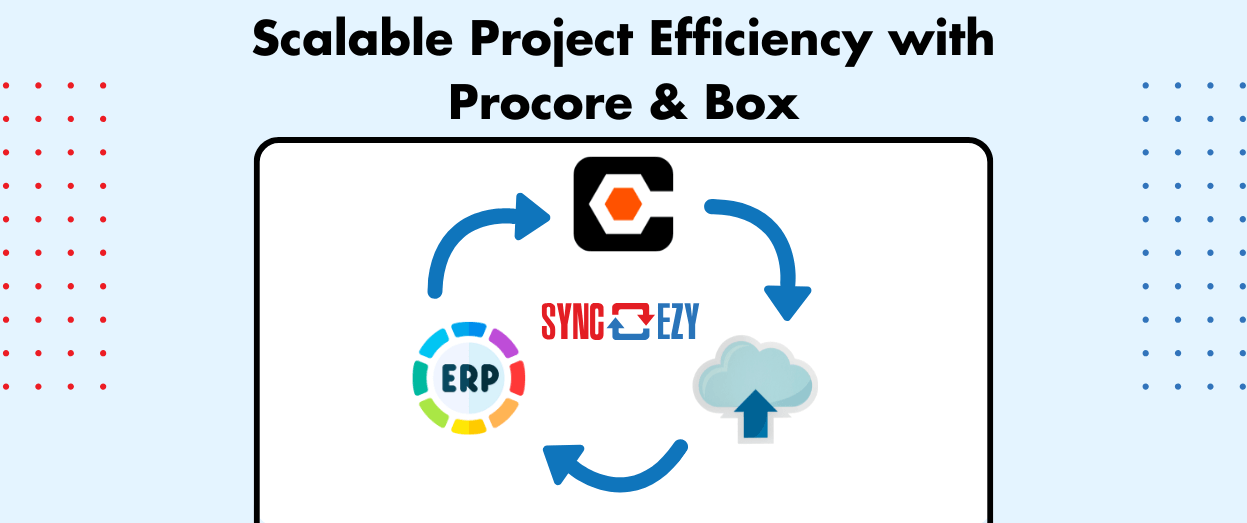
Streamlining Construction Project Management: Automating Procore and Box Integration for Scalable Efficiency
For companies managing thousands of projects annually, manual processes for linking project management systems like Procore with cloud storage platforms such as Box, SharePoint, Dropbox or Google Drive can create significant bottlenecks. Automation offers a transformative solution, enabling seamless integration, synchronization, and scalability. This blog post explores how automation can enhance efficiency by connecting projects… Continue reading Streamlining Construction Project Management: Automating Procore and Box Integration for Scalable Efficiency

Hari Iyer | SyncEzy
CEO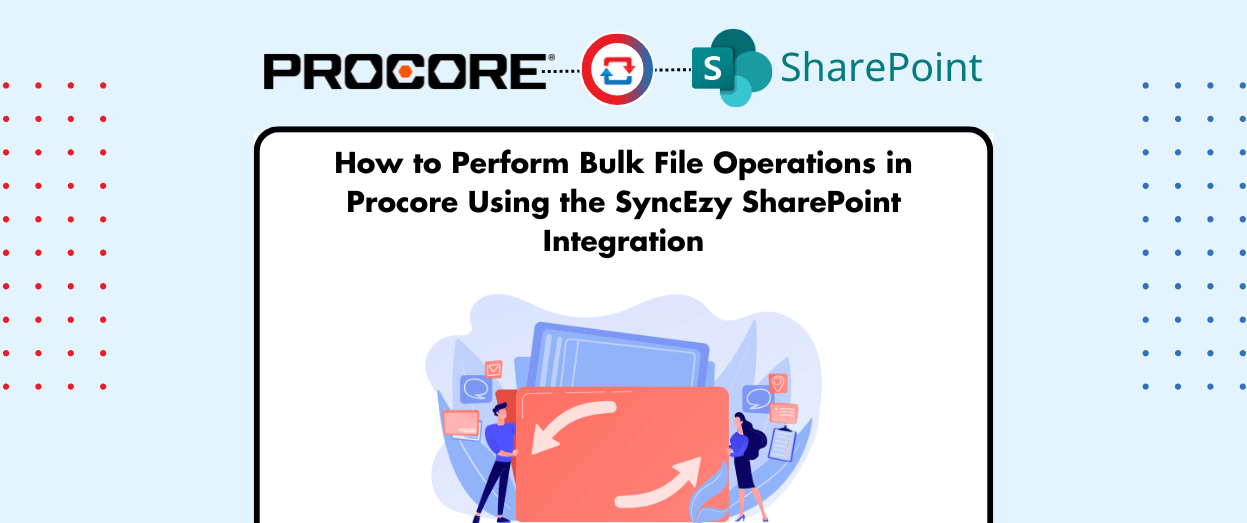
How to Perform Bulk File Operations in Procore Using the SyncEzy SharePoint Integration
At SyncEzy, we regularly hear from customers who use our Procore integration in creative and powerful ways. By syncing Procore data directly to the desktop via SharePoint and OneDrive, teams unlock the ability to work with familiar desktop tools like Excel, AutoCAD, Bluebeam, and more. Recently, however, we encountered a particularly unique use case: a… Continue reading How to Perform Bulk File Operations in Procore Using the SyncEzy SharePoint Integration
Hari Iyer | SyncEzy
CEO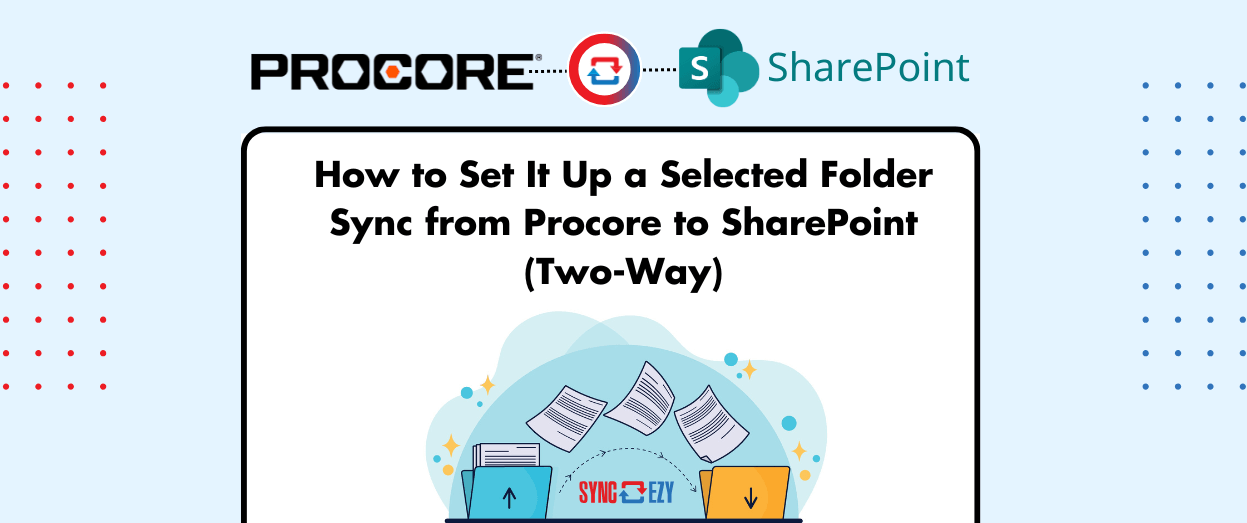
How to Set It Up a Selected Folder Sync from Procore to SharePoint (Two-Way)
Managing construction project documents across platforms can be overwhelming—especially when teams work in both Procore and SharePoint. That’s why SyncEzy’s Selected Folder Sync feature is a game-changer. It allows you to sync one specific top-level folder from Procore, along with all its subfolders and files, directly to SharePoint—with full two-way sync. What Is Selected Folder… Continue reading How to Set It Up a Selected Folder Sync from Procore to SharePoint (Two-Way)
Hari Iyer | SyncEzy
CEO
Procore Sync Alternatives
What is Procore Sync? Procore Sync is an application for Windows computers that makes it easier to access and manage files in your Procore projects’ Documents tool. After setting up one or more projects with Procore Sync, a ‘Procore’ folder is installed in your computer’s File Explorer. Each synced project appears as its own folder… Continue reading Procore Sync Alternatives
Hari Iyer | SyncEzy
CEO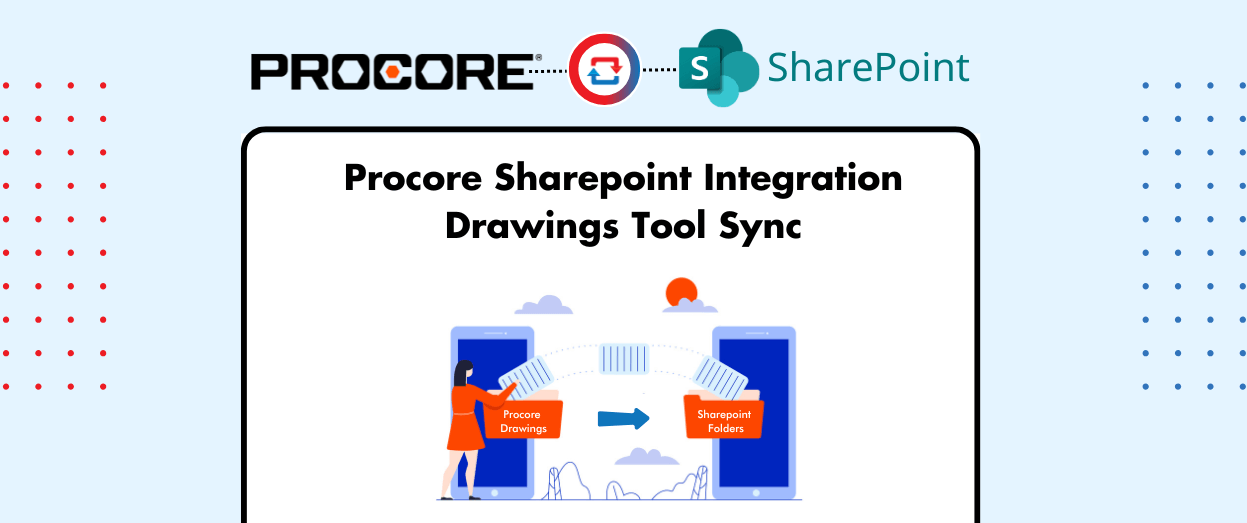
SyncEzy’s New Procore Drawings to SharePoint Sync – Now in Beta!
At SyncEzy, we are always innovating to help construction teams work more efficiently. Today, we’re thrilled to introduce our latest release: Procore Drawings to SharePoint Sync! This one-way sync allows you to automatically transfer drawings from Procore to SharePoint, ensuring a reliable backup and seamless access for your entire team.This long-awaited feature is now in… Continue reading SyncEzy’s New Procore Drawings to SharePoint Sync – Now in Beta!
Hari Iyer | SyncEzy
CEO
How Procore and SharePoint Integration Bridges the Gap Between Office and Field Teams
In the construction industry, successful collaboration between office and field teams is vital for project success. However, disconnected systems, outdated documentation, and inefficient workflows often create obstacles. Procore and SharePoint integration addresses these challenges by creating a seamless connection between office and field operations, enabling real-time collaboration, ensuring data accessibility, and reducing costly inefficiencies. The… Continue reading How Procore and SharePoint Integration Bridges the Gap Between Office and Field Teams
Hari Iyer | SyncEzy
CEO