

Hari Iyer | SyncEzy
CEO 5 Min Read
 Aug 18, 2026
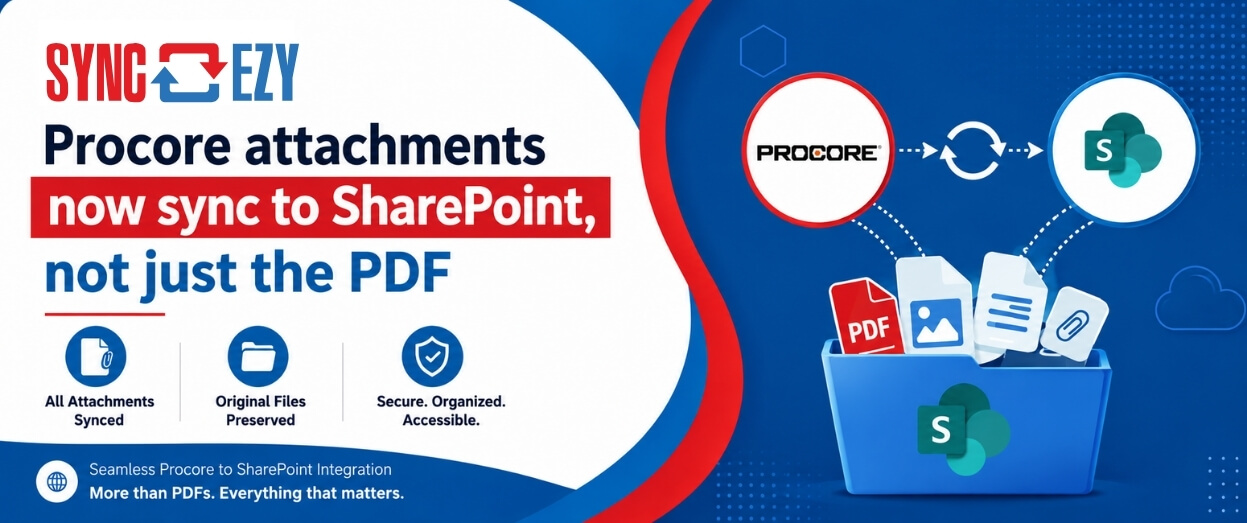
If you’ve ever tried to assemble a project closeout package from SharePoint, you’ll know the gap we just closed.
The Procore to SharePoint integration now syncs the attachments on your RFIs, Submittals, Commitments, Forms, Inspections, and Observations, not just the generated PDF. The files live in a folder next to the PDF, so the whole record travels together.
You were getting the record, but not the evidence
Until this release, the integration created a PDF for each RFI, Submittal, Commitment, Form, Inspection and Observation, and pushed it into SharePoint. That PDF captured the record itself: the question, the response, the approvals, the metadata.
What it didn’t capture was everything attached to it. The marked-up drawing on the RFI. The test results on the inspection. The site photo on the observation. The executed contract on the commitment. Those stayed in Procore.
So SharePoint held the conversation, but not the substance.
Why that hurts most at closeout
Day to day, you might not notice. Everyone’s working in Procore anyway, and the attachments are right there.
Closeout is where it bites.
When a project wraps and you’re building the owner handover package, you’re pulling RFIs and submittals with their responses and their supporting documents. If SharePoint only has PDFs, you’re back in Procore opening records one at a time and downloading attachments by hand. On a project with a few hundred RFIs, that’s not an afternoon.
The same pattern shows up in commitments. To collect every executed contract on a project, someone has to open each commitment individually and pull the file out. It’s a job that exists purely because the files never made it across.
We’ve also seen the workaround do damage. When people can’t find attachments where they expect them, they start putting files wherever seems convenient, which is usually somewhere that breaks the folder structure everyone else relies on.
Attachments now travel with the record
When a record has attachments, the integration creates a folder alongside the PDF and syncs the files into it.
An RFI that previously synced like this:
RFIs/
└── RFI-123 – Door Hardware Clarification.pdf
Now syncs like this:
RFIs/
├── RFI-123 – Door Hardware Clarification.pdf
└── RFI-123 – Door Hardware Clarification/
├── Door Hardware Schedule.xlsx
└── Response/
└── Architect Response Sketch.pdf
RFI response attachments land in their own Response subfolder, so the official response documents stay distinct from the original submission. That separation matters when the response is the thing you’re handing to the owner.
Nothing changes if a record has no attachments. No empty folders. The structure only appears when there’s something to put in it.
Existing records are untouched. Previously synced PDFs stay exactly where they are. If someone adds an attachment to an old RFI, the folder gets created on the next sync and the file appears in it.
Folder naming is configurable. A new multi-select setting lets you choose which fields make up the folder name. We’d suggest matching whatever you already use for PDF naming, so the folder and the PDF read as a pair.
“The reason we hadn’t done this earlier wasn’t that it was hard to download files. It was that dumping every attachment straight into the RFIs folder would have made it unusable. You’d have hundreds of loose files sitting next to hundreds of PDFs with no way to tell what belonged to what. The folder-per-record structure is what made this shippable, and the Response subfolder came directly out of watching customers explain how they assemble closeout packages.”
Kunal Kurhade, Senior Engineering Manager, SyncEzy
What this changes
- Closeout packages come out of SharePoint. RFIs and submittals arrive with their supporting documents attached, so you’re assembling rather than hunting.
- Executed contracts are collectable. Commitment attachments sync, so you’re not opening records one by one.
- Inspections and observations carry their evidence. Test results, photos, and certificates land alongside the record’s PDF.
- Fewer files in the wrong place. When attachments appear where people expect them, there’s less reason to invent a workaround.
- Nothing to configure to get started. New and updated records pick this up automatically.
“This is one we’d been asked for repeatedly, and the honest answer for a long time was that we only synced the PDF. Now the conversation is completely different. If someone wants it applied to records that already synced, it’s a manual sync from the File Manager, and it backfills. That’s a much better call to be on.”
Ajay Menaria, Customer Support Manager, SyncEzy
Applying it to records you’ve already synced
New and updated records pick this up automatically. For records that synced before the release, run a manual sync: go to File Manager, choose the project, open the relevant module, and hit Sync. The integration processes the records and pulls across any eligible attachments.
What isn’t covered yet
Worth being clear about the boundary.
For Submittals, Commitments, Forms, Inspections and Observations, the integration syncs files added to the record’s main Attachments section. RFIs are the exception: they sync both main attachments and Response attachments. It does not yet sync attachments added through review, correspondence or workflow activity. So a submittal with a file in Attachments and another file attached to a review will sync the first, not the second.
If that gap matters for how your team works, tell us. Response-level and workflow attachments are on the table for a future release, and what we hear from customers is what decides the order.
Getting to it
Full configuration detail, including the folder naming setting and the supported attachment types, is in the knowledge base article.
If you’re evaluating the Procore to SharePoint integration and want to see how this works on your project structure, book a call with our team.
Existing customers with questions can reach support@syncezy.com.
Author
Hari Iyer | SyncEzy
CEO

Hari Iyer is the Founder and CEO of SyncEzy, a pioneering company at the forefront of data integration and automation solutions. With a deep understanding of the power of technology and a passion for solving complex business challenges, Hari has emerged as a visionary leader in the industry. His relentless pursuit of excellence and commitment to delivering tangible results have earned SyncEzy a loyal global clientele.
He is not only a successful entrepreneur but also an active contributor to the technology community, sharing his insights through thought leadership articles, speaking engagements, and mentorship programs. Hari’s ability to navigate the complexities of remote work serves as an inspiration for leaders, highlighting the importance of flexibility, work-life balance, and a results-oriented approach in today’s evolving work landscape.
Under his guidance, SyncEzy has gained widespread recognition for its deep integration solutions that seamlessly connect software applications, eliminate data silos, and enhance operational efficiency.
When not working, Hari is trying to be a better father, reading tech news, playing FPS games, and not exercising as he should.

Related Posts
Tags
Categories
Save it once: how construction teams are syncing Procore and Dropbox
Most construction businesses we talk to that run Procore alongside Dropbox don’t have a systems problem. They have a gap problem. Procore runs the projects. It’s where the documents that govern the job live — drawings, contracts, the current revision of everything. Dropbox runs the business. It’s where the wider organisation actually works day to… Continue reading Save it once: how construction teams are syncing Procore and Dropbox
Hari Iyer | SyncEzy
CEO
Procore + Google Drive integration: what syncs and what doesn’t
A lot of construction teams are split. Procore runs the project. Google Drive runs everything else: pre-construction, estimating, design collaboration, internal documents. The two systems don’t talk to each other, so documents get manually copied across, or they don’t, and someone ends up working from an outdated file. The SyncEzy Procore Google Drive integration connects… Continue reading Procore + Google Drive integration: what syncs and what doesn’t
Hari Iyer | SyncEzy
CEO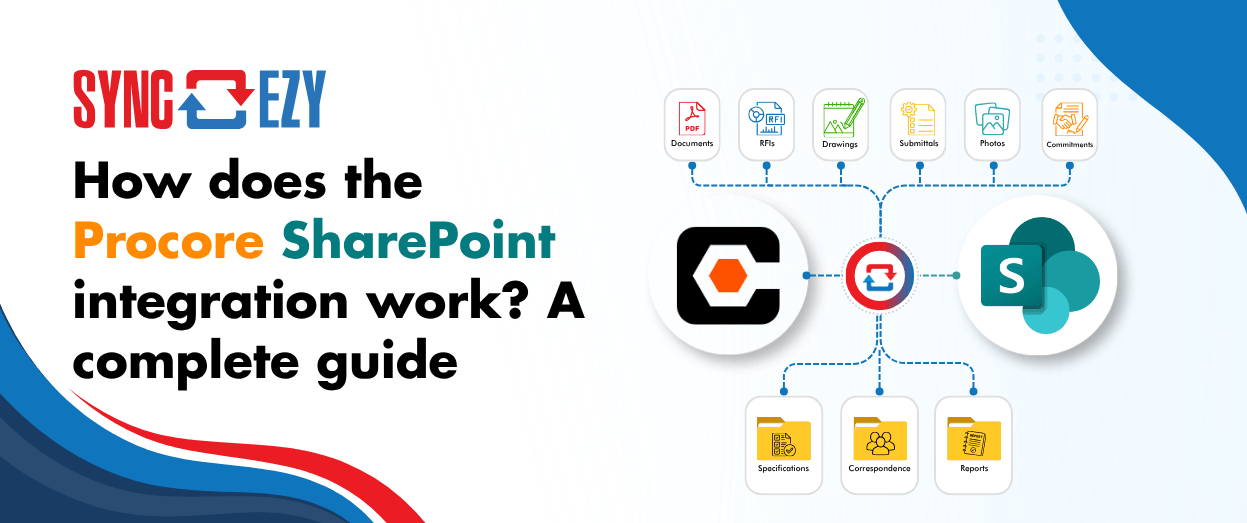
How does the Procore SharePoint integration work? A complete guide
If you’re running Procore on the project side and SharePoint (or OneDrive) on the business side, you’re probably managing a version problem. Documents live in both places, and at any given moment you’re not certain which one is current. Field teams work in Procore. Office teams work in SharePoint. Someone always ends up uploading the… Continue reading How does the Procore SharePoint integration work? A complete guide
Hari Iyer | SyncEzy
CEO
Stop Chasing Documents: How Procore and Box Sync to Become a Single Source of Truth
Most construction and field-services businesses we talk to don’t have one big, dramatic document problem. They have a quiet, persistent one. The site team works in Procore, because that’s where the project lives. The office team works in Box, because that’s where the company’s documents live. And somewhere in the middle sits a person, or… Continue reading Stop Chasing Documents: How Procore and Box Sync to Become a Single Source of Truth
Hari Iyer | SyncEzy
CEO
Top Procore Integrations
What is Procore? Procore is the world’s leading cloud-based construction management software. Over 600,000 people at more than 6,300 companies worldwide use Procore’s solutions to manage their projects and deliver quality results. It provides construction companies with a single system of record for project data, and automates the workflows used by owners, contractors and subcontractors… Continue reading Top Procore Integrations
Hari Iyer | SyncEzy
CEO
SyncEzy SharePoint Integrations: What Microsoft 365 License Do You Need?
SharePoint is often the system of record for documents such as policies, drawings, SOPs, contracts, and compliance files. SyncEzy integrates SharePoint with platforms like Procore, Simpro, SafetyCulture, Autodesk Construction Cloud, Employment Hero, and Zoho, ensuring documents stay in sync across systems automatically. The Short Answer Microsoft 365 Business Basic is sufficient. SyncEzy works with the… Continue reading SyncEzy SharePoint Integrations: What Microsoft 365 License Do You Need?
Hari Iyer | SyncEzy
CEO

