




Key Features
Secure & Legally Binding eSignatures
Collect compliant, legally enforceable digital signatures from anywhere.
Automated Workflows
Set up approval sequences and routing rules to streamline document signing.
Real-Time Tracking
Monitor document status, view progress, and receive instant notifications.
Audit Trail & Compliance
Maintain detailed audit logs to meet regulatory and compliance requirements.
Multi-Device Access
Send and sign documents from desktop, tablet, or mobile devices.
Template Management
Create reusable templates to speed up recurring agreements.
Discover why our customers trust our integration to securely run their business. Learn more on our case studies page.
Why SyncEzy
+
Deep Integrations
Million +
Records synced per month
Countries
Hour
Support
DocuSign is a leading cloud-based platform that enables users to electronically sign, send, and manage documents, contracts, and agreements. It replaces traditional paper-based processes, allowing secure, legally binding signatures from any device, significantly accelerating workflows for businesses and individuals.

SyncEzy is an official Microsoft partner and our integrations are listed and approved on the Microsoft Azure Marketplace. Our integrations are public apps on the Microsoft Azure Cloud. We are specialists in SharePoint and Azure Cloud / Document storage integrations. In addition, we also have integrations into PowerBI and other Microsoft apps. You can find all our Microsoft integrations here, on the Microsoft Azure Marketplace.
What Our Customers Say About Us
The biggest win was only needing to save the items once.

Kieran Lewis
Director, JDL ConstructionsHappy coworkers. Simplicity. Ease of use. Unlimited Procore Projects. Unlimited Users.

Dustin James
Assistant Project Manager, C Global IncRelated Case Studies
More About DocuSign & SharePoint
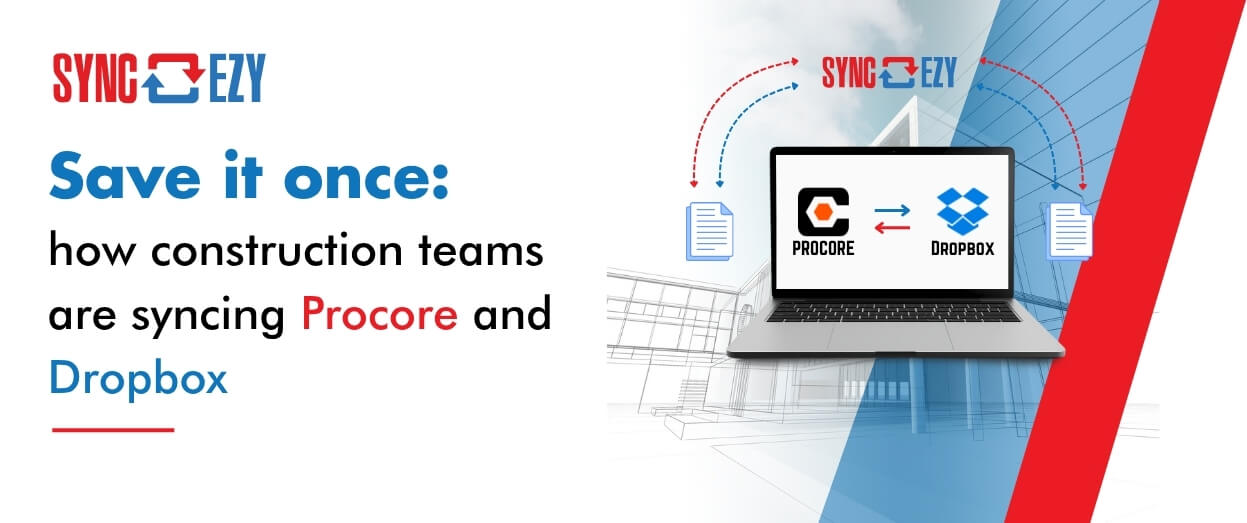
Save it once: how construction teams are syncing Procore and Dropbox
Most construction businesses we talk to that run Procore alongside Dropbox don't have a systems problem. They have a gap problem. Procore runs the projects. It's where the documents that

Hari Iyer | SyncEzy
CEO
Procore + Google Drive integration: what syncs and what doesn’t
A lot of construction teams are split. Procore runs the project. Google Drive runs everything else: pre-construction, estimating, design collaboration, internal documents. The two systems don't talk to each other,
Hari Iyer | SyncEzy
CEO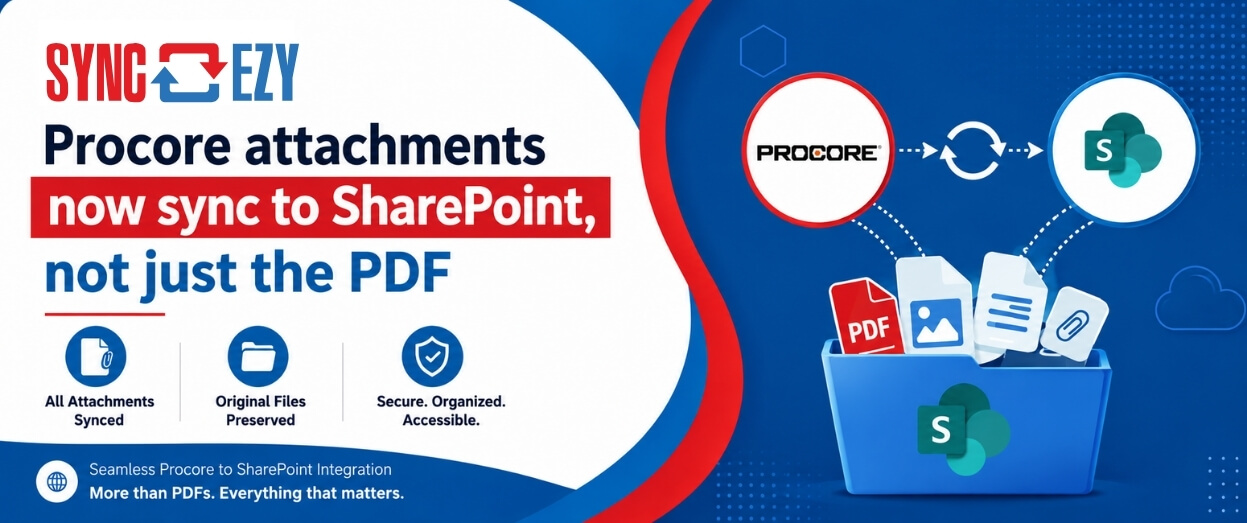
Procore attachments now sync to SharePoint, not just the PDF
If you've ever tried to assemble a project closeout package from SharePoint, you'll know the gap we just closed. The Procore to SharePoint integration now syncs the attachments on your
Hari Iyer | SyncEzy
CEOSoftware Partnerships




Here are some Frequently Asked Questions?
Providing fixed pricing on integrations is difficult as different-sized companies have different requirements & support levels (i.e. a 5-person business vs a 500-person, multi-site company). Our team are specialists in tailoring implementation & support packages that make sense for a business of your size. Click the “Chat Now” button on the bottom right of this page to start the conversation.
Let us Automate your business!
We have a team ready to answer any questions and help you get started. Drop your details here and we'll get back to you within 24 hours.