

Hari Iyer | SyncEzy
CEO 10 Min Read
 Aug 07, 2026
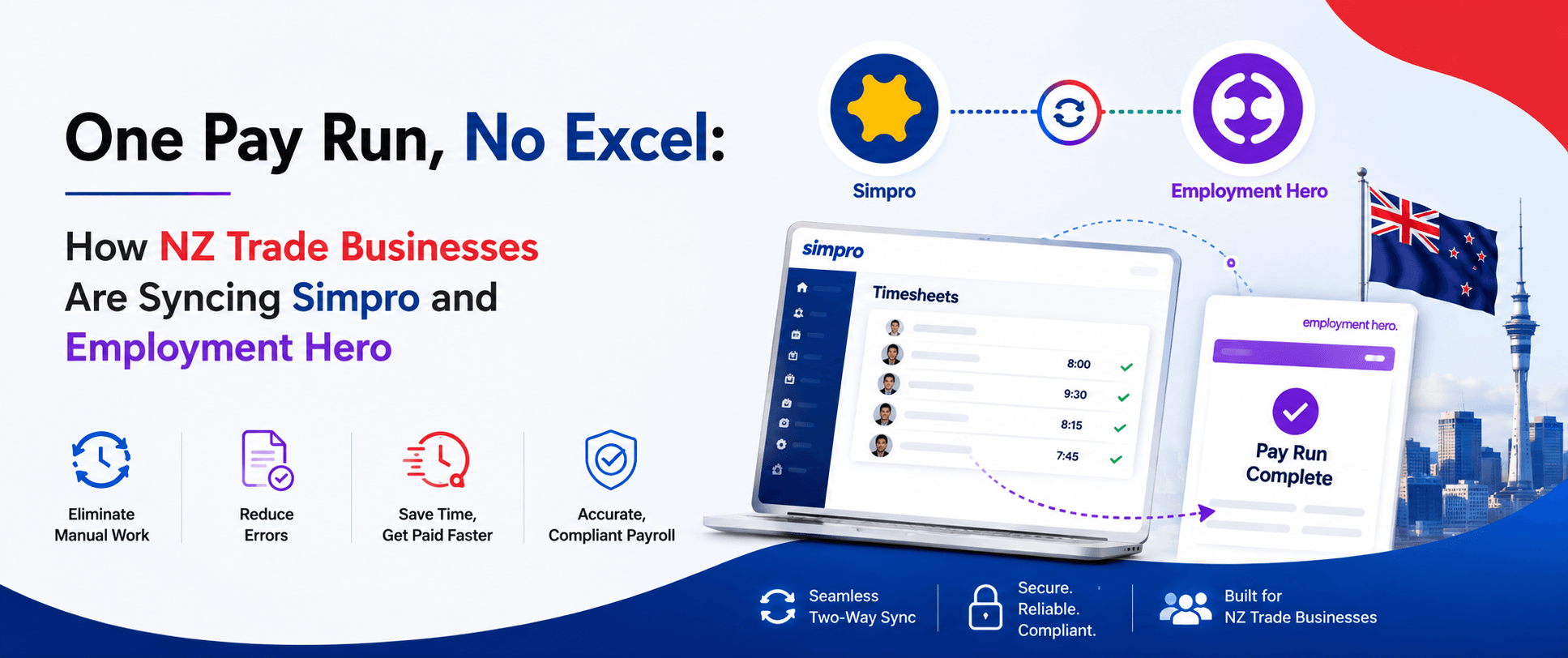
Most New Zealand trade businesses we talk to don’t have a payroll system problem. They have a gap problem.
Simpro runs the jobs. Your technicians log their hours against jobs, cost centres, activities and allowances. Employment Hero runs the pay. It knows the Holidays Act, it knows KiwiSaver, it knows what the IRD expects. Both systems do their job well. The trouble sits in the space between them, where someone has to take what came out of one and get it correctly into the other, every single pay cycle.
We ran a poll at the start of our recent webinar asking what eats the most time in the payroll cycle. Chasing down missing hours came out on top. That’s not a Simpro problem or an Employment Hero problem. It’s a gap problem.
This is the written version of that session, which we ran with Emily from Employment Hero’s partnership team. Useful if you’d rather read than watch, or if you want something to send to whoever actually runs your payroll.
▶ Watch the full webinar on demand (includes a live demo of the portal and pairing screens)
The problems we hear most
Three things come up almost every time we talk to a trade business running both systems.
- Your team spends too much time manually entering hours into the payroll system. The hours already exist, accurately, in Simpro. Someone re-types them anyway.
- Making sure the right rates and allowances get paid is confusing. Unless the rules are properly built and the data arriving is properly categorised, every pay run involves judgement calls that shouldn’t be judgement calls.
- Incorrect information entered manually leads to rework and unhappiness among staff. Nobody takes a payroll error well. Fixing one costs more time than the original entry, and it costs trust.
None of these is dramatic on its own. Together they’re the reason this integration exists.
What actually flows between the two systems
The core of it is timesheets moving from Simpro into Employment Hero. But timesheets carry more than raw hours, and that detail is what makes the integration useful rather than merely convenient.
What comes across:
- Hours worked, against the jobs they were worked on.
- Activities, which covers leave, work types and allowances.
- Jobs and their schedule rates, so the work type attached to a job can drive the right pay rate at the other end.
Take a realistic week. Your tech works two different cost centres on one job, moves to a second job for a couple of days, puts in a ten-hour day on the Thursday, claims a tool allowance and a meal allowance for the late finish, picks up an on-call allowance for weekend availability, then takes sick leave on the Friday. All of that arrives in Employment Hero intact and correctly categorised, ready for your pay rules to act on.
There are also two newer flows running the other way, from Employment Hero back into Simpro:
- New employees. When someone is created in Employment Hero, we can create them in Simpro too. Employment Hero is the point of truth for people, because onboarding happens in the HR system first.
- Approved leave. When leave is approved in Employment Hero, it lands on the Simpro schedule, so whoever is scheduling work can see who isn’t available.
One thing worth knowing about the leave flow: it works forward from the point of connection. If you’re already using Employment Hero payroll, we won’t retrospectively pull across leave that’s already in there. Anything approved from connection onwards flows through.
How the pairing works
Setup is mostly a pairing exercise, and it runs in two directions depending on what’s being paired.
Employees pair with Employment Hero as the point of truth. We pull your Employment Hero employee list and match each person to their Simpro record. This direction matters because Simpro often contains contractors who get paid through an invoicing process rather than payroll, and those shouldn’t end up in a pay run.
Activities pair with Simpro as the point of truth. Your Simpro activities are the things your team actually logs: toolbox meetings, warehouse work, travel time, sick leave, public holidays, tool allowances. Each one gets paired to its counterpart in Employment Hero, which will be a leave type, a work type, or an allowance.
Work types are the interesting one. Tagging hours with a work type gives Employment Hero’s rules something to act on. So if a job is tagged as on-call work, your rules can apply a different rate to those hours than to standard job time.
Schedule rates can also carry across. If you’re using schedule rates in Simpro, they can be tagged with a work type in Employment Hero, which then feeds the rules that determine what gets paid.
Pushing a pay cycle through
Worth being straightforward about this: the push is currently a manual step, and we’re building the automation.
Here’s the cycle as it works today. Your team logs hours in Simpro as they normally would. Those hours get approved in Simpro, which is where we recommend you do your checking. Then, on payroll day, you come into the SyncEzy portal, fetch the timesheets for your date range, tick the ones you want, and send them to Employment Hero.
That’s the manual part. We’re currently developing scheduled fetching, so that on a set day each week or fortnight the timesheets pull through and land in Employment Hero without anyone opening the portal. Until that ships, budget a couple of minutes per pay run for the fetch and push.
Once the hours are in Employment Hero, you’ll find them in the timesheets section. They arrive grouped by date, though you can regroup by employee to check each person’s week in one view. Allowances appear as line items with unit counts.
One thing that surprises people the first time: sick leave won’t appear in the timesheets view. It bypasses timesheets and goes straight into the leave section as an approved request, ready to be handled by your leave rules during the pay run. So if the hours total for someone looks light, check their leave before assuming something went missing.
What Employment Hero handles once the data lands
This is the half of the story that isn’t ours, and Emily covered it on the day.
Her framing was that trade businesses move to Employment Hero so they don’t have to become experts in payroll legislation or maintain workarounds in Excel. Automated compliance is the core of the product.
For New Zealand specifically:
- Holidays Act calculations apply automatically on every pay run, covering holiday pay, average weekly earnings and ordinary daily pay. The Act is notoriously difficult to interpret, and there’s ongoing discussion about reform, but in the meantime Employment Hero handles the calculation rather than leaving it to you.
- KiwiSaver contributions are calculated at the correct scheme rates.
- Public holiday pay rates are built in.
- PAYE filing goes directly to the IRD, automated.
Beyond the pay run itself, Employment Hero runs what Emily described as hire to retire: applicant tracking, paperless onboarding, compliance, engagement and performance. There’s also a time and attendance module, though Simpro users generally keep that side in Simpro where the job context lives.
The piece trade businesses tend to appreciate most is the employee app. Your team in the field can check leave balances, submit leave requests, view pay slips, and update their own personal details from their phone. Anyone who has fielded “how much annual leave do I have left?” for the fifth time in a week will recognise the value.
Going live: ghost run, then shadow run
Nobody should discover a payroll problem on payday. So the go-live process has two safety nets.
The ghost pay run comes first. We pull a previous week’s hours from Simpro, bring them through the portal into Employment Hero, and run a pay run against them. This shows you exactly how your rules treat real hours for real staff. If something lands wrong, you find out on data that doesn’t matter. Then we delete it out.
The shadow pay run is your first genuine pay run. We make ourselves available and sit alongside you while you do it, so if anything behaves unexpectedly, we can adjust on the fly rather than leaving you to work it out alone.
What setup actually takes
Shorter than most people expect, assuming you’re already running both systems.
The connection itself takes about 10 to 15 minutes. Employee pairing depends on headcount but moves quickly. The part that takes real thought is the activity pairing conversation, where we work through which Simpro activities map to which Employment Hero leave types, work types and allowances. That’s usually 15 to 30 minutes.
All up, a single one-hour meeting is normally enough to get connected and paired. Occasionally you’ll need to go away, check something internally and come back, but the work itself is not lengthy.
If you’re not yet on Employment Hero, that setup happens first and separately. Employment Hero runs product demonstrations, then contracting, then implementation, which ranges from self-guided for straightforward setups through to fully managed. Once you’re live on both systems, we come in and do our hour.
Multiple Simpro companies
Supported, with one caveat worth knowing upfront.
If you run several Simpro companies feeding one Employment Hero, we set up a separate app per Simpro company. Each one connects independently and pushes its timesheets through.
The caveat is the new-employee flow. In a multi-company configuration, we turn that off because a person created in Employment Hero would otherwise be created in every connected Simpro company. Everything else runs normally.
Security and support
SyncEzy holds CASA certification and is SOC 2 Type II certified. Both Simpro and Employment Hero maintain their own security standards, and the data moving between them needs to meet the same bar.
Support runs 24/5, from start of business Monday in New Zealand through to close of business Friday in the US. Payroll is time-critical in a way most systems aren’t, so if something looks wrong an hour before you need to finalise, there’s someone available.
Questions from the session
Does the leave sync pick up leave we’ve already entered?
No, it works forward from the connection. Existing leave in Employment Hero stays where it is. New leave approved after connection flows to the Simpro schedule.
We’re moving from Xero Payroll to Employment Hero. Do we need to rebuild our payroll rules?
In most cases, yes, because the rules are being built in a new system. Employment Hero’s product specialists can look at whether anything is importable for your specific setup, which is worth asking about directly.
What does the whole onboarding process look like?
Two parts. Employment Hero handles their side: demonstration, contracting, implementation. We handle ours: roughly an hour to connect and pair, then the ghost run, then we shadow your first live run.
Watch the recording
The recording walks through everything above with a live demo of the portal, the pairing screens, and how a real week of hours appears in Employment Hero once it lands:
If you’d rather skip the demo and talk to someone about how this would work for your setup, a 15-minute discovery call is the fastest path:
Author
Hari Iyer | SyncEzy
CEO

Hari Iyer is the Founder and CEO of SyncEzy, a pioneering company at the forefront of data integration and automation solutions. With a deep understanding of the power of technology and a passion for solving complex business challenges, Hari has emerged as a visionary leader in the industry. His relentless pursuit of excellence and commitment to delivering tangible results have earned SyncEzy a loyal global clientele.
He is not only a successful entrepreneur but also an active contributor to the technology community, sharing his insights through thought leadership articles, speaking engagements, and mentorship programs. Hari’s ability to navigate the complexities of remote work serves as an inspiration for leaders, highlighting the importance of flexibility, work-life balance, and a results-oriented approach in today’s evolving work landscape.
Under his guidance, SyncEzy has gained widespread recognition for its deep integration solutions that seamlessly connect software applications, eliminate data silos, and enhance operational efficiency.
When not working, Hari is trying to be a better father, reading tech news, playing FPS games, and not exercising as he should.

Related Posts
Categories
From HR to Payroll, Automatically: How Organisations Are Syncing Workday and Employment Hero Payroll
Most organisations we talk to that run Workday alongside a local Australian payroll engine don’t have a systems problem. They have a gap problem. Workday runs the people. It’s the system of record for the whole employee lifecycle — hire, change, leave, terminate — and often the global standard across the group. Employment Hero Payroll… Continue reading From HR to Payroll, Automatically: How Organisations Are Syncing Workday and Employment Hero Payroll
Hari Iyer | SyncEzy
CEO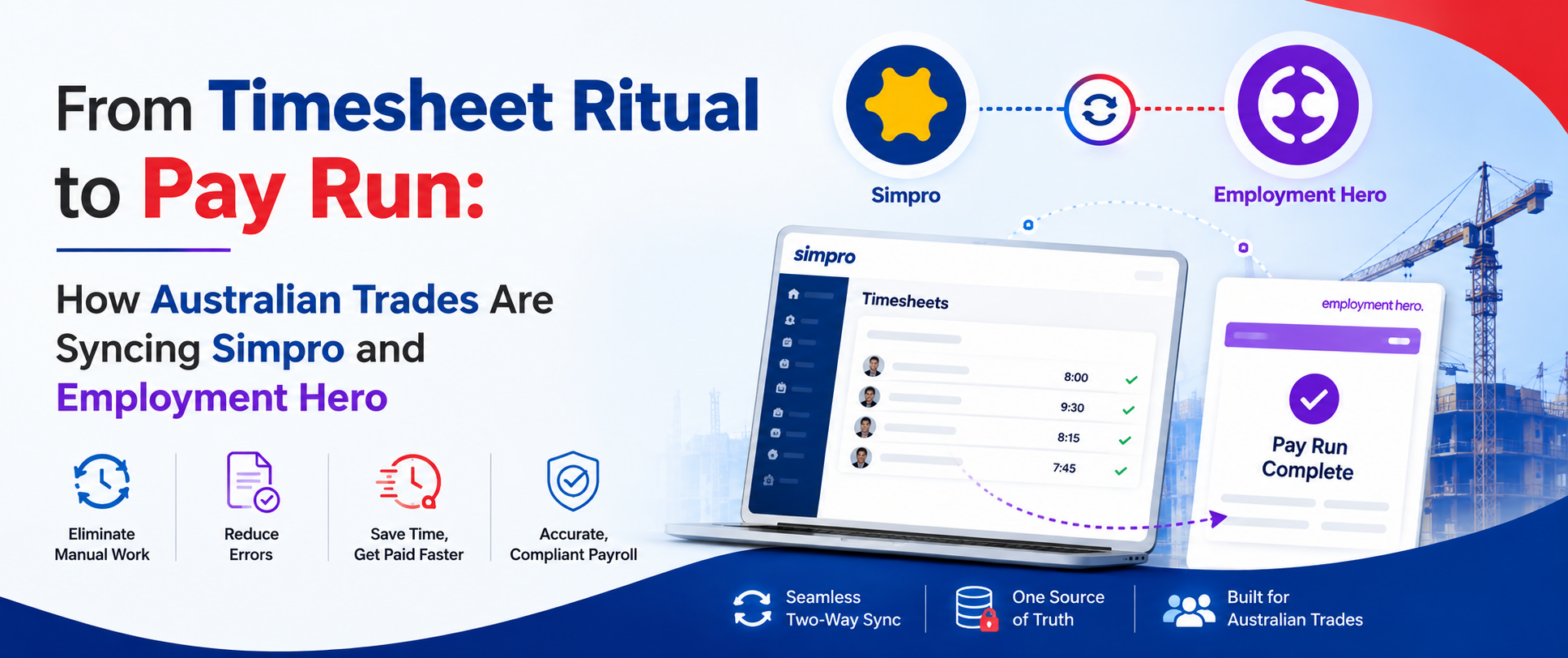
From Timesheet Ritual to Pay Run: How Australian Trades Are Syncing Simpro and Employment Hero
Ask an Australian trade business owner about Simpro and they’ll tell you it runs their operation. Jobs, scheduling, technicians in the field, hours logged against cost centres. It does that well. Ask them about Monday morning, when those field hours have to become an actual pay run, and the tone changes. That’s where the stress… Continue reading From Timesheet Ritual to Pay Run: How Australian Trades Are Syncing Simpro and Employment Hero
Hari Iyer | SyncEzy
CEO
HiBob + Employment Hero Payroll: A Field Guide for Enterprise Australian Payroll Teams
If you’re reading this, you’ve probably already made two good decisions and discovered they don’t talk to each other. Decision one: HiBob as your HR platform. It’s modern, employees actually use it, and your global HQ loves that everyone from Sydney to San Francisco lives in the same system. Decision two: Employment Hero Payroll —… Continue reading HiBob + Employment Hero Payroll: A Field Guide for Enterprise Australian Payroll Teams
Hari Iyer | SyncEzy
CEO
No More Month-End Exports: How Finance Teams Are Connecting Employment Hero to Power BI
Most finance teams running Employment Hero (KeyPay) don’t have one big payroll-reporting problem. They have a quiet, persistent one. The pattern shows up every month. Someone exports pay-run data into Excel. Someone else builds a pivot, formats it into a slide, and the leadership team reviews payroll cost from a deck built off data that’s… Continue reading No More Month-End Exports: How Finance Teams Are Connecting Employment Hero to Power BI
Hari Iyer | SyncEzy
CEO
Automate Your HR and Payroll Workflow: How the HiBob × Employment Hero Integration Actually Works
If you’re running HiBob for HR and Employment Hero for payroll, there’s a good chance someone on your team spends part of every pay cycle moving data between the two. A new hire goes into HiBob. Then into Employment Hero. A leave request is approved in HiBob. Then, it was keyed into payroll before Friday.… Continue reading Automate Your HR and Payroll Workflow: How the HiBob × Employment Hero Integration Actually Works
Hari Iyer | SyncEzy
CEO
SyncEzy SharePoint Integrations: What Microsoft 365 License Do You Need?
SharePoint is often the system of record for documents such as policies, drawings, SOPs, contracts, and compliance files. SyncEzy integrates SharePoint with platforms like Procore, Simpro, SafetyCulture, Autodesk Construction Cloud, Employment Hero, and Zoho, ensuring documents stay in sync across systems automatically. The Short Answer Microsoft 365 Business Basic is sufficient. SyncEzy works with the… Continue reading SyncEzy SharePoint Integrations: What Microsoft 365 License Do You Need?
Hari Iyer | SyncEzy
CEO

