Hari Iyer | SyncEzy
CEO 6 Min Read
 Nov 17, 2026
If you run projects in Trimble ProjectSight and run your business in Microsoft 365, you already know the gap. The project lives in one place. Your people, your email, your desktop tools and your company AI live in another. Someone has to carry files back and forth between the two, every day.
We’re closing that gap. SyncEzy is building a ProjectSight to SharePoint integration, and it’s coming to the Trimble Marketplace soon.
We’ve done this before. For six years, SyncEzy has connected Procore and Autodesk Construction Cloud to SharePoint for hundreds of construction companies, including 10 in the ENR 400. Our Procore integration is one of the top ten apps on the Procore Marketplace. The problems we kept hearing from those teams are the same ones ProjectSight teams tell us about. Now we’re bringing the same fix to Trimble customers.
The problem: the same file, handled three times
The most common thing we hear from project teams is simple: “Where’s the latest version?”
The honest answer is often “in the project system, and also in SharePoint, and also on a few desktops.” Field teams work in the project platform. Office teams work in SharePoint, Teams and OneDrive. So files get downloaded, renamed, re-uploaded and emailed around. Every copy is a chance for someone to work from an out-of-date drawing.
That’s double handling at best, and often triple handling: download from the project system, save to SharePoint, attach to an email. Multiply that across every RFI, submittal, drawing revision and site photo on every project, and it adds up to hours every week that no one budgeted for.
Who feels it most
Document controllers
Document controllers are responsible for one source of truth, and they’re the ones who pay for it when there are two. They spend their days reconciling folders, chasing missing attachments and rebuilding closeout packages by hand. When a project ends, assembling a complete record in SharePoint for the owner, head office or your own retention policy can take days.
Project managers
Project managers live in Outlook and Excel. They want to open a drawing, mark it up and send it without logging into another system, downloading a copy and wondering whether it’s current. Every manual transfer is time not spent running the project.
Head office, finance and leadership
The people who never log into ProjectSight still need what’s in it. Estimators, finance, executives and safety teams work in Microsoft 365. Today they depend on someone else to send them files.
The AI gap: your company AI can’t see your projects
This is the problem we’re hearing about more than any other right now.
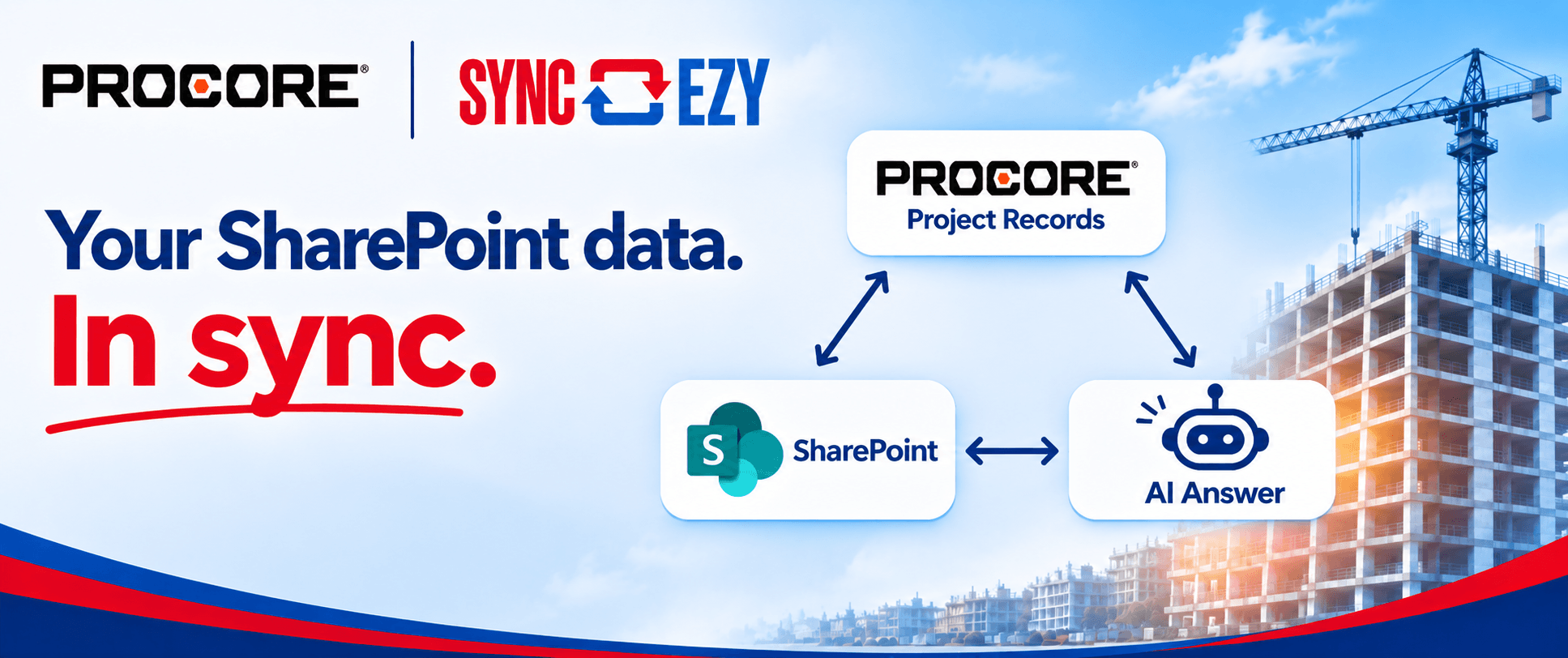
Many construction companies have rolled out an approved AI tool, usually Microsoft Copilot, inside their Microsoft 365 tenant. It can search and summarise everything in SharePoint, Teams and Outlook. But it can’t see inside ProjectSight. Ask it about a project’s open RFIs, the latest drawing revision or what a submittal said, and it has nothing to work from.
An AI can only cite what’s in the record. If the record lives somewhere your AI can’t reach, your teams either go without or start pasting project documents into unapproved tools. Neither is a good outcome.
When your ProjectSight documents sync into SharePoint, they become part of your Microsoft 365 knowledge base. They’re governed by your existing permissions, and your approved AI can use them.
What the integration will do
The SyncEzy ProjectSight to SharePoint integration will automatically keep your ProjectSight project data in SharePoint. Each project gets a structured folder, and files stay current as work happens.
- Project files. Two-way sync between your ProjectSight file library and SharePoint, with the folder structure mirrored, files kept current in both places and version history preserved.
- Drawings. The current drawing set will sync as PDFs, organised by discipline, with superseded revisions kept separately so no one picks up the wrong sheet.
- RFIs, submittals and transmittals. Each record will sync as a PDF in its own folder, alongside every attached file, so the full record is in one place.
- Photos. Site photos will sync by album, ready to drop into reports and presentations.
- Searchable metadata. Project, record number, status and revision will be written as SharePoint columns, so files are easy to find in SharePoint search and Copilot.
- More to follow. We plan to add meeting minutes, daily reports, issues, punch items and other records after launch, driven by what customers ask for.
Work the way you already work
Once your ProjectSight files are in SharePoint, they’re available everywhere Microsoft 365 reaches:
- Windows Explorer and OneDrive. Browse project folders on your desktop like any other folder.
- Word and Excel. Open and edit documents in the apps you already use.
- Outlook. Share a link to the current version instead of attaching a copy that’s out of date tomorrow.
- Teams. Pin a project folder to a channel so the whole team works from the same files.
- Bluebeam. Open drawings from your synced folders for markup and review.
And it works both ways, from day one. Just like our Procore and Autodesk integrations, files saved in SharePoint will flow back into ProjectSight automatically. Edit a document in Word or Excel, mark up a drawing in Bluebeam, save it to the synced folder, and the update lands back in ProjectSight with no manual upload.
What our customers say
The teams already using our Procore and Autodesk integrations faced the same problems ProjectSight teams face today.
“We save the equivalent of a full-time position worth of labour in file management alone.” Colton Chladek, Director of I.T., Knobelsdorff Engineering
“I would say it’s a great replacement and improved solution to what Procore sync offered.” Building Engineering (case study)
“A great compliment to the Procore platform. It makes the information even more accessible and available to everyone and on any device.” Tabor Reimers (case study)
Holt Construction uses the integration so that office, corporate and field teams all work from the same set of up-to-date documents, on any device (case study). Fletcher Building, Shawmut Design and Construction, Bass Installation and Modulable are among the other construction companies running it today.
Built for enterprise construction
- Secure by design. SyncEzy holds SOC 2 Type 2 certification, now in its fourth year. File content passes through our platform in memory only; it is never stored.
- Your data stays in your tenant. Files land in your own SharePoint, under your own permissions and retention policies.
- Each customer authorises access. The integration connects with your own Trimble ID and Microsoft sign-in. No shared system accounts.
- Proven at scale. The same engine already syncs project data for hundreds of Procore and Autodesk customers.
- Real support. Our team provides 24/5 support by chat, phone and email.
Be among the first to use it
The ProjectSight to SharePoint integration is in development now and will be listed on the Trimble Marketplace.
We’re looking for ProjectSight customers to help shape it before launch. If you’d like early access, want a particular record type included, or just have questions about how it will fit your environment, we’d love to talk.
Book a time with our team or email sales@syncezy.com.
Author
Hari Iyer | SyncEzy
CEO

Hari Iyer is the Founder and CEO of SyncEzy, a pioneering company at the forefront of data integration and automation solutions. With a deep understanding of the power of technology and a passion for solving complex business challenges, Hari has emerged as a visionary leader in the industry. His relentless pursuit of excellence and commitment to delivering tangible results have earned SyncEzy a loyal global clientele.
He is not only a successful entrepreneur but also an active contributor to the technology community, sharing his insights through thought leadership articles, speaking engagements, and mentorship programs. Hari’s ability to navigate the complexities of remote work serves as an inspiration for leaders, highlighting the importance of flexibility, work-life balance, and a results-oriented approach in today’s evolving work landscape.
Under his guidance, SyncEzy has gained widespread recognition for its deep integration solutions that seamlessly connect software applications, eliminate data silos, and enhance operational efficiency.
When not working, Hari is trying to be a better father, reading tech news, playing FPS games, and not exercising as he should.