

Hari Iyer | SyncEzy
CEO 10 Min Read
 Jun 30, 2026
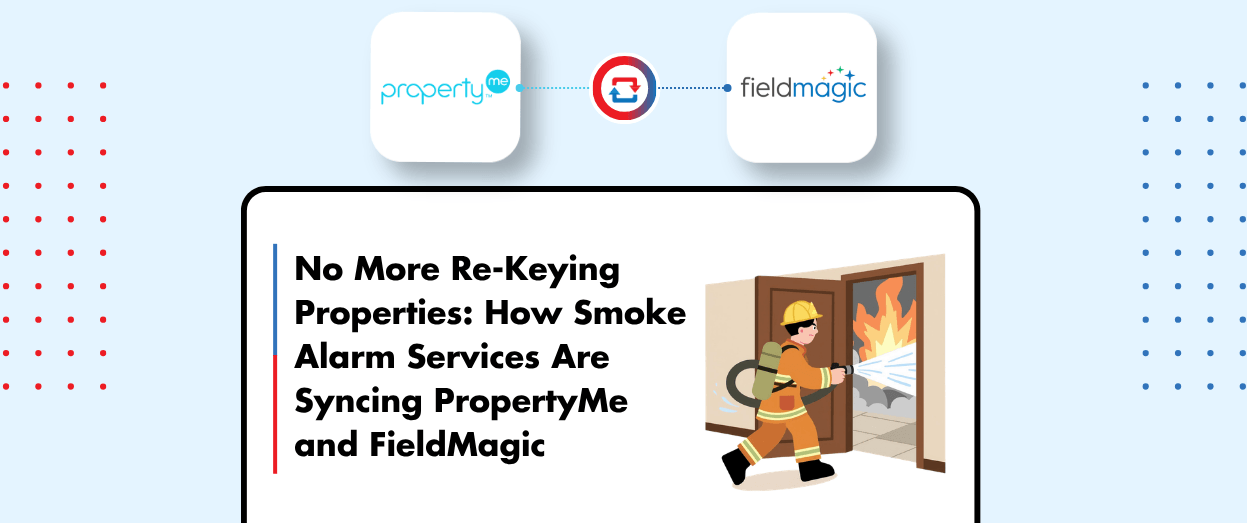
Most smoke alarm and service companies we talk to don’t have one big problem. They have a quiet, persistent one.
Their client property managers run PropertyMe, because that’s where the portfolio lives, where tenants come and go, and where key codes and inspection dates get updated. Their own office runs FieldMagic, because that’s where their technicians schedule jobs, capture compliance evidence, and close out work. And somewhere in the middle sits a person, or a recurring task on someone’s calendar, whose job is to bridge the two systems. They re-type addresses into FieldMagic when a new property arrives. They chase down the current tenant’s phone number when the property manager forgets to send it. They live with a quiet pile of admin nobody set out to create.
That role is what the SyncEzy PropertyMe + FieldMagic integration is designed to remove. We covered it in a recent live webinar with Mark Bubner from our implementation team and Nabil Francis from FieldMagic, with Glenn Richmond (FieldMagic’s CEO) joining for the live Q&A. This is the written version for anyone who’d rather read than watch, or who wants something to share with the rest of the team.
The problems we hear most
Before we get to the solution: a few things come up almost every time we talk to a team running this exact setup.
- The office is re-keying property and tenant data into FieldMagic by hand. PDFs and emails come in from each property manager; somebody copies the address, the tenant phone number, and the key code. Multiply that by every new job, and you’ve created an admin role nobody officially named.
- Site visits fail because the tenant’s contact details were out of date. The property manager updated them in PropertyMe last week. Nobody told you. Your tech turns up to a locked door, and the cost of a failed visit isn’t just the time; it’s the relationship with both the property manager and the tenant.
- Onboarding a new property manager is slow. Each new agency means a portfolio of properties that have to be set up as sites in FieldMagic. A 200-property book turns into weeks of admin before the first job runs. The growth ceiling is set by your back office, not your field team.
- Every property manager works differently, and you adapt to all of them. One sends PDFs, one calls, one uses a portal. The result is no standard intake process and inconsistent data quality across your FieldMagic instance.
- You’ve lost a pitch to a larger smoke alarm service that already has this kind of integration. Their onboarding looked seamless. Yours looked like a 30-minute data entry meeting. The property manager didn’t need to choose the more polished option; they just did.
None of these is catastrophic on its own. Together, they’re the reason this integration exists as a category in the first place.
What the integration actually does
At its core, the integration moves property and contact data from PropertyMe into FieldMagic automatically, and keeps it current as the property manager makes changes on their end.
When a property manager tags a property in PropertyMe with your service company’s code, the integration picks it up and creates a site in FieldMagic. The full contact chain comes with it: property owner, landlord, property manager, and tenant details all flow across, so your techs have every relevant contact attached to the site before they arrive on the job.
The sync runs one way: PropertyMe is the source of truth, FieldMagic is the destination. That’s a deliberate design choice. The property manager already maintains property and tenant records as part of their job; the integration just makes sure your team is always working from the version they’ve published, rather than the version somebody emailed across two weeks ago.
When anything changes (a tenant phone number, a new key code, a contact handover), the change pushes through to FieldMagic without anyone touching it. The first time a tech notices is when they open the site in FieldMagic and the right number is just there.
How a property becomes a service-ready site
The integration is most powerful when you think of it as a lifecycle, not a sync. The flow that Mark walked through on the demo:
- The real estate agent (your client property manager) tags a property in PropertyMe with the code that identifies your service company. Tagging is the on switch: untagged properties stay in PropertyMe and never reach FieldMagic.
- The integration picks up the tagged property and creates a matching site in FieldMagic. Property address, property owner, landlord, property manager, and tenant details all come across.
- Your office team (or your technician, if you’re set up that way) opens the site in FieldMagic with everything pre-populated. No re-keying. No chase for tenant contact details.
- From the FieldMagic side, the work happens the way it normally would: schedule the visit, run the inspection, capture the evidence, close the job.
- When anything changes in PropertyMe (new tenant, updated phone number, new key code), the change flows into FieldMagic the same way the original record did. Your site reflects the current truth.
That’s the shape of the lifecycle. Each step happens in the system designed for it, and the integration keeps everything in step.
Configuration: field pairing and tagging
The integration is configured at setup, not at runtime, which keeps day-to-day use simple.
The main configuration step is field pairing. We pair the property fields between PropertyMe and FieldMagic (address, property identifier, owner details, etc.), and we pair the contact fields the same way (first name, last name, email, phone, role). Standard fields pair automatically; anything custom can be paired during setup so the integration matches your existing data model rather than forcing you to change it.
Tagging is the second piece. The property manager has two choices for which properties come across: they can transfer their entire portfolio, or they can tag specific properties to allocate. If they’ve got 200 properties on their books and want only 120 to flow to your company, they tag those 120. The remaining 80 stay in PropertyMe and never appear in FieldMagic. They can change the allocation at any time, and if they untag a property, the historical job and inspection data stay on your side, just disconnected from PropertyMe.
What changes for end users
This is the most underrated part of the integration: nothing.
Your client property managers keep using PropertyMe. Your office team keeps using FieldMagic. Nobody logs into the SyncEzy portal as part of their daily work. The sync runs in the background, and the data is just there.
That matters more than it sounds. Most integration projects fail at the change-management step, not the technical step. If your property managers need to learn a new tool for the integration to work, you’ve added work, not removed it. Tagging a property in PropertyMe is something they already understand. Opening a site in FieldMagic is something your office already does. The integration just makes the two ends meet.
What gets multiplied on the FieldMagic side
The integration is half of the story. The other half is what FieldMagic does once the property data is there.
Once a site exists with the right contacts and the right history, the FieldMagic mobile app becomes a real force multiplier. Technicians arrive with the asset list, the inspection checklist, and the site history on their device, including offline. They capture photos and defect notes against the right asset, sign off with electronic signatures, and quote additional work on the spot. Every step is captured against the site, building a digital audit trail your compliance team can pull at any time.
The mobile app is designed offline-first, so basements, underground car parks, and remote sites don’t stop the work. When the tech reconnects, everything flows back to the cloud automatically- no duplicate records, no lost inspections.
Standardised inspection checklists matter just as much. FieldMagic has a checklist builder that supports Australian standards, customer-specific requirements, and internal SOPs, so every technician follows the same process and captures the same data. (On the live recording, Glenn demonstrated FieldMagic’s AI checklist builder generating a smoke alarm and home safety checklist from a prompt in a few seconds, then editable from there.) Once you’ve got consistent data coming off site, the reporting back to your client property managers becomes a real asset rather than a monthly project.
Security and support
SyncEzy is SOC 2 Type II certified, and the data transfer between systems uses the CASB-II protocol (via ADI). For most teams going through procurement or IT review, that’s enough to clear the security questionnaire.
Support runs 24/5, from Monday morning in New Zealand through to Friday close of business in the US. The fastest channel is live chat inside the SyncEzy portal. If a question can’t be resolved in a couple of messages, we drop a meeting link into the chat and jump on a screen-share to work through it together.
Same shape works for PropertyTree
Not every property manager is on PropertyMe. Some of your clients may be using PropertyTree instead. The same integration shape works for both. Each agency connects through its own app in the SyncEzy portal, so you can have a mix of PropertyTree and PropertyMe agencies all feeding the same FieldMagic instance. Your office sees one consistent flow of properties and contacts; your clients keep using the platform they already use.
Questions we get most often
A few questions came up during the live Q&A, and a couple more come up almost every time on discovery calls. Short answers:
Does the integration sync work orders or jobs from PropertyMe?
No, and it’s a deliberate design choice. It syncs properties as sites and tenants as contacts. The point is to move past the one-work-order-at-a-time model so you can sign service-level agreements for the property manager’s whole portfolio. The property data lives in FieldMagic the moment the property manager tags it; you schedule the work from there.
Does the property manager have to pay anything?
No. The integration is free for the property manager. Many property managers actually request this kind of integration as part of their service-provider arrangement, so offering it tends to be a competitive lift when you’re pitching a new agency. The cost lives on your side, per property per month.
How long does setup take?
The connection itself takes a few minutes through the SyncEzy portal. Implementation is one or two paired screen-share sessions with our team where we pair the property and contact fields. After that, onboarding each new property manager is a short authentication meeting where they sign in via our portal. From that point on, they tag properties and the data flows.
What if a property manager only services some of their properties through us?
They tag the ones they want to send across. Untagged properties stay in PropertyMe and never appear in FieldMagic. They can change the allocation at any time, and if they untag a property, the historical inspection data stays on your side.
Watch the recording, or skip ahead
The recording walks through everything above with the live demo of the configuration, a tour of the FieldMagic mobile app from Nabil, and the Q&A demonstrations Glenn ran (including the AI checklist generator):
If you’d rather skip the demo and talk to someone about how this would fit your specific setup, a 15-minute discovery call is the fastest path:
Author
Hari Iyer | SyncEzy
CEO

Hari Iyer is the Founder and CEO of SyncEzy, a pioneering company at the forefront of data integration and automation solutions. With a deep understanding of the power of technology and a passion for solving complex business challenges, Hari has emerged as a visionary leader in the industry. His relentless pursuit of excellence and commitment to delivering tangible results have earned SyncEzy a loyal global clientele.
He is not only a successful entrepreneur but also an active contributor to the technology community, sharing his insights through thought leadership articles, speaking engagements, and mentorship programs. Hari’s ability to navigate the complexities of remote work serves as an inspiration for leaders, highlighting the importance of flexibility, work-life balance, and a results-oriented approach in today’s evolving work landscape.
Under his guidance, SyncEzy has gained widespread recognition for its deep integration solutions that seamlessly connect software applications, eliminate data silos, and enhance operational efficiency.
When not working, Hari is trying to be a better father, reading tech news, playing FPS games, and not exercising as he should.

Related Posts
Tags
Categories

Smoke Alarm Testing Businesses In Australia
We’ve had the opportunity to work with many smoke alarm testing companies over the years. Through our integration with PropertyMe, smoke alarm testing companies have reached out to discuss syncing their work management software with the software used by their clients, real estate property management companies. Whether they’re using Simpro, ServiceM8, FieldMagic or RentSafe, by… Continue reading Smoke Alarm Testing Businesses In Australia
Hari Iyer | SyncEzy
CEO
PropertyMe to RentSafe Integration FAQs
PropertyMe and RentSafe working together Property managers are loving our PropertyMe to RentSafe integration and we want to answer some questions that potential customers have about the integration. How does the sync work? Information from PropertyMe is synced across to RentSafe. The integration extracts and updates rental property and contact data from PropertyMe to RentSafe… Continue reading PropertyMe to RentSafe Integration FAQs
Hari Iyer | SyncEzy
CEO
Console to FieldMagic Integration FAQs
Console and FieldMagic working together Property managers are loving our Console to FieldMagic integration and we want to answer some questions that potential customers have about the integration. How does the sync work? Information from Console is synced across to FieldMagic. The integration extracts and updates rental property and contact data from Console to FieldMagic… Continue reading Console to FieldMagic Integration FAQs
Hari Iyer | SyncEzy
CEO
Linking FieldMagic accounts directly to property manager accounts
The usual process for contractors working with property managers is for them to receive job requests via email. For property managers using PropertyMe, they can: This works well for property managers but does add extra work for contractors as they need to then copy/paste the information from the email into their diary, calendar or field… Continue reading Linking FieldMagic accounts directly to property manager accounts
Hari Iyer | SyncEzy
CEO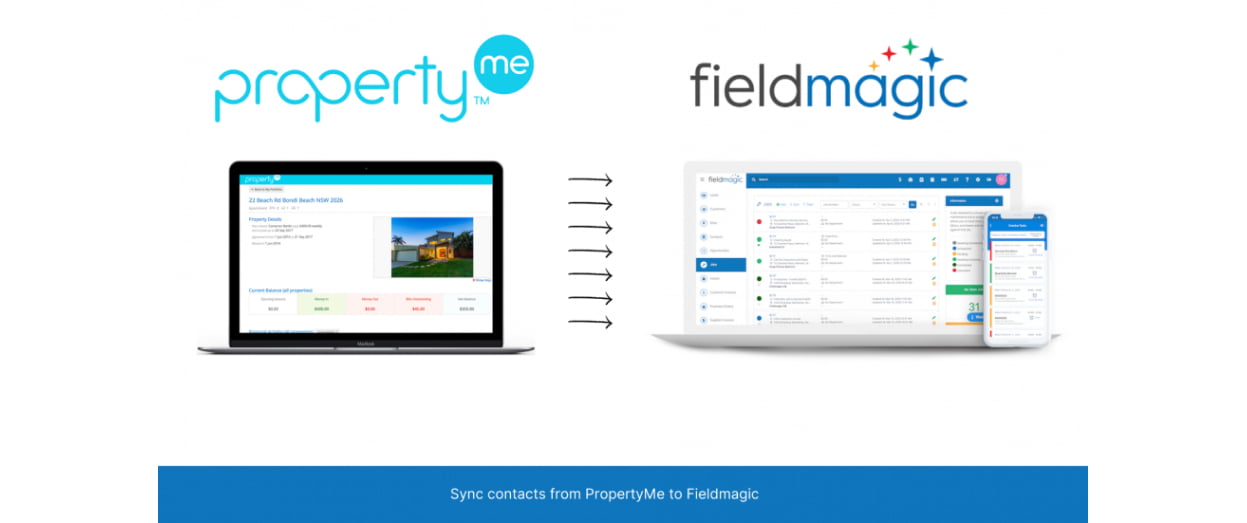
PropertyMe to FieldMagic Integration: Walkthrough
We’ve built the PropertyMe to FieldMagic integration for companies needing: In the following video, we’ll walk through some of the main benefits of the integration. PropertyMe to Fieldmagic Integration – Overview from SyncEzy on Vimeo.
Hari Iyer | SyncEzy
CEO
Ready to get started with the PropertyMe to FieldMagic integration?
Have you read about our PropertyMe to FieldMagic integration and you’re ready to get started? We’ll run through the steps to getting started below but first, let’s look at some of the main benefits that our clients are finding in using the integration: The steps to getting started are: We’ve also recorded a short video… Continue reading Ready to get started with the PropertyMe to FieldMagic integration?
Hari Iyer | SyncEzy
CEO

