

Hari Iyer | SyncEzy
CEO 6 Min Read
 Jul 06, 2026
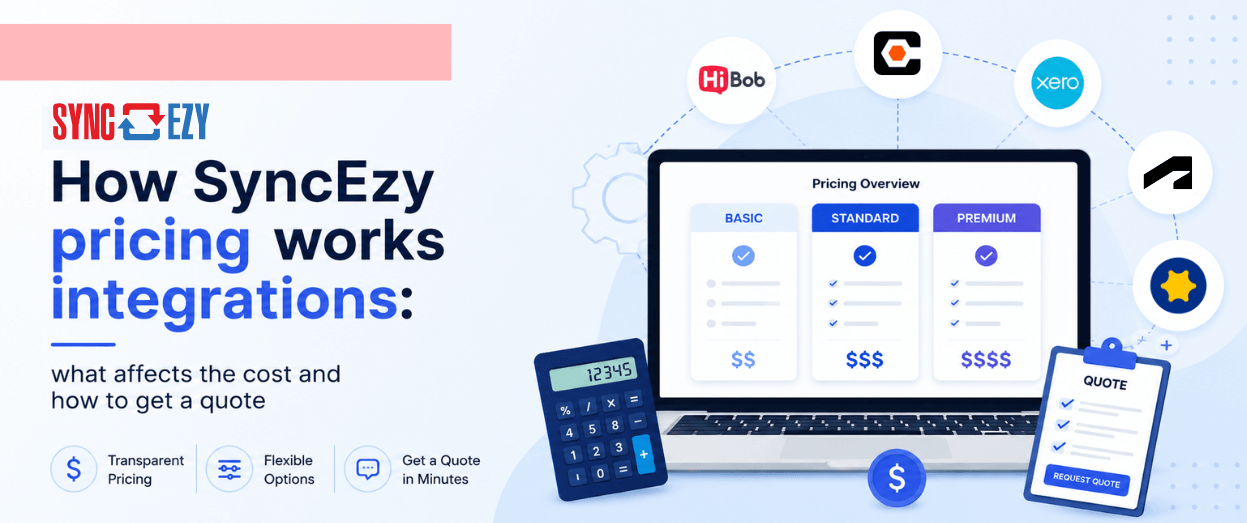
If you’ve searched for SyncEzy pricing and landed here expecting a table with monthly tiers, you won’t find one. That’s intentional. Here’s why, and what you can expect when you ask for a quote.
The short answer: SyncEzy pricing depends on the integration you’re connecting, the scale of your operations, and whether you need any custom configuration. Two companies using the same integration can pay different amounts, because the value they’re extracting and the volume they’re running through it differ.
All pricing is tailored to your business, and specifically the integration that you choose, so you don’t pay for what you don’t need.
This post explains what drives the cost, what’s included in every subscription, and how to get an accurate quote for your setup.
Different pricing models, depending on your integration
SyncEzy offers integrations across broad categories of software: construction project management platforms, document management software, and field service management platforms among them. The pricing model differs between them.
Construction integrations (Procore, Autodesk Construction Cloud)
For integrations involving Procore or Autodesk Forma/Construction Cloud, pricing is based on your ACV: annual construction volume. That’s the combined revenue of the active projects you want to sync during your 12-month subscription period.
This is the same model Procore itself uses for its own platform licensing, and it means the cost scales with the size of what you’re running through the integration, not with the number of users or documents. Since all construction management platforms offer unlimited users and unlimited documents and unlimited edits, we offer the same.
If you are a smaller speciality contractor or trade running smaller projects or less ACV ( Annual Construction Volume), your cost will be lower than a contractor syncing hundreds of millions in active work. As your project volume grows, the subscription adjusts accordingly.
Field service and business integrations (Simpro, Xero, Zoho CRM, HubSpot, and others)
For integrations involving Simpro, Xero, Zoho CRM, HubSpot, SharePoint, and similar tools, pricing typically has two components: a one-time implementation fee and an ongoing monthly or annual subscription. Higher tiers of subscription will typically increase with larger-sized organisations and deeper requirements.
The implementation fee covers the setup, configuration, field mapping, and onboarding sessions to get the integration running correctly for your workflows. It’s a fixed cost at the start. The ongoing subscription covers the live integration, all updates, and technical support.
What’s included in every paid SyncEzy subscription
Regardless of which integration you’re on, every subscription includes:
Human technical support. Phone, email, and live chat support, available 24 hours a day, five days a week. You don’t get routed to an AI ticket queue; you get to speak on the phone / live chat / meet with or email someone who knows the integration.
Onboarding and training sessions. These are included, not add-ons. When you sign on, the team walks your staff through how the integration works and what’s changed in their day-to-day.
Seamless updates. When SyncEzy releases improvements or when one of your platforms pushes an update that affects the integration, you don’t pay for the fix. It’s covered.
What actually affects the cost
A few factors move the price in either direction.
Scale of your operation. For construction integrations, this is your ACV. For field service integrations, it’s usually the number of active users, the number of modules you need, and the volume of data being processed each month.
Number of integrations. If you’re connecting two systems, that’s one integration. If you’re connecting SimPro to both SharePoint and Zoho CRM, those are two separate integrations, each priced accordingly, with a goodwill credit on the second longer-term purchase.
Custom configuration. The standard integration covers the most common sync patterns for each platform pair, and that’s what most customers run. If you need something non-standard, like a custom field mapping, a trigger that doesn’t ship out of the box, or a workflow that’s specific to how your business operates, there may be a configuration cost attached.
Historical data. If you need to backfill historical records into the sync (say, archiving several years of SimPro jobs into SharePoint), that’s typically scoped separately, since it’s a one-time data migration rather than an ongoing sync.
What SyncEzy doesn’t charge for
It’s worth being clear on what isn’t a variable cost.
You don’t pay per project or document. You don’t pay extra for support calls or onboarding sessions. And you get automatic updates when the API changes.
Common questions about SyncEzy pricing
Do you offer a free trial?
Yes. SyncEzy offers various free plans and trial options with or without credit cards. We can also do a proof-of-concept trial so you can test the integration against your actual environment before committing. The trial lets you confirm the sync works as expected for your specific setup before any subscription starts.
Is the subscription annual or monthly?
Annual, in most cases where the pricing is based on Annual Construction Volume. The subscription runs for 12 months from the date you go live, not from the calendar year. So if you start in October, your renewal is October the following year.
For other integrations where the pricing is based on the number of users, the pricing is set up monthly; our systems will also automatically detect a lack of usage and try to reduce the billing to the number of active users where possible.
What happens if our project volume grows during the year?
For ACV-based integrations, if your active project volume grows beyond your original ACV tier during the subscription period, SyncEzy will give you the option to either adjust the ACV (and pay the difference) or remove projects to stay within your current tier.
Does the quote include training?
Yes. Onboarding and training are included in the subscription, not quoted separately.
Can I add more integrations later?
Yes. Most customers start with one integration and expand over time. Each integration is quoted individually, and adding a second or third moves the account up to VIP support.
How to get a quote
Because pricing depends on your specific integration, your scale, and whether you need any custom configuration, there’s no accurate number we can give you on a page.
The fastest way to get a quote is to book a 30-minute call with the team. In that call, you’ll walk through which systems you’re connecting, what you need to sync, and roughly what volume you’re working with. From there, you’ll get a fixed quote, usually within 24 hours.
Book a 30-minute call to get your quote →
There’s no sales pressure and no commitment required to get a quote. Most people come out of that first call knowing exactly what they’d pay and why.
Author
Hari Iyer | SyncEzy
CEO

Hari Iyer is the Founder and CEO of SyncEzy, a pioneering company at the forefront of data integration and automation solutions. With a deep understanding of the power of technology and a passion for solving complex business challenges, Hari has emerged as a visionary leader in the industry. His relentless pursuit of excellence and commitment to delivering tangible results have earned SyncEzy a loyal global clientele.
He is not only a successful entrepreneur but also an active contributor to the technology community, sharing his insights through thought leadership articles, speaking engagements, and mentorship programs. Hari’s ability to navigate the complexities of remote work serves as an inspiration for leaders, highlighting the importance of flexibility, work-life balance, and a results-oriented approach in today’s evolving work landscape.
Under his guidance, SyncEzy has gained widespread recognition for its deep integration solutions that seamlessly connect software applications, eliminate data silos, and enhance operational efficiency.
When not working, Hari is trying to be a better father, reading tech news, playing FPS games, and not exercising as he should.
SyncEzy is SOC 2 Type 2 Certified Now
What is SOC 2 Type 2 Certification? SOC 2 Type 2 Certification is a Type of Certification that verifies that a service organization has established and implemented controls and procedures to safeguard the privacy, security, and confidentiality of customer data. SOC 2 (System and Organization Controls 2) is a set of auditing standards developed by… Continue reading SyncEzy is SOC 2 Type 2 Certified Now
Hari Iyer | SyncEzy
CEO
Email marketing for property managers
If you’re a property manager, then you know that email is an essential part of your business. It can be the difference between success and failure in many ways. But if you don’t use it properly, you could lose out on potential clients or even get into trouble with the law. In this post, we’ll… Continue reading Email marketing for property managers
Hari Iyer | SyncEzy
CEO
How a CRM can benefit your Sales & Marketing
With 2020 fast approaching, why not make a New Year’s resolution to kick start your business’ sales and marketing capacity with a CRM. Unlike most New Year resolutions implementing a CRM in your business means less work for a greater gain throughout 2020. There are many CRM services available to users and they benefit businesses of all… Continue reading How a CRM can benefit your Sales & Marketing
Hari Iyer | SyncEzy
CEO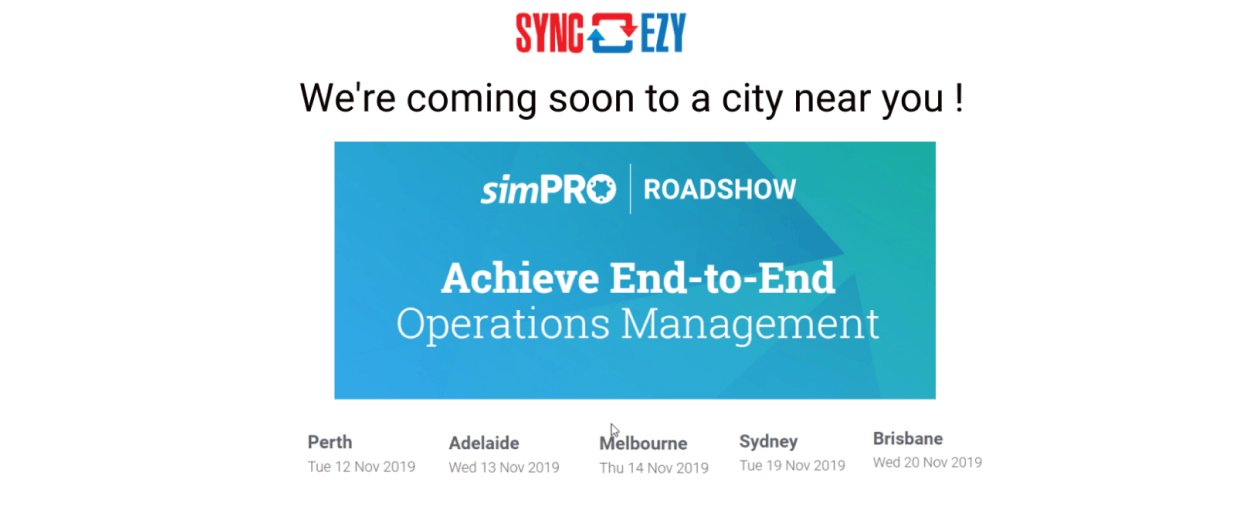
We’re coming to the simPRO Roadshow near you in November!
What are the five factors of end-to-end operations management? How can simPRO help you master them? Join us at the upcoming simPRO Roadshows near you to find out! Don’t miss out on the upcoming Roadshows! Go to the dedicated simPRO Roadshows page to register for the event closest to you. Entry is free but spaces… Continue reading We’re coming to the simPRO Roadshow near you in November!
Hari Iyer | SyncEzy
CEO
5 Ways to Successfully Nurture Leads – And Why It’s Important.
In an ideal world, 100% of your leads and contacts buy your product or service. Suddenly business is booming! But the reality is far from such a scenario. According to Hubspot, it’s common for 79% of generated leads to never become a prospect. But if you’re among the businesses who respond quickly and engage with your… Continue reading 5 Ways to Successfully Nurture Leads – And Why It’s Important.
Hari Iyer | SyncEzy
CEO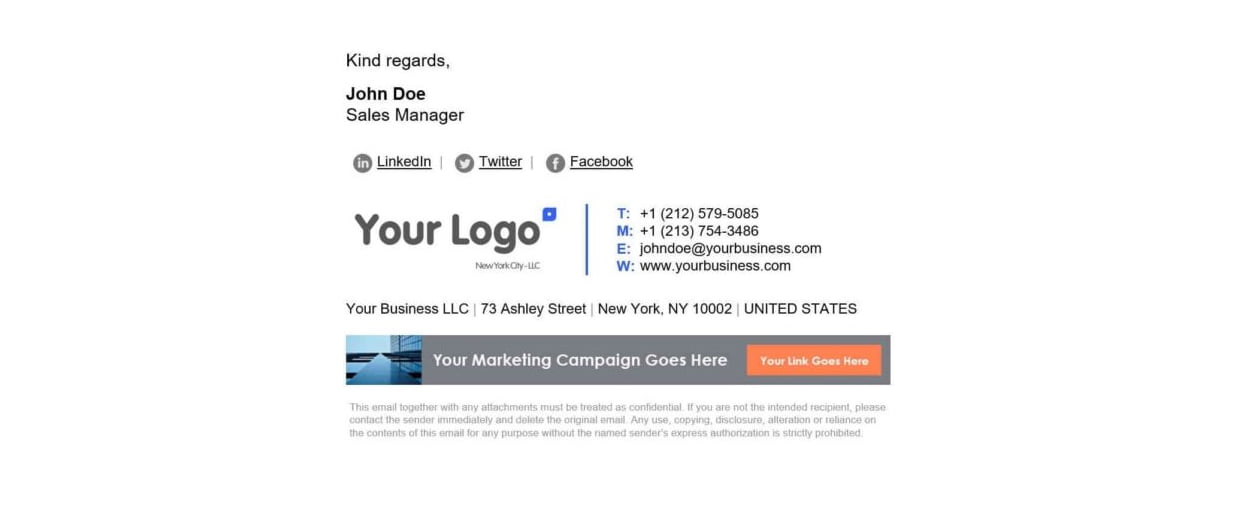
How to automatically generate a professional email signature
A Professional Email signature can be beneficial for your company, even if it doesn’t seem to make a difference. It gives your emails a much better presentation, look and feel. Not only that, it verifies to your prospective clients that you are a legitimate business. It can also boost your sales, marketing and even traffic… Continue reading How to automatically generate a professional email signature
Hari Iyer | SyncEzy
CEO

